Hirschmann OZD Profi 12M G12-1300 PRO Fieldbus Repeater
Hirschmann OZD Profi 12M G12-1300 PRO Fieldbus Repeater
The Hirschmann OZD Profi 12M G12-1300 PRO (Belden Part Number: 943 907-321) is an industrial-grade, highly specialized optical fiber interface designed to convert electrical PROFIBUS-DP signals into optical signals.
This unit is engineered to deliver reliable fieldbus communication over extreme distances in high-interference environments, such as large-scale photovoltaic (PV) power plants and heavy utility stations.
Product Introduction / Overview
In massive utilities such as utility-scale photovoltaic (PV) plants, tracking systems and inverter cabinets are spread across several square kilometers. Standard copper PROFIBUS cables fail due to distance limits and severe electromagnetic interference (EMI) from the switching actions of solar inverters.
The OZD Profi 12M G12-1300 PRO solves this by converting the electrical PROFIBUS signal into optical pulses. Featuring 1 electrical Sub-D 9-pin port and 2 optical channels (BFOC/ST sockets), it supports single-mode optical fiber lines to transmit data up to 15 km without signal loss. It features a robust metal housing designed to withstand extreme climate conditions, making it the perfect choice for PV combiner boxes and outdoor conversion stations.
Technical Table
| Parameter / Specification | Details |
| Model Designation | OZD Profi 12M G12-1300 PRO |
| Belden Part Number | 943 907-321 |
| Electrical Interface | 1 x Sub-D 9-Pin female connector (PROFIBUS-DP, RS485 protocol) |
| Optical Interface | 2 x BFOC/ST fiber optic channels (Ch 2 and Ch 3) |
| Fiber Specifications | Single-Mode fiber ($9/125 mutext{m}$) or Multi-Mode fiber ($50/125 mutext{m}$, $62.5/125 mutext{m}$) |
| Supported Data Rates | 9.6 kbit/s up to 12 Mbit/s (automatic detection) |
| Optical Wavelength | $1300text{ nm}$ |
| Transmission Range | Up to 15 km using $9/125 mutext{m}$ single-mode fiber |
| Operating Voltage | Dual redundant $24text{ V DC}$ inputs (range $18text{ V}$ to $32text{ V DC}$) |
| Current Consumption | Maximum 200 mA at $24text{ V DC}$ |
| Housing Material | Die-cast aluminum alloy (high EMI/ESD immunity) |
| Dimensions (W x H x D) | $40text{ mm} times 156text{ mm} times 115text{ mm}$ |
| Weight | Approximately 500 g |
Environmental Tolerance Conditions
Specifically built for deployment in outdoor solar tracking cabinets and remote conversion stations:
Operating Temperature: $-20^circtext{C}$ to $+60^circtext{C}$ (Standard range)
Storage Temperature: $-40^circtext{C}$ to $+70^circtext{C}$
Relative Humidity: Up to 95% (Non-condensing)
Enclosure Rating: IP40 (Dust-protected, durable metal housing)
Conformal Coating: Internal PCB assemblies are protected against humidity, salt spray, and atmospheric contaminants typical of desert solar farms.
Operating Instructions
1. Hardware Configuration (DIP Switches)
Before powering on, configure the sliding DIP switch bank located on the front of the device. Adjust the switches to select:
Redundancy Mode: Enable or disable Ring Redundancy depending on whether your fiber network is designed as a line, star, or redundant ring.
Compatibility: Enable compatibility settings if mixing newer "PRO" modules with older standard OZD Profi units in the same network topology.

2. Power and Signal Wiring
Power Connection: Connect redundant $24text{ V DC}$ power lines to the 5-pin terminal block on top of the device. Ensure both primary ($L1+$) and backup ($L2+$) lines are securely wired.
Fieldbus Connection: Insert the PROFIBUS Sub-D 9-pin connector into the CH1 port. Fasten the connector screws securely.
Fiber Terminals: Connect the transmitter (Tx) of the local module to the receiver (Rx) of the remote module, and vice versa.
Fault Diagnosis
The OZD Profi features a built-in diagnostic interface on the front panel to streamline troubleshooting in the field:
Signal Quality Voltage Output: The front terminal block provides an analog voltage output ($0text{ V}$ to $5text{ V}$) that directly correlates to the incoming optical power. A technician can test this with a standard multimeter to verify fiber alignment and clean connections without disconnecting the network.
System LED Diagnostics:
| LED Indicator | Status | Meaning | Action Required |
| System (Red) | Solid Red | Hardware fault or internal power supply failure | Cycle power; replace the unit if the light persists |
| CH2 / CH3 (Yellow) | Off | No optical signal detected | Check for broken fiber cables or dirty SC/ST connectors |
| CH2 / CH3 (Red) | Flashing Red | Low optical signal intensity (Marginal link) | Clean optical endfaces; check for excessive bending on the fiber run |
| CH1 (Green) | Solid Green | Valid electrical PROFIBUS communication | System normal |
Related Models of the Same Series
Hirschmann offers a wide variety of OZD Profi models optimized for different fiber types, distances, and protocols:
OZD Profi 12M G11-PRO (943 907-311): 1 x Electrical Port, 1 x Optical Port (Multi-mode fiber, $850text{ nm}$ wavelength).
OZD Profi 12M G12-PRO (943 907-211): 1 x Electrical Port, 2 x Optical Ports (Multi-mode fiber, $850text{ nm}$ wavelength up to 3 km).
OZD Profi 12M G11-1300 PRO (943 907-421): 1 x Electrical Port, 1 x Optical Port (Single-mode fiber, $1300text{ nm}$ wavelength up to 15 km).
OZD Profi 12M G12-1300 EEC (943 905-321): Extended temperature range version ($-40^circtext{C}$ to $+70^circtext{C}$) for harsh environments.
Storage Conditions
To ensure longevity when storing replacement spares:
Keep devices stored in their original anti-static packaging in a clean, dust-free environment.
Storage Temperature Limit: Maintain between $-40^circtext{C}$ and $+70^circtext{C}$.
Moisture Prevention: Humidity must be kept under 95%, free of condensation. Ensure protective plastic dust caps remain installed over all BFOC/ST optical ports to prevent dust from settling on internal laser transmitters and receivers.
| User name | Member Level | Quantity | Specification | Purchase Date |
|---|



-
 SELSEL-T401L Ultra-High-Speed Line Relay
 -
 SEL SEL-T400L Time-Domain Line Protection
 -
 SEL SEL-2664S Stator Ground Protection Relay
 -
 SEL SEL-787-2/-3/-4 Transformer Protection Relay
 -
 SEL SEL-787 Transformer Protection Relay
 -
 SEL SEL-751 Feeder Protection Relay
 -
 SEL SEL-700G Generator Protection Relay
 -
 SEL-487E Transformer Protection Relay
 -
 SEL-400G Advanced Generator Protection System
 -
 SEL SEL-387E Current Differential and Voltage Relay
 -
 SEL SEL-387A Current Differential and Overcurrent Relay
 -
 SEL SEL-387 Current Differential and Overcurrent Relay
 -
 SEL SEL-300G Generator Relay
 -
 SEL SEL-700BT Motor Bus Transfer Relay
 -
 CTI 2500 Series® Slice Ethernet Remote I/O System
 -
 CTI 2500 Series® Compact Programmable Automation Control System
 -
 CTI 2500 Series® Classic Programmable Automation Control System
 -
 CTI 2500 Series® Bases
 -
 SHINKAWA VM-25 Condition Monitoring System UPDATED
 -
 SHINKAWA VM-5 SERIES OPTIONS
 -
 ABB SACO 64D4 Annunciator unit
 -
 ABB SPAU 140 C Synchro-check relay
 -
 EATON Instructions for the FP-5000
 -
 HONEYWELL TDC 3000X Advanced Process Manager
 -
 HONEYWELL ENHANCED MICRO TDC 3000
 -
 VIBRO-METER VM600Mk2/ VM600 RPS6U rack power supplies
 -
 VIBRO-METER VM600Mk2/ VM600 ABE056 slimline rack
 -
 VIBRO-METER VM600Mk2 RLC16Mk2 relay modules
 -
 VIBRO-METER VM600Mk2 MPC4Mk2 + IOC4Mk2 machinery protection and condition monitoring modules
 -
 VIBRO-METER VM600Mk2 CPUMMk2 + IOCNMk2 rack controller and communications interface module
 -
 VIBRO-METER VM600Mk2 CPUMMk2 + IOCNMk2 rack controller and communications interface module
 -
 ADLINK PCI/PCIe-7300A, cPCI-7300 32-CH 80 MB/s High-Speed Digital I/O Cards
 -
 ADLINK cPCI-7248/7249R 48-CH DIO & Timer/Counter Cards
 -
 ADLINK PCI-7230/7233/7234. LPCI/LPCIe/cPCI-7230 32-CH Isolated DIO Cards
 -
 ADLINK cPCI-6965 Series Value 6U CompactPCI® Intel® Core™2 Duo
 -
 ADLINK cPCI-6910 Series 6U CompactPCI® Dual-Core Intel® Xeon® Processor LV / ULV Universal Blade
 -
 ADLINK CPCI-6670 6U CompactPCI Low Power Pentium® III SBC
 -
 ADLINK cPCI-6625/6 Series 6U CompactPCI® PlusIO blade with Intel® Core™ i7/i3 Processor
 -
 ADLINK 3U CompactPCI CPU Modules
 -
 ADLINK CM-435 Extreme Rugged™ PC/104 Single Board Computer
 -
 ADLINK PCI-8254/8258 DSP-based 4/8-axis Advanced Motion Controllers
 -
 ADLINK NuPRO-E43 PICMG® 1.3 Full-Size LGA1151 with 6th/7th Generation Intel® Core™ i7/i5/i3
 -
 ADLINK DLAP-211-JNX/DLAP-211-JT2/ DLAP-211-Nano
 -
 Hirschmann RS30-1602O6O6SDAE compact OpenRail managed Ethernet switches
 -
Hirschmann RS30-0802O6O6SDAE Ethernet switch
-
 Hirschmann RS20-1600T1T1SDAE Management-type Ethernet switch
 -
 Hirschmann OCTOPUS 24M Limited Availability/Passive
 -
 Hirschmann MSP30-24040SCZ9MRHHE3A
 -
 Hirschmann MAR1040-4C4C4C4C9999SMMHRHHXX.X. Gigabit Ethernet Switch configurator
 -
 Hirschmann Industrial Ethernet Rail Switch SPIDER II, SPIDER II Giga, SPIDER II PoE
 -
 Hirschmann Industrial Ethernet Firewall EAGLE One
 -
 Hirschmann Industrial Security Router EAGLE20/30
 -
 Hirschmann Description and operating instructions RS2-xTX/xFX EEC
 -
 Basler Electric DECS-200 Digital Excitation Control System
 -
 Basler Electric GENERATOR PROTECTION SYSTEM BE1-GPS100
 -
 Jaquet FT3000 Speed measurement system
 -
 Hirschmann Industrial Ethernet Ruggedized Switch MACH1000 Family
 -
 Basler Electric BESTCOMSPlus®
 -
 ETEL AccurET MODULAR 300 EA-P2M-300-xxxxxA controller
 -
 Basler Electric ES Series Protection Relays
 -
 ABB Multifunction Protection and Switchbay Control Unit REF542plus
 -
 EMERSON AMS 2140 Machinery Health Analyzer
 -
 Hirschmann Industrial Ethernet Rail Switch RS20 Basic Family
 -
 GE Grid Solutions P40U Px40 USB Adaptor
 -
 ABB ontinuous Gas Analyzers AO2000 Series AO2040CU Ex Central Unit in Category 2G
 -
 ABB Advance Optima AO2000 Series Continuous gas analyzers Models AO2020. AO2040
 -
 Advance Optima Module Uras 14
 -
 SAACKE control optimization
 -
 SAACKE se@vis efficiency monitor
 -
 SAACKE se@vis pro
 -
 SAACKE se@vis eco
 -
 SAACKE se@vis compact
 -
 HIRSCHMANN Industrial ETHERNET Switch MICE MS20/MS30
 -
 HIRSCHMANN MICE Media modules
 -
 Kongsberg GL-10 Level Switch
 -
 B&R ACOPOSinverter P74 frequency converter
 -
 Beckhoff CX2020 | Basic CPU module (service phase)
 -
 Beckhoff CX1010 | Basic CPU module (service phase)
 -
 Beckhoff CX5120 | Embedded PC with Intel Atom® E3815
 -
 Beckhoff CP69xx-xxxx-0010 | Economy built-in Control Panel with DVI/USB Extended interface
 -
 Beckhoff CP29xx-0000 | Multi-touch built-in Control Panel with DVI/USB Extended interface
 -
 SAACKE Monoblock Rotary Cup Burner SKVJ-M
 -
 ABB Plantguard Fault Tolerant Technology Architecture and Software
 -
 OMRON H8PR-8/H8PR-8P H8PR-16/H8PR-16P H8PR-24/H8PR-24P Rotary Positioner
 -
 ABB PFSA107-Z42 DTU Stressometer Digital Transmission Unit
 -
 Nidec Mentor MP
 -
 IBA ibaNet-E
 -
 IBA FO Connection to Reflective Memory
 -
 IBA FO Connection to Siemens Systems
 -
 IBA Interface Cards For Fiber Optic Connections
 -
 IBA Field and Drive Buses
 -
 IBA ibaPADU-S Modular System
 -
 IBA ibaMAQS
 -
 STUCKE SYMAP®ARC
 -
 STUCKE SYMAP®R
 -
 STUCKE SYMAP®Compact
 -
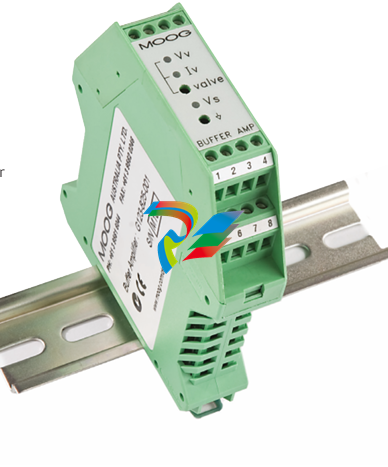 MOOG G123-825-001 BUFFER AMPLIFIER
 -
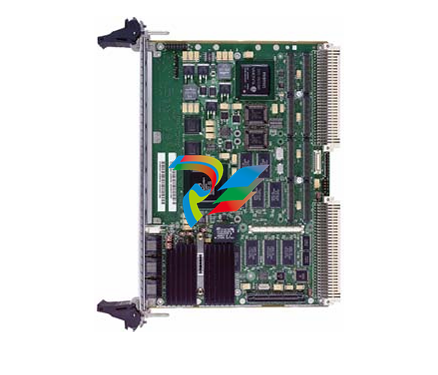 Motorola MVME5100 Series VME Processor Modules
 -
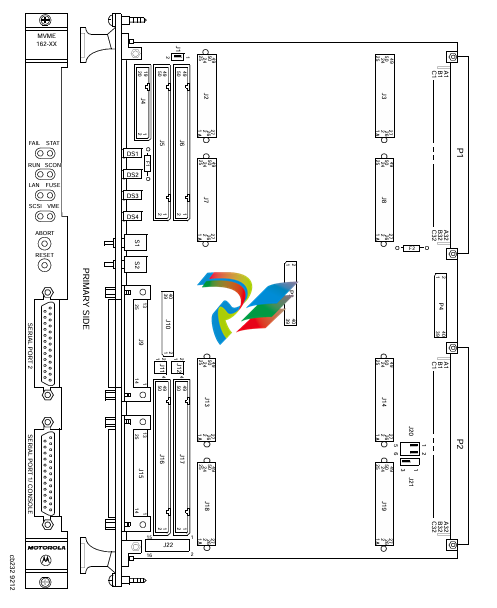 Motorola MVME162 Embedded Controller
 -
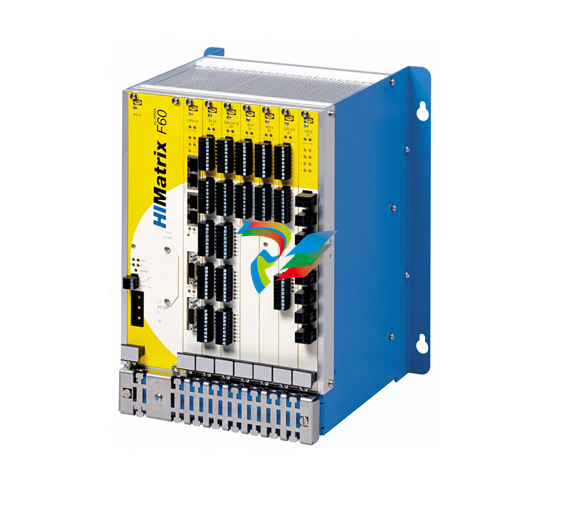 HIMatrix Safety-Related Controller System Manual for the Modular Systems
 -
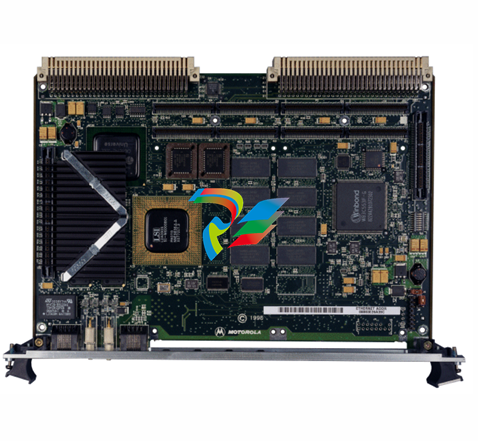 Motorola MVME2400 Series VME Processor Module
 -
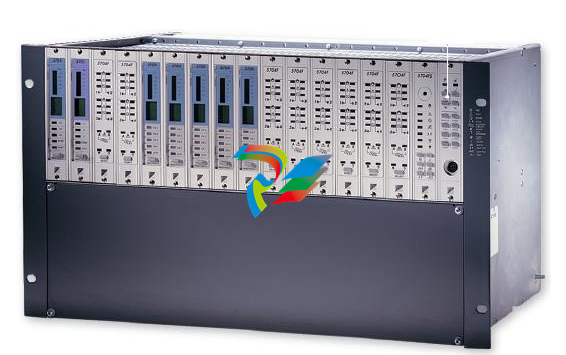 Sieger System 57
 -
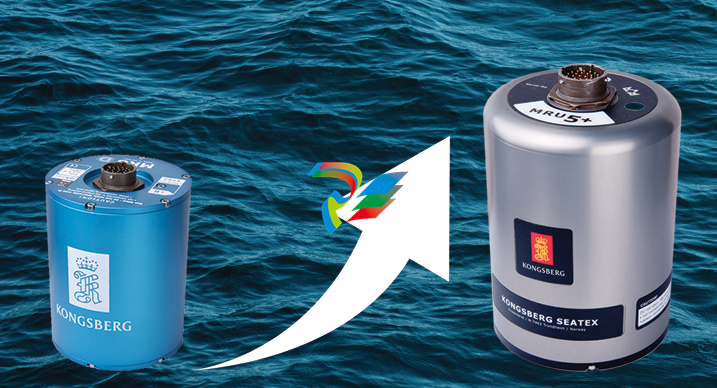 KONGSBERG MRU product line continuation
 -
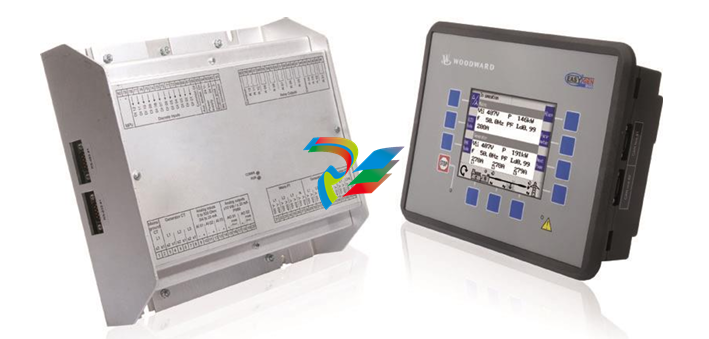 Woodward easYgen-3100/3200 Genset Control for Multiple Unit Operation
 -
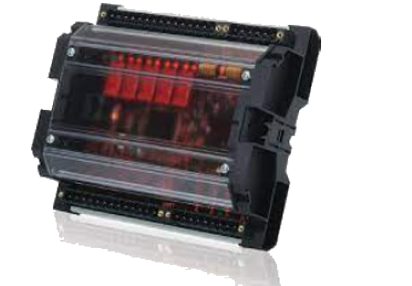 Woodward MFR 300 Multifunction Relay / Measuring
 -
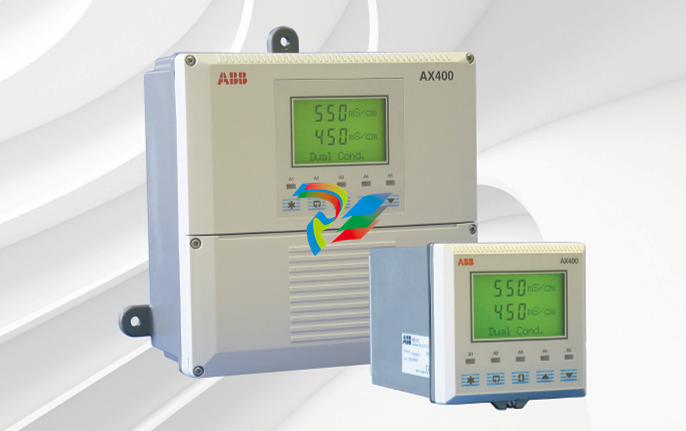 ABB AX410, AX411, AX413, AX416, AX418, AX450, AX455 and AX456 Single and dual input analyzers for low level conductivity
 -
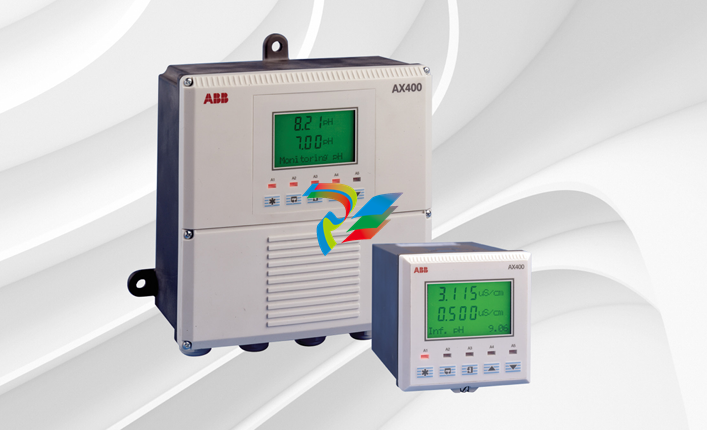 ABB AX410, AX411, AX416, AX450 and AX455 Single and dual input analyzers
 -
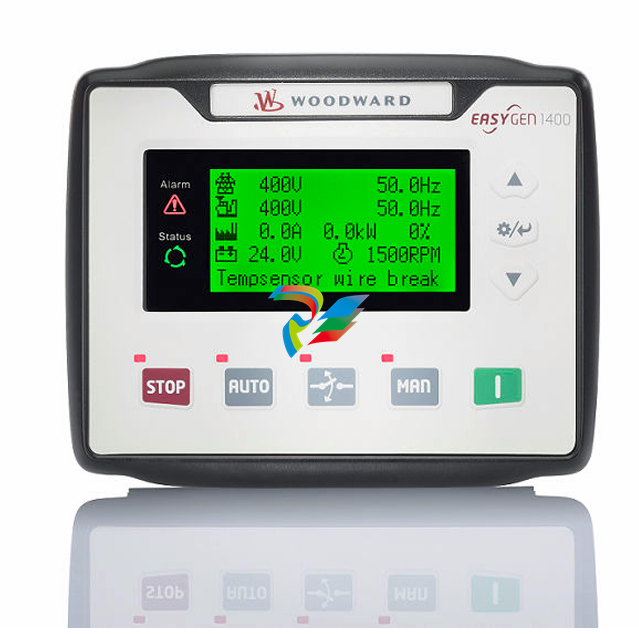 Woodward easYgen-1400 Technical Manual Genset Control
 -
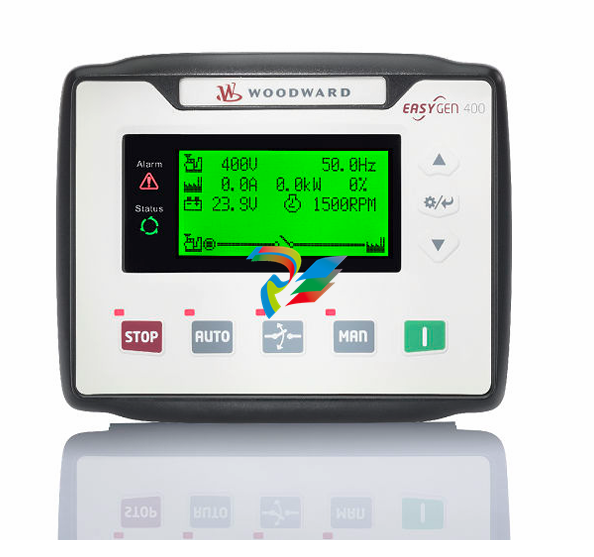 Woodward easYgen-400 Operation Manual Genset Control
 -
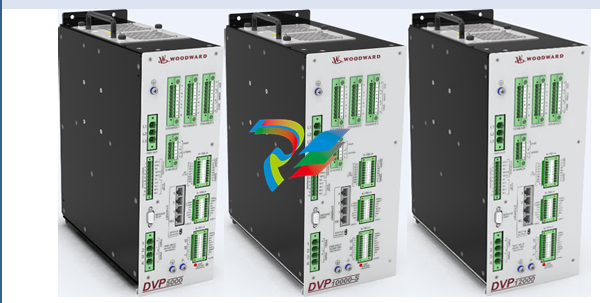 Woodward High Output Digital Valve Positioner (DVP)DVP5000/DVP10000/DVP12000
 -
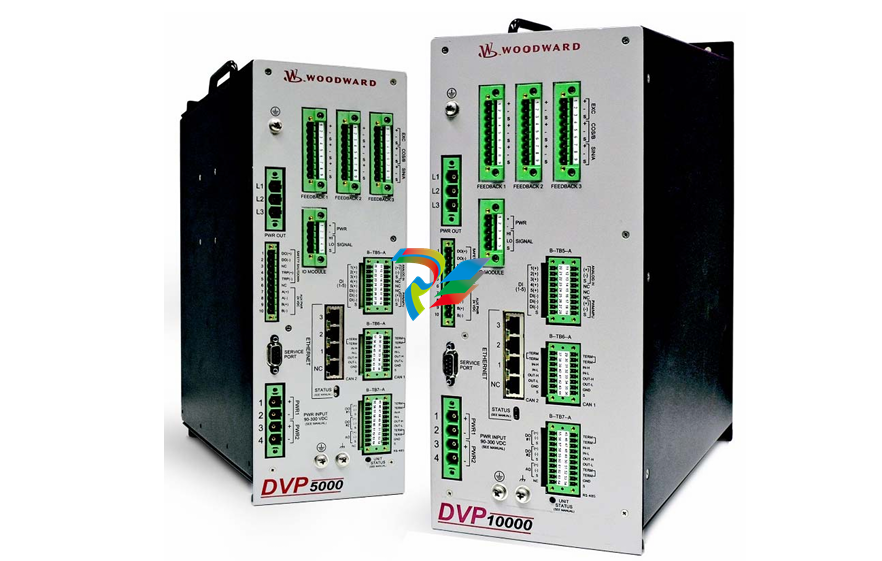 Woodward High Output Digital Valve Positioner DVP5000 and DVP10000
 -
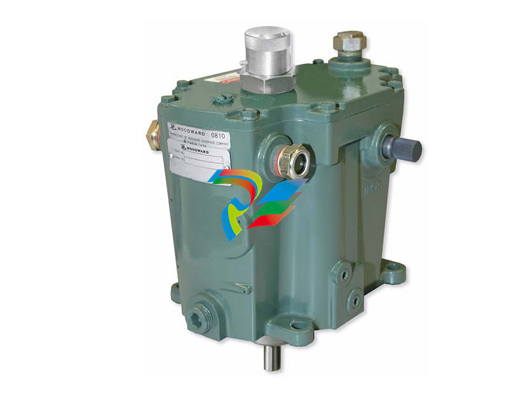 Woodward TG611-13/-17 Overspeed Test Device Conversion Kit
 -
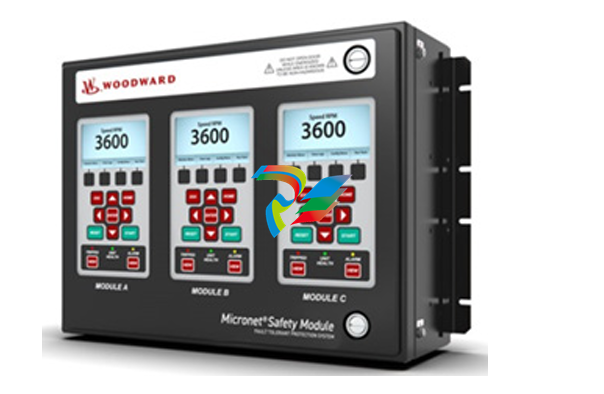 Woodward MicroNet Safety Module (MSM)
 -
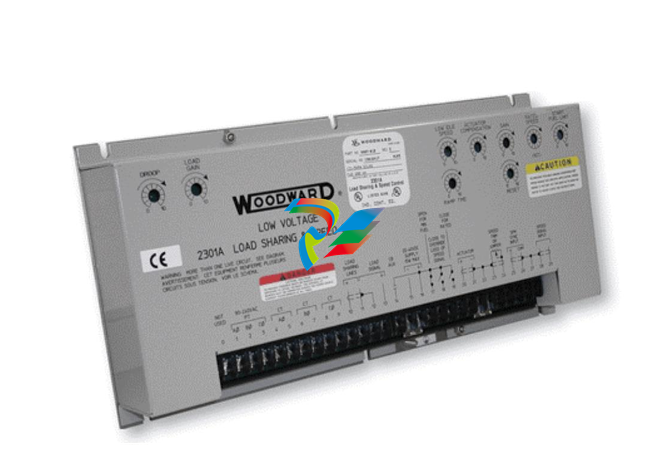 Woodward 2301A Electronic Load Sharing and Speed Control 9905/9907 Series
 -
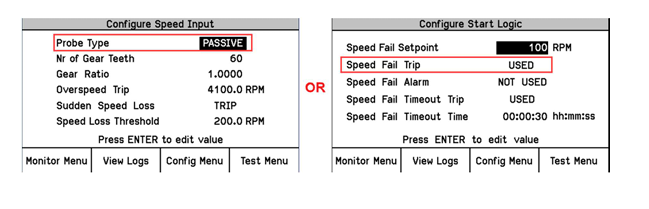 Woodward-Service Bulletin 01671
 -
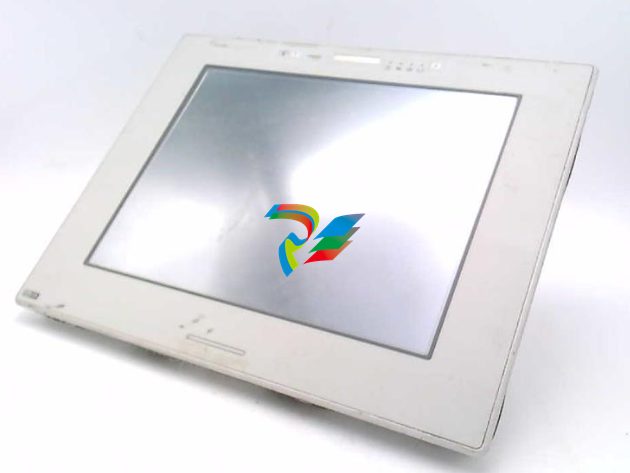 UniOP eTOP40B 12.1” TFT color display
 -
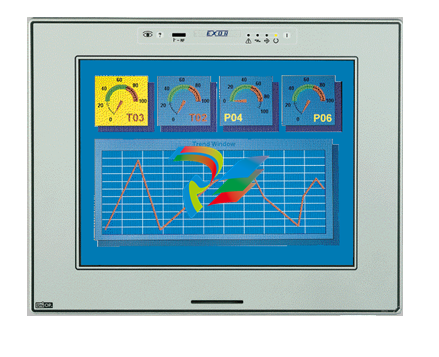 UniOP eTOP40 TFT Color display
 -
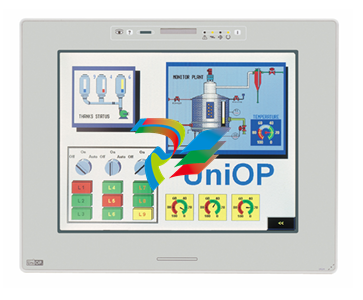 UniOP eTOP33B 10.4” TFT color display
 -
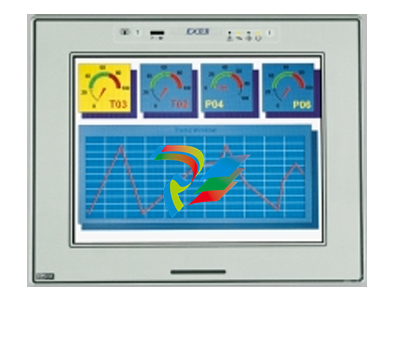 UniOP eTOP33C eTOP33-0050 Resistive touchscreen
 -
UniOP eTOP30. eTOP32 eTOP32-0050 Human-machine interface equipment
-
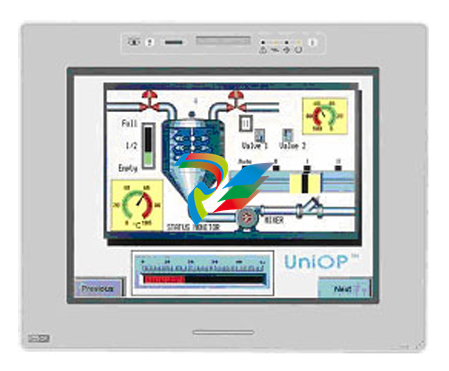 UniOP eTOP20B and eTOP21B eTOP20B-0050
 -
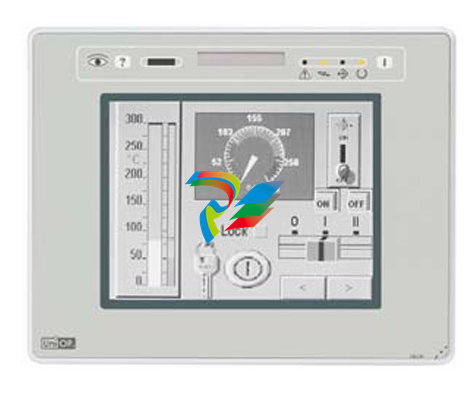 UniOP eTOP12 eTOP12-0050 Advanced human-machine interface equipment
 -
 UniOP eTOP11 eTOP11-0050 HMI
 -
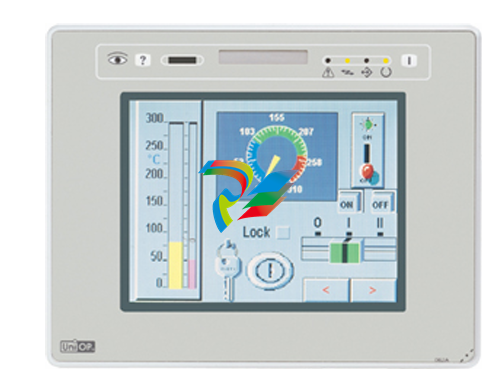 UniOP eTOP06C HMI
 -
 UniOP eTOP06 HMI
 -
 UniOP eTOP05EB eTOP05EB-DF45 HMI
 -
 UniOP eTOP05. eTOP05P Human-machine interface equipment
 -
 UniOP eTOP03 eTOP03-0046