
Remote Monitoring for Asset Reliability

At the end of the COVID-19 pandemic, many process manufacturers learned an unexpected lesson: under the right conditions, targeted remote work can be significantly more efficient than anticipated. As plants implemented remote systems, they saw that they were able to consolidate resources, empowering a smaller group of people to monitor and maintain assets, processes, and software over a wider global area, all without increasing costs due to travel.
Perhaps even more importantly, as the pandemic waned and fewer people than expected returned to the process manufacturing sector due to retirements and personnel shortages, organizations learned that in many cases, remote work freed their limited staff to focus on high value tasks.
A result of this change has been a shift in the way many organizations handle machine reliability analysis. More than ever before, plants are turning to remote analysis programs to supplement or replace onsite machinery health monitoring. For some plants, remote analysis is a more cost-effective way to continue the machinery health monitoring they have long relied upon. For others, it is a doorway to improved operation that would be otherwise out of reach. In either case, understanding the value of remote analysis and following four key strategies to implementation are critical to getting the most out of any remote analysis program.
The value of remote analysis
Historically, major assets in a plant—those most essential to operation or those with the potential to create safety hazards upon failure—would be equipped with an online monitoring system. And plants that had enough equipment to warrant multiple systems often employed a few analysts on their reliability team.
However, balance of plant assets—those that are important to efficient operation but not critical—still require monitoring. Highly efficient reliability teams recognize that just because an asset is less critical, it does not mean it can be allowed to run to failure. The earlier technicians detect problems with an asset, the lower the maintenance cost to fix it. For example, if a team sees a motor bearing beginning to fail and doesn’t act—or worse, is not aware of the flaw in the first place—they risk the entire motor failing, a coupling breaking, or a fire.
To avoid these types of problems, balance of plant assets were typically monitored through manual rounds, a time-consuming process where an individual would visit each asset with a handheld device and record vibration readings, then return to the office and analyze the data. Teams would set alarms to notify them of problems detected in the data collected from rounds. However, this system was not efficient. In many cases, by the time a handheld device detected a problem severe enough to trigger an alarm, significant damage was already done. The solution was reactive, not predictive.
To complicate things further, today’s plants operate in a highly competitive environment where peak efficiency is critical to profitability, safety and sustainability. As a result, organizations expect their plant staff to collect data from balance of plant assets, analyze it quickly and solve problems before they interrupt production, all with fewer people.
Fortunately, wireless technology enables reliability teams to cost effectively implement as many vibration measuring points as they need, without expensive hard wiring, and empowers them to collect the data continuously without the need to commit valuable personnel to walkarounds. Due to this paradigm shift in reliability monitoring, today, more data is collected in plants than ever before.
But this new normal creates its own set of problems. Massive amounts of data provide little value if they cannot be turned into actionable information. Reliability teams have significantly more data to analyze, but they have fewer analysts to accomplish that work. Analysts have an increasingly niche, specialized and expensive skillset, making them hard to find, and even harder to retain. Consequently, many plants have a massive investment in data collection infrastructure, without an efficient way to turn this data into actionable information.
Remote analysis is the solution to this problem. Teams implementing a remote analysis solution send their data to analytics experts. If these experts are internal, they can provide analysis for multiple sites. If they are external, they typically provide analysis for a wide variety of organizations.
A team can choose to do this with all their data, or even use such a solution to augment the analysis they are already performing onsite. As reliability teams evaluate remote analytics solutions, they can significantly improve their chances of success by following four key strategies.
1: Collect the right data
Teams that have not implemented extensive wireless monitoring solutions are not excluded from remote analytics solutions. It is possible to collect data for a remote analytics program using scheduled manual rounds with a handheld analyzer. Teams collecting data via manual rounds must ensure they collect consistent data. For example, if a technician is collecting data on “motor outboard horizontal,” the data must be collected from the same spot each time, a task that can be particularly difficult to accomplish if several different technicians alternate on the route.
One strategy to ensure consistent collection of data is to mark the location for collection on each asset to remove guesswork. However, an even better strategy is to create comprehensive training to ensure every technician knows exactly how to collect data—without significant variation—on every asset in the plant. Such a training plan should be well documented so new technicians can be brought up to speed as quickly as possible.
For teams using wireless condition monitoring, collecting data is significantly easier. With wireless triaxial sensors, as long as the device is installed at the right location—typically as close to the bearing as possible—teams will know they are getting the right reading each time. In addition, wireless sensors ensure that readings are taken where they are needed without fail and ensure consistency of testing schedule. Regardless of how busy the staff is on a given day or who is out of the plant, the right data will come in at the right time.
One other key step in collecting the right data is performing a criticality assessment to ensure the team is receiving the correct data. Safety-critical assets and those that interrupt production will be the most important and will likely be covered by more complex systems. But for balance of plant assets, identifying which systems have spares, which have the most impact on production, which are the costliest to repair, and more can help teams determine data collection frequency for each machine to ensure they are not overloaded with data or taxing the wireless network.
2: Have the right team perform analysis
Assuming remote analysis cannot be performed in house due to a lack of qualified personnel, the next step is choosing a provider for remote analysis, and it is critical to have experienced people review the plant’s data. The best vibration analysts carry category 3 or 4 certification from the International Organization for Standardization (ISO). ISO category 3 or 4 analysts will have years of experience and will be more likely to have seen a wide variety of issues, better preparing them to identify root cause of the most complex problems.
In a typical process manufacturing plant, 80% or more of the day-to-day asset problems will likely be the most common ones: balance, misalignment, under-lubrication, etc. These problems will be easy for nearly any analyst to identify and isolate, and then help plant personnel with resolution. However, the other 20% of problems, due to their complexity, will typically be far more time-consuming to analyze, and will require deep expertise for resolution. A reliability team using remote analysis to drive efficiency needs someone who can solve such problems quickly.
Highly experienced personnel who have worked in multiple industries with multiple global customers will have seen many more unusual problems than other analysts. They will diagnose problems more quickly, and they will be far more qualified to help teams identify the severity of a problem and whether it needs to be fixed today, or can wait a month, or even a year, for a scheduled outage.
Moreover, highly experienced, certified analysts will be better prepared to perform the complex multivariate analysis necessary to uncover the most complex problems. Analysts primarily use vibration to identify issues, but the best providers will also be able to work with the plant’s reliability team to check other process variables to help discover root cause when necessary. If something in the process changes, it can have a significant impact on asset reliability. An ISO category 3 or 4 analyst will have a much easier time using the available data to identify those changes.
3: Insist on meaningful reports
The most meaningful reports from a remote analytics group will identify problems and do so in a way that fits the needs of a wide variety of stakeholders. Teams need different reports for each role. For example:
One that an onsite analyst can examine and evaluate.
One that a technician can look at to guide his or her actions.
One that a manager can explore to track and trend reliability and performance.
First and foremost, analytics reports should quickly and easily identify problems and draw focus to what needs to be done first. The best reports provide a simple “green, yellow, red” view of asset status to quickly show teams of any experience level how to prioritize their action. Assets in green are healthy and require no action. Yellow assets have developing problems that should be addressed when teams have availability. Red assets are experiencing critical failures and should be addressed immediately.
A high-quality analytics report also offers a single page overview of the plant as a whole, showing teams how many assets they have, how many are in each state, and how many are in other stages. Provided with such a view, any reliability team, regardless of size or experience level, can easily maintain a holistic view of plant health.
Teams also need access to deeper analytic details, such as spectrum, waveform, impacting or other variables necessary to identify problems. While not every team will want or need such deep data, plants with onsite analysts will require access to the information they need to make key decisions about their assets.
Perhaps most importantly, reports should not just list asset health, but also provide actionable information to resolve problems, and the reasoning behind those decisions. Teams should be able to read a report and know exactly what to do to solve the problems that must be addressed.
Moreover, they should also have a way to provide feedback so they can report what they find when they perform repairs. Armed with that information, remote analysts can close the loop on problems, ensuring corrective actions resulted in expected outcomes.
4: Find a solution that can be customized to the plant’s unique needs
No high-quality analytics solution is going to be one-size-fits-all. Every plant is unique and uses different equipment, technologies and personnel to operate at its best. As a result, the best remote analytics solutions are the ones that can be adjusted to meet a plant’s specific needs.
For example, every plant handles cybersecurity in its own way, and every plant will want to protect its data. Finding a remote analytics provider who can work with the plant’s unique defense-in-depth strategy to make their solution work will lead to much more positive outcomes.
In addition, with the rising use of artificial intelligence (AI) in analytics, teams will want to identify a solution with the right mix of human analysis and AI solutions. Many organizations use AI to do some or most of their analysis. But while the pattern recognition strategies in AI are useful for fast results, they can also frequently misidentify faults. Reliability teams will get better results from providers who also use certified human experts to dive into results from AI analysis of raw or contextualized data.
For example, fault severity is very difficult for AI to distinguish. An AI solution can identify the same pattern on two different bearings, one that may last another month, and one that might last a year. In most cases, it takes an ISO certified analyst with years of experience to truly know the difference.
Knowledge informs the best solutions
As reliability teams struggle to do more with less, many need outside help, either to supplement the analytics work they are already doing, or to close gaps created by personnel shortages. Such solutions can help teams drive higher efficiency across the plant to secure competitive advantage and be easily customized to meet their unique needs. Finding the right remote analytics solution is not difficult, it just requires knowing the benchmarks to look for and asking the right questions.
-
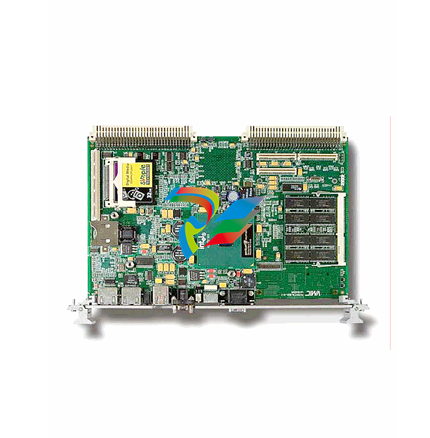 IS200EPMCH1GE Mark VIe Patch Cord Power Distribution Card
 -
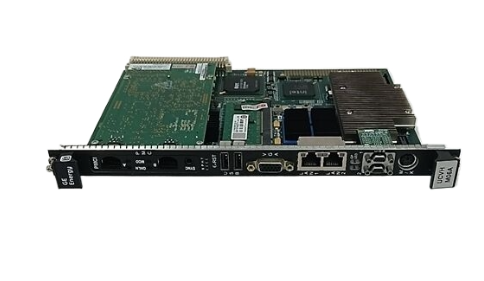 VMICPCI-7632-03310 IS215UCCAH3A 350-657362-003310J GE gas turbine system control processor board
 -
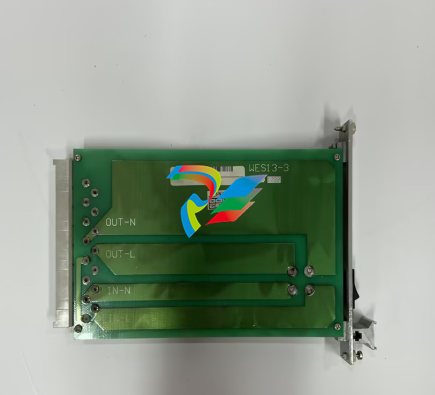 WEA13-13 2508-21001 Control Module / I/O Board
 -
.jpg) WES5120 2340-21004 Controller Main Module
WES5120 2340-21004 Controller Main Module -
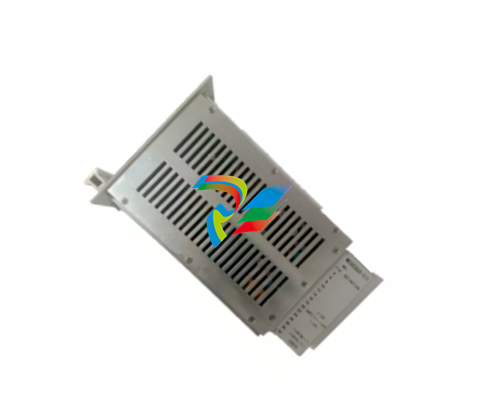 WES5120 2340-21006 Field Controller Master Unit Module
 -
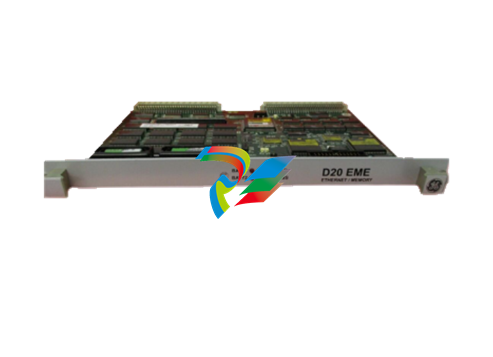 WESDAC D20ME 18-MAR-13 Excitation Control Module
 -
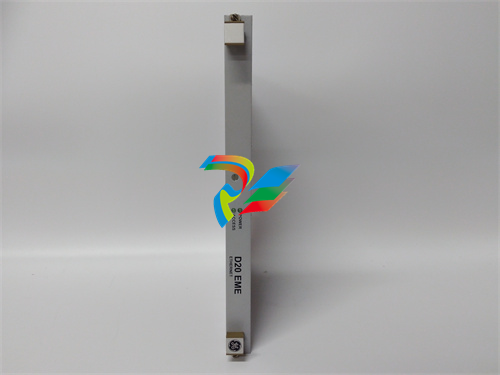 D20 EME 2400-21004 Ethernet communication and expansion module
 -
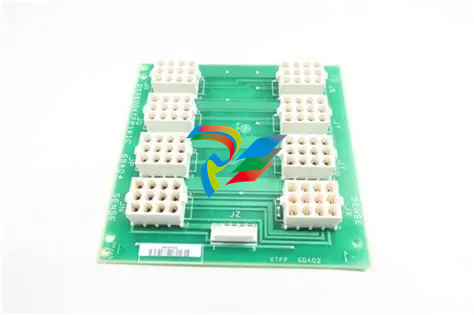 GE DS3800XTFP1E1C Thyristor Fan Out Board Brand
 -
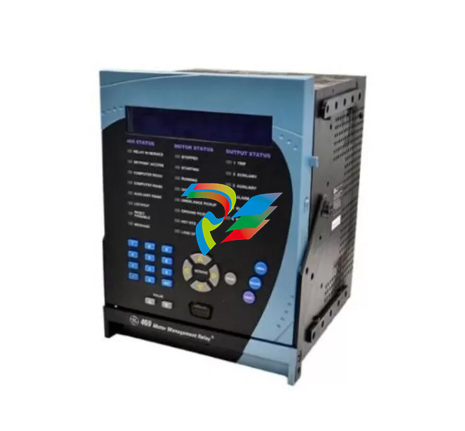 GE SR745-W2-P1-G1-HI-A-L-R-E Feeder protection relay
 -
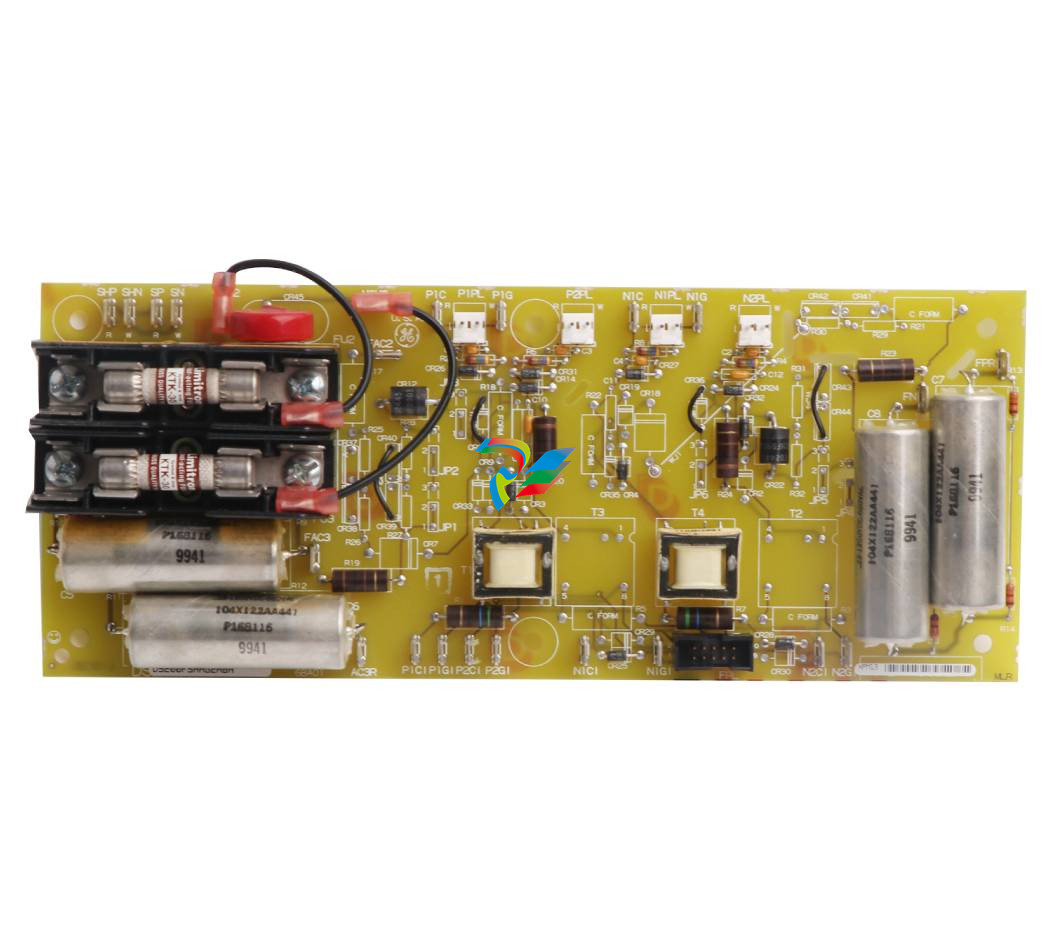 GE IS230TNDSH2A Discrete Output Relay Module Brand
 -
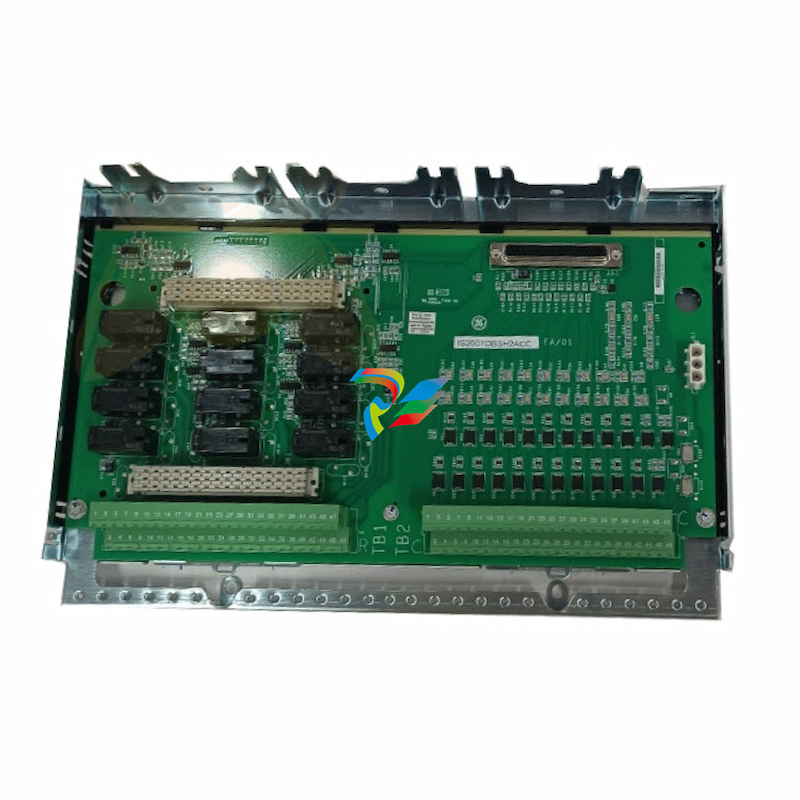 GE Fanuc IS200TDBSH2ACC Mark VI Terminal Board Brand
 -
 GE PMC-0247RC-282000 350-93750247-282000F Disk Drive
 -
GE PMC-0247RC-282000 350-93750247-282000F Disk Drive
-
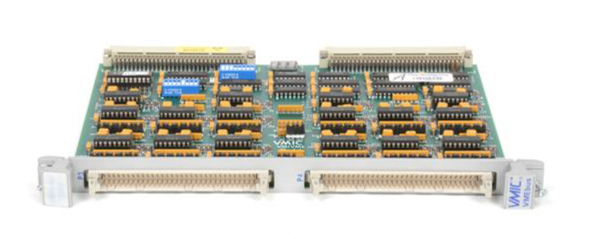 GE VMIVME-1150 Serial Communications Controller
 -
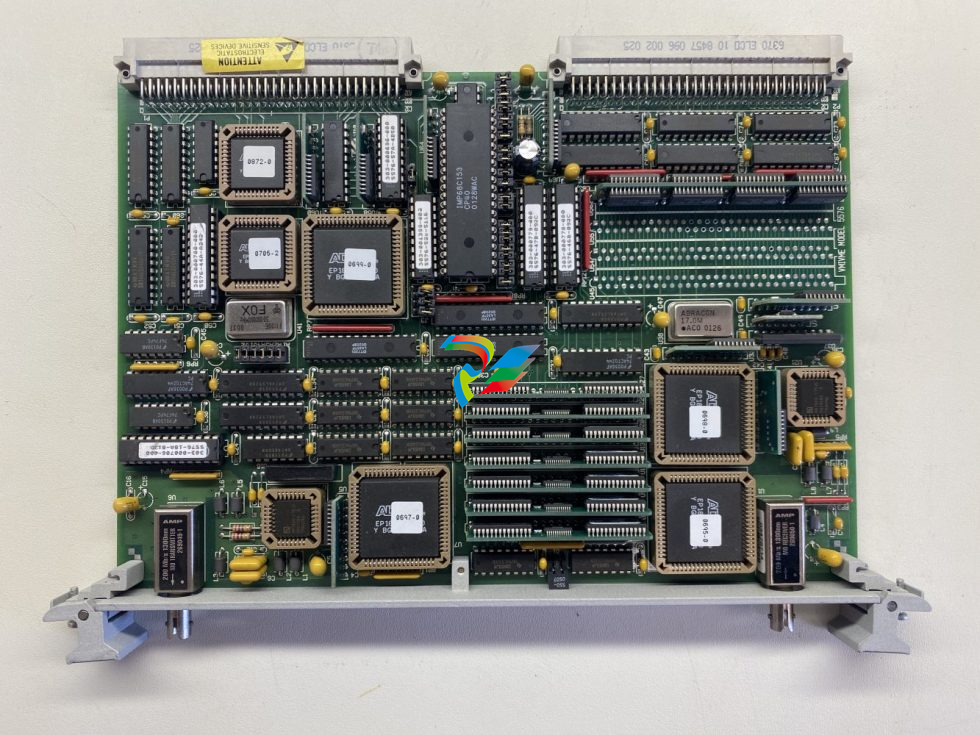 GE VMIVME-5576 Fiber-Optic Reflective Memory with Interrupts
 -
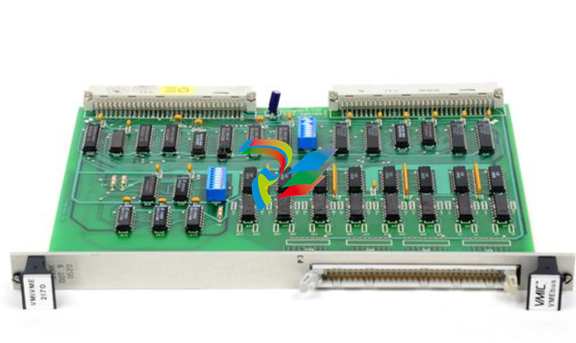 GE VMIC Isolated Digital Output VMIVME-2170A
 -
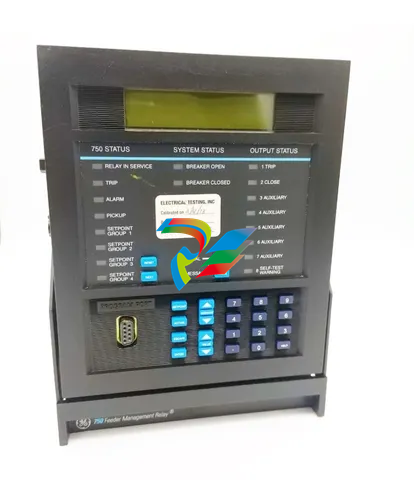 GE MULTILIN 760 FEEDER MANAGEMENT RELAY 760-P5-G5-S5-HI-A20-R-E
 -
 GE IS200AEPAH1BKE IS215WEPAH2BB Printed circuit board
 -
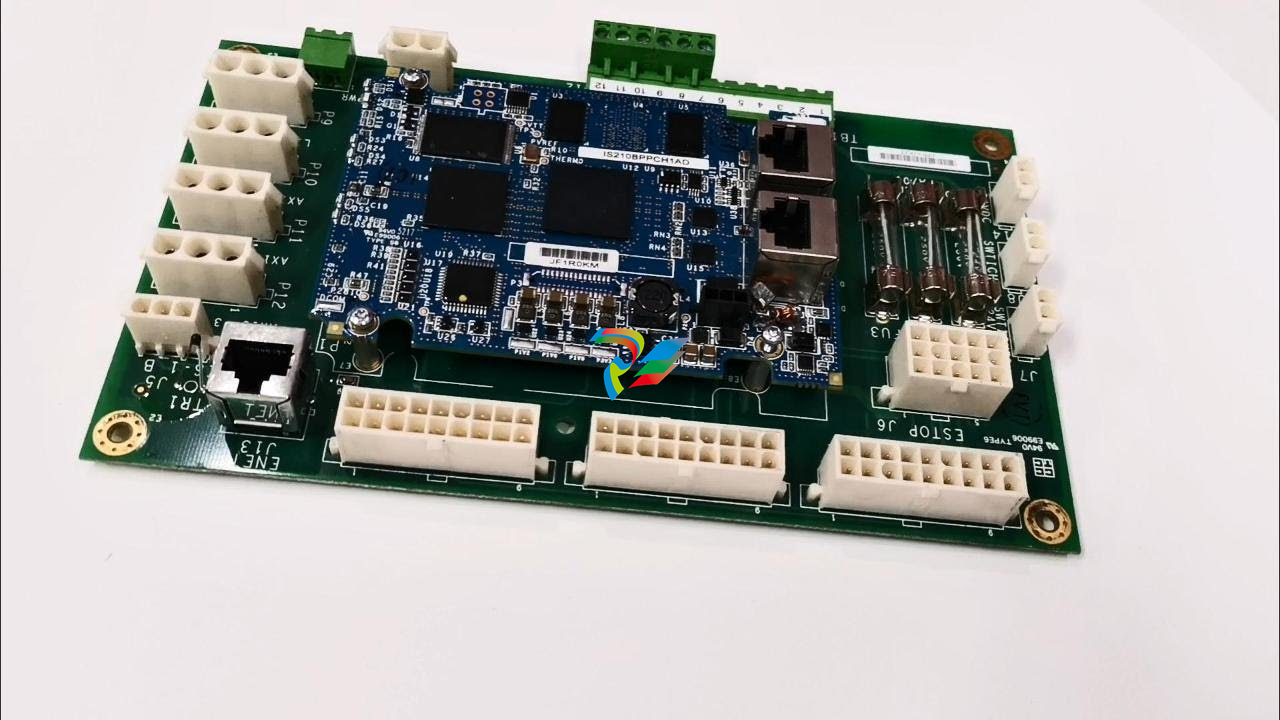 GE IS210BPPCH1A Mark VIe I/O Pack Processor Card
 -
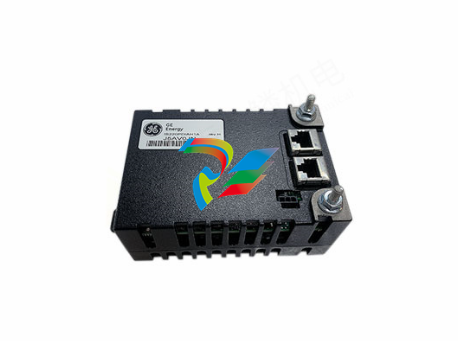 GE IS220PRTDH1A 336A4940CSP6 High-Performance RTD Input Module
 -
GE IS220PDIAH1BE 336A5026ADP4 Discrete Input Module
-
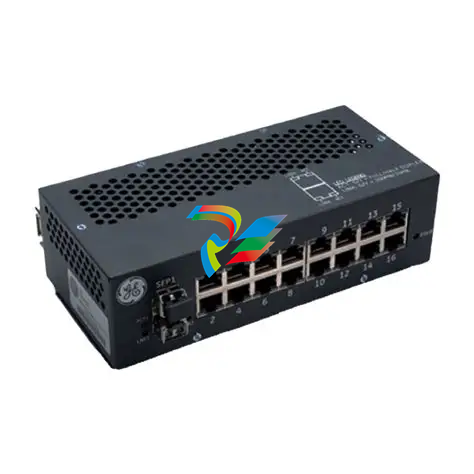 GE IS420ESWBH3A IONET Switch Module
 -
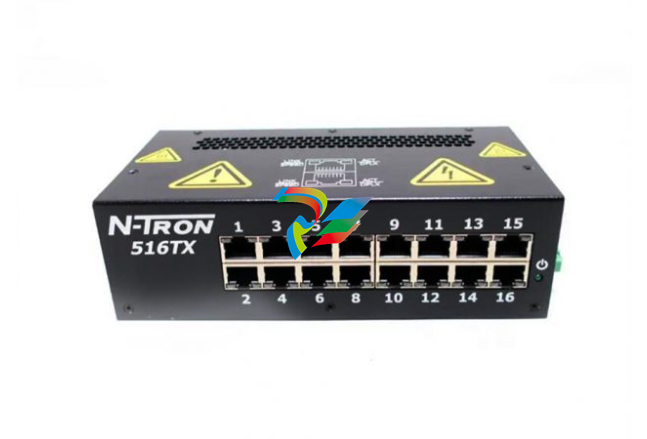 GE 516TX 336A4940DNP516TX 16-port Ethernet switch
 -
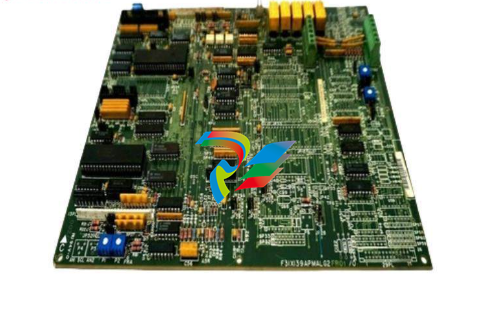 GE EVMECNTM13 Embedded control module
 -
GE EVPBDP0001 EVPBDP032 control module
-
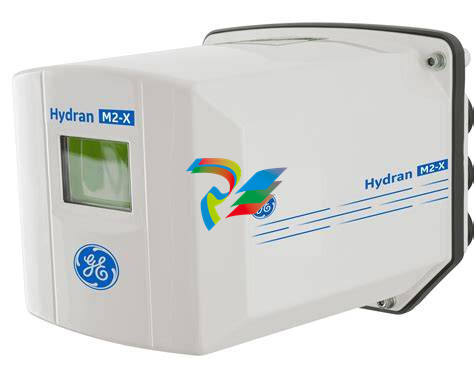 GE Hydran M2-X Enhanced Monitoring with Extended Sensor Life
 -
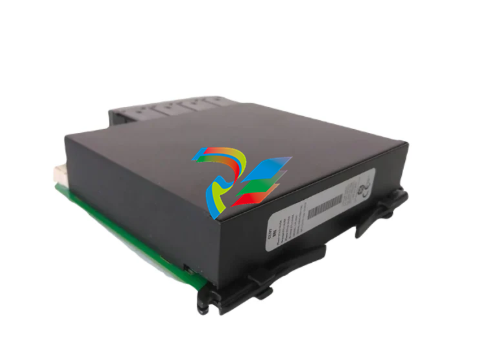 GE UR6CH Digital I/O Module
 -
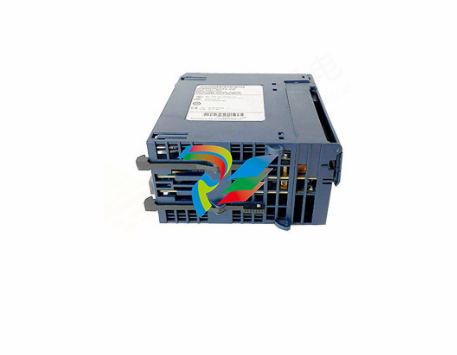 GE IC695CPU315-CD Central processing unit
 -
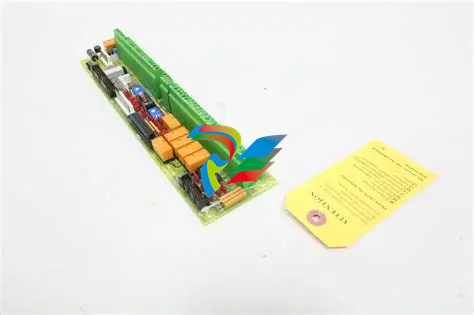 GE 531X305NTBAMG1 DR Terminal Board
 -
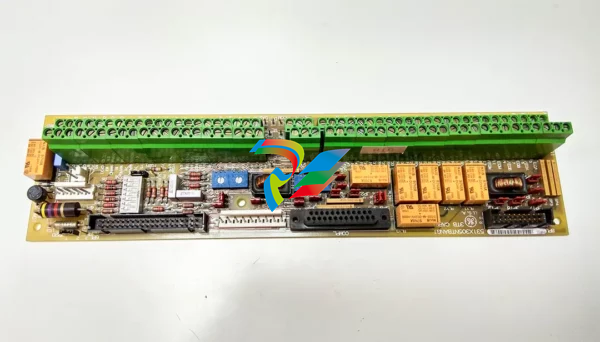 GE 531X305NTBALG1 NTB/3TB Terminal Board 531X Series
 -
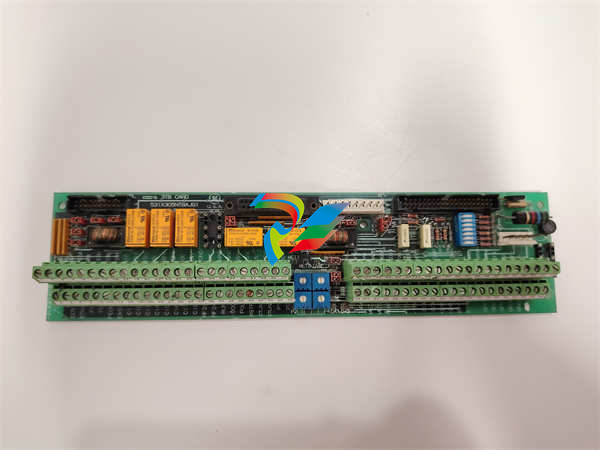 GE 531X305NTBAJG1 NTB/3TB Terminal Board.
 -
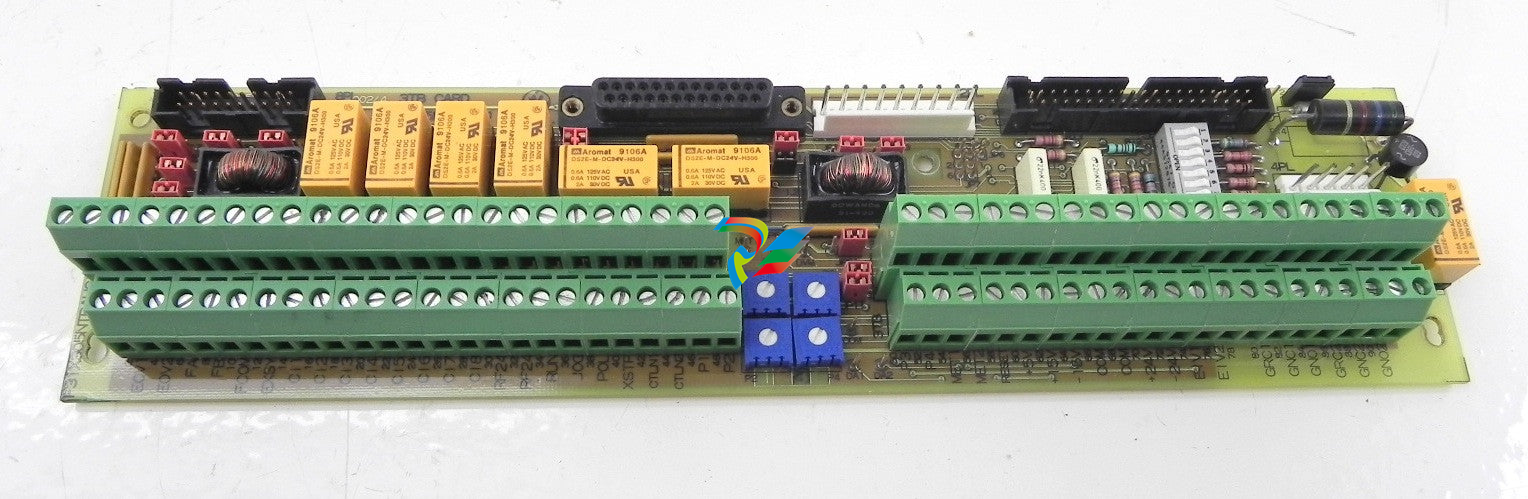 GE 531X305NTBAHG1 NTB/3TB Terminal Board 531X
 -
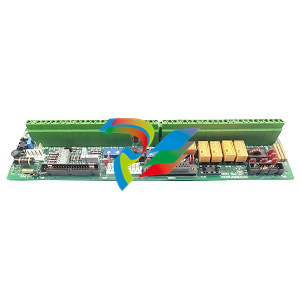 GE 531X305NTBAEG1 is a PCB that functions as a DR terminal board.
 -
General Electric 531X305NTBACG1 NTB/3TB Terminal Board 531X
-
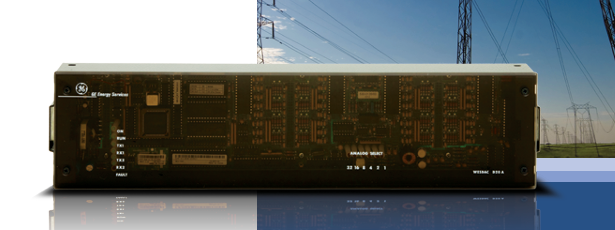 GE Digital Energy D20 Analog Input Module
 -
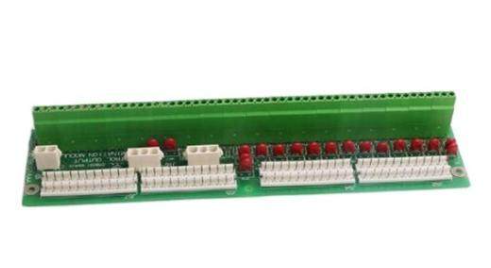 GE 94-164136-001 main board Control board
 -
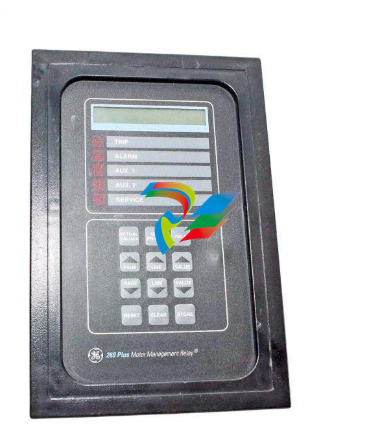 GE 269 PLUS-D/O-100P-125V Digital motor relay
 -
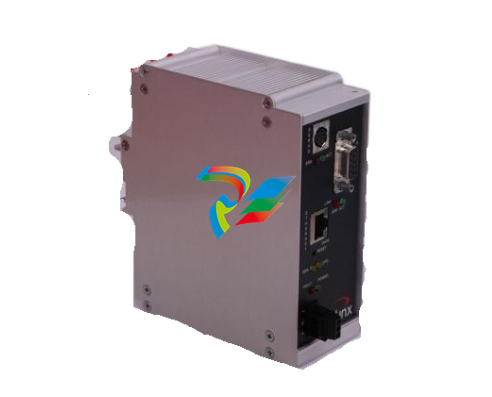 GALIL DMC-9940 High-performance motion controller
 -
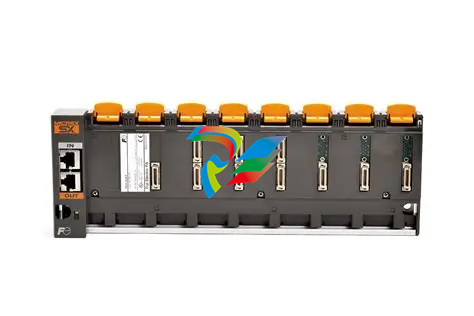 FUJI NP1BS-08 base plate
 -
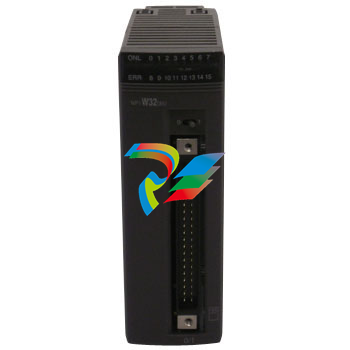 FUJI NP1Y32T09P1 Transistor drain type digital output module
 -
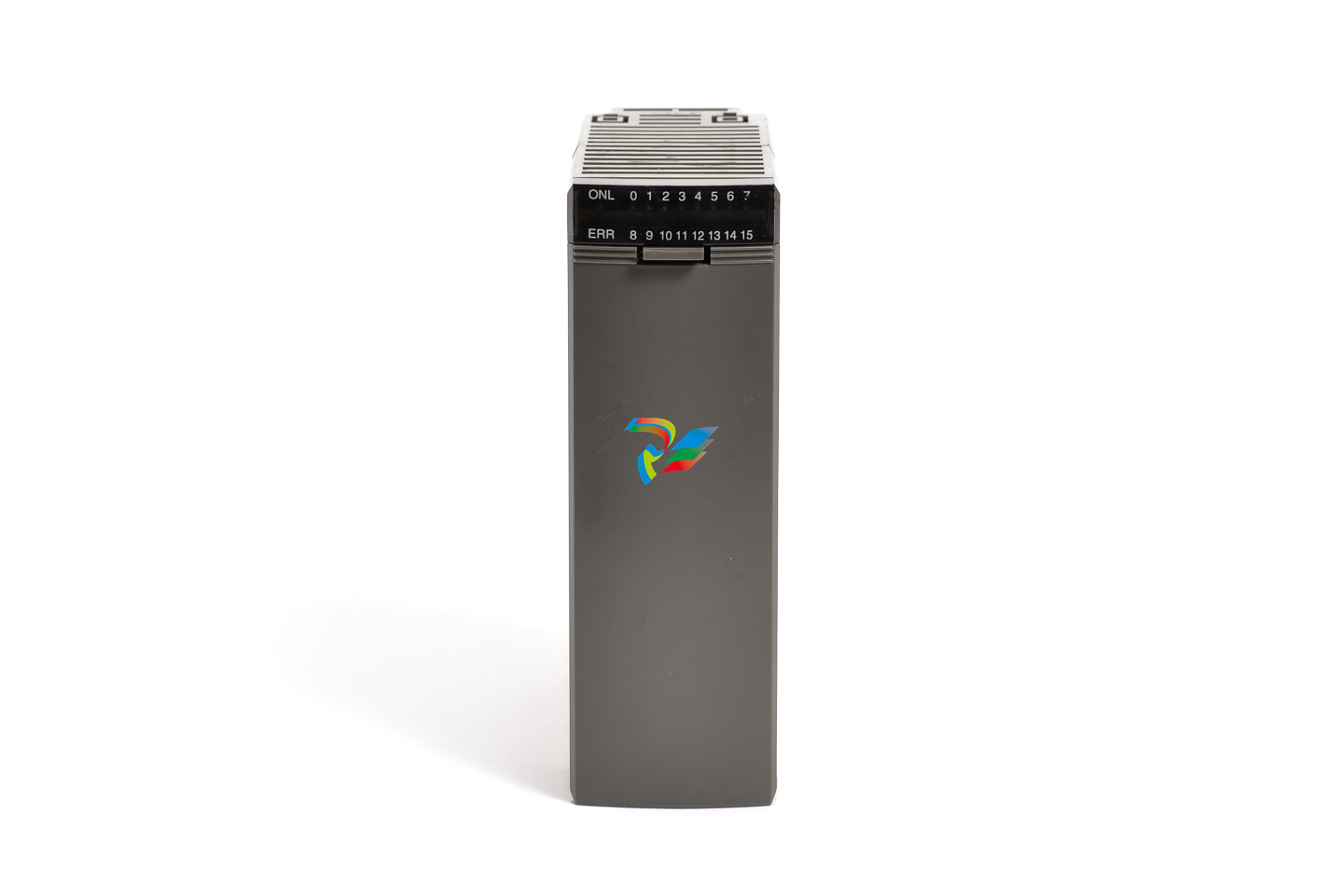 FUJI NP1Y16R-08 Digital Output Module
 -
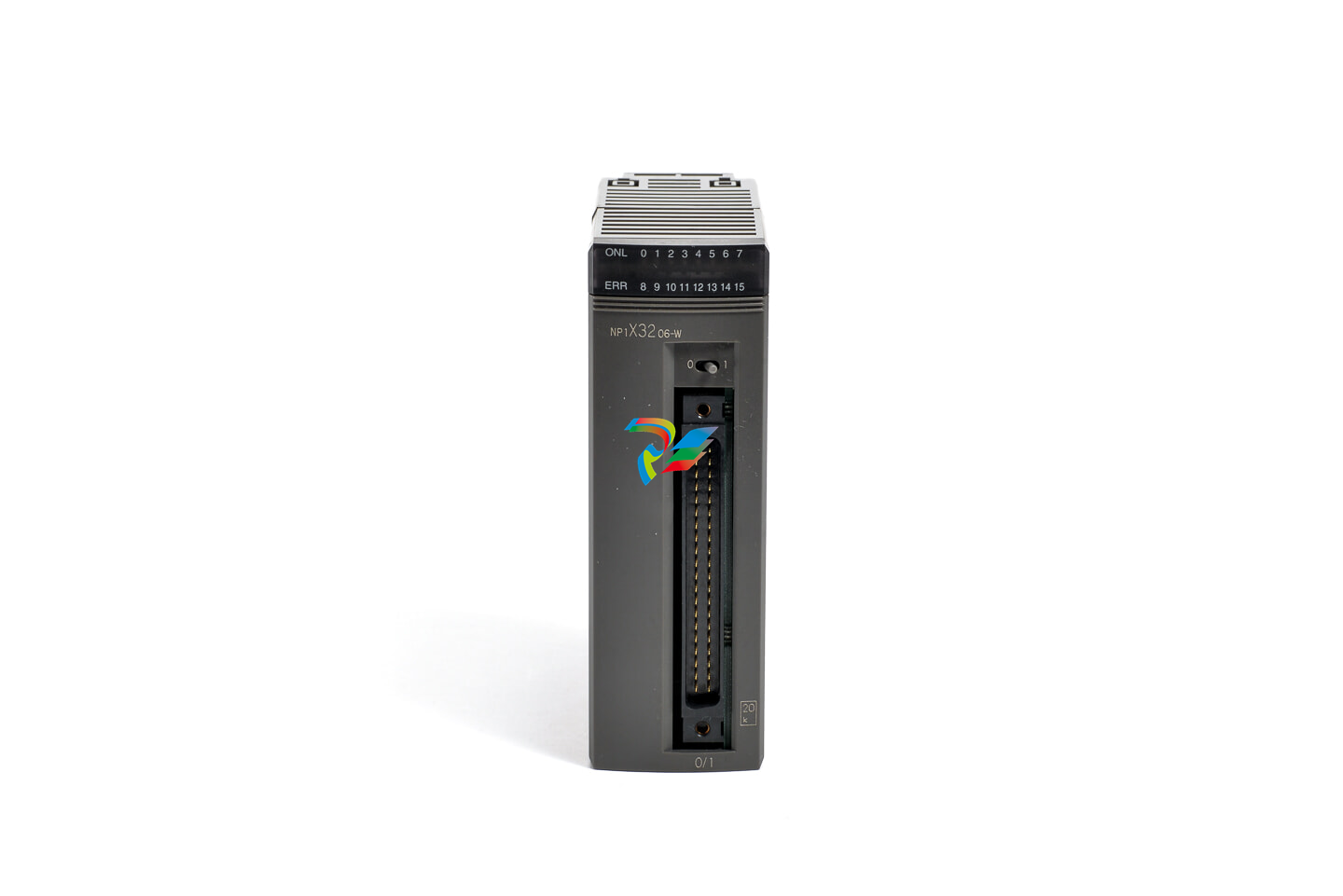 FUJI NP1X3206-A High-speed digital input module
 -
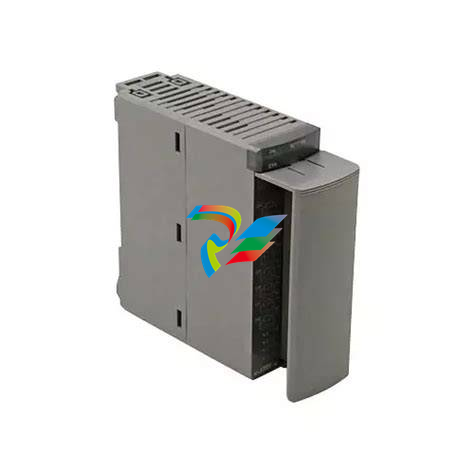 FUJI NP1AYH4I-MR current output module
 -
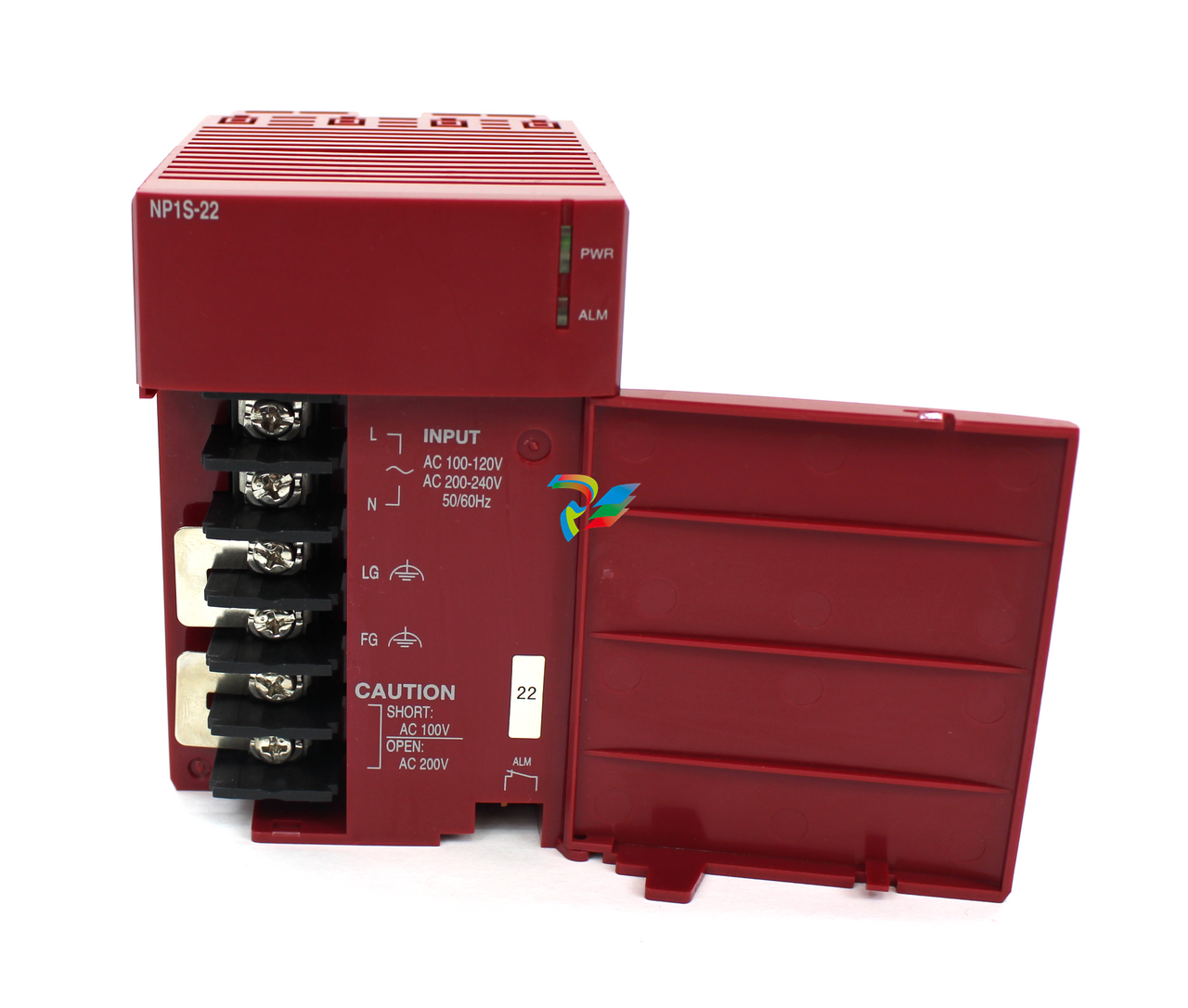 FUJI NP1S-22 Power module redundancy
 -
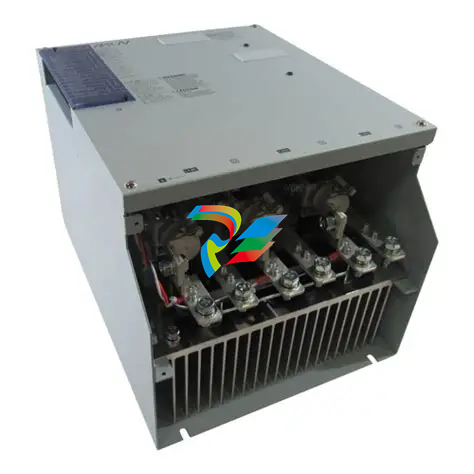 FUJI RPXD2150-1T servo drive module
 -
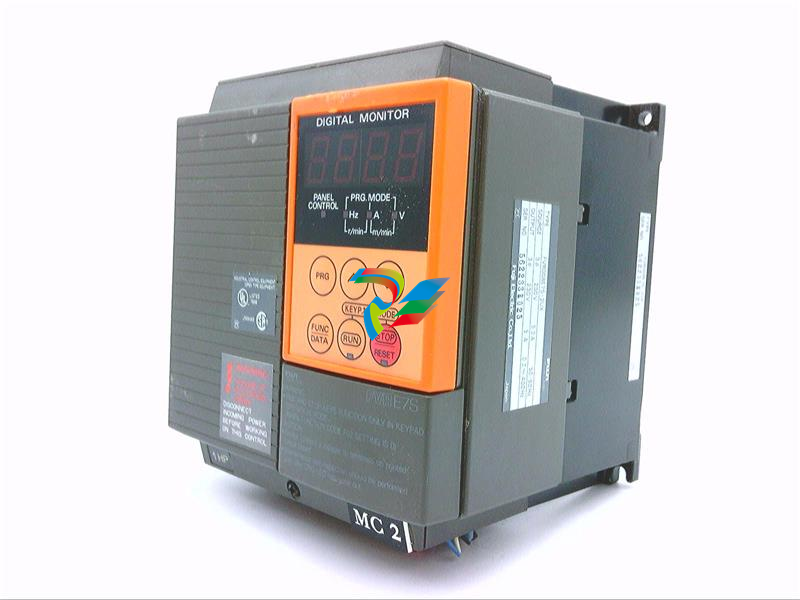 FUJI FVR008E7S-2UX Ac frequency converter
 -
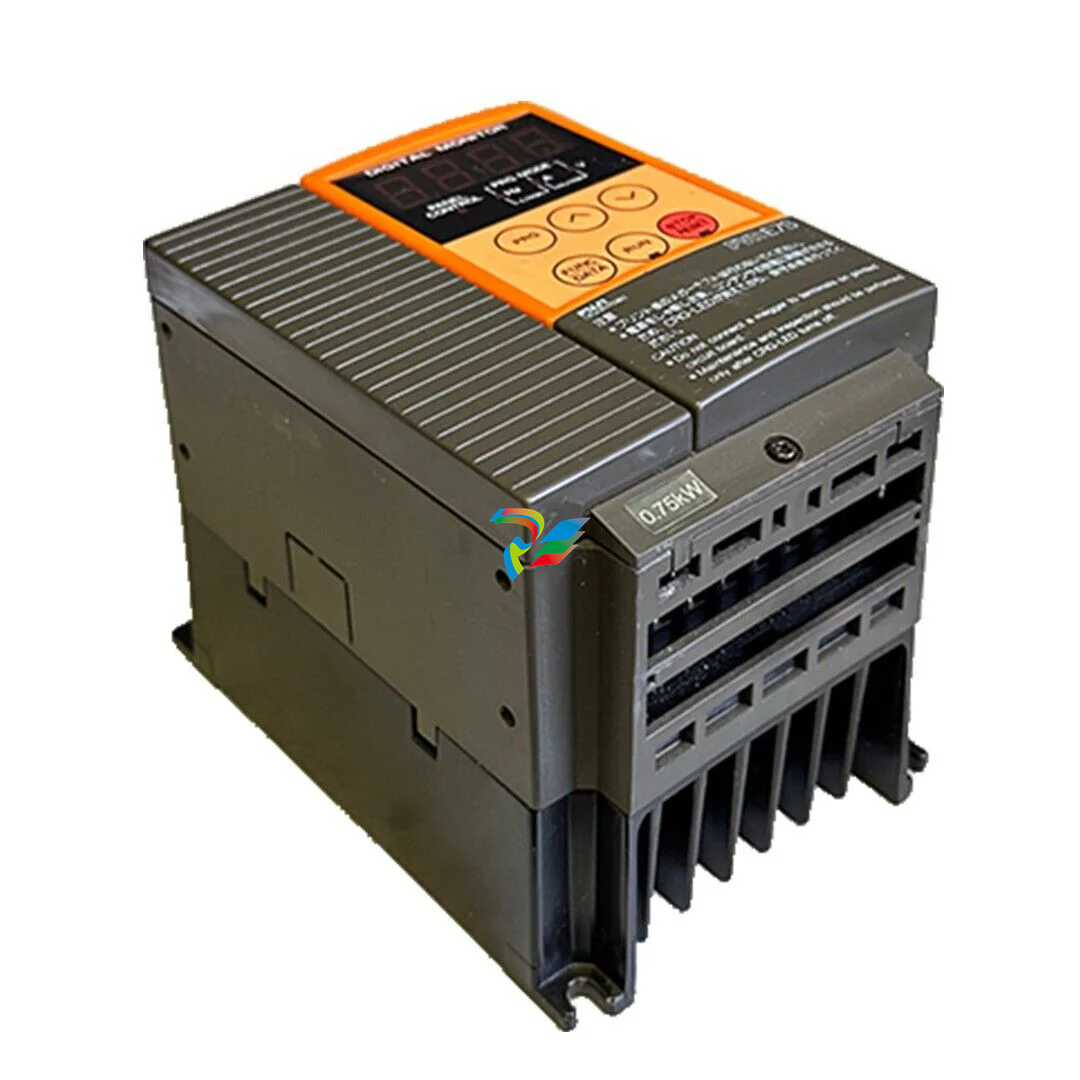 FUJI Ac frequency converter FVR008E7S-2
 -
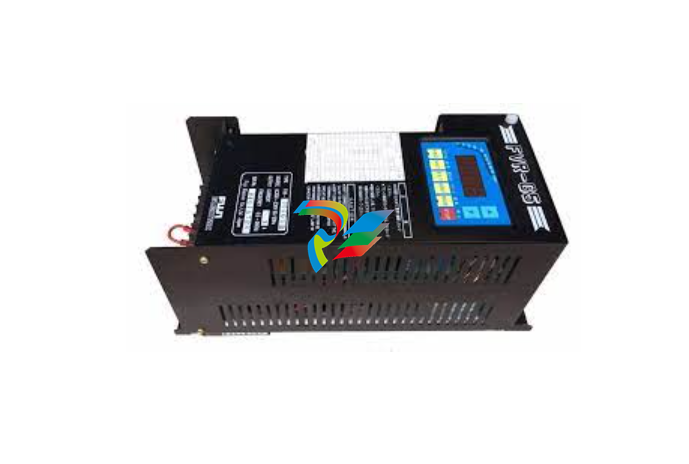 FUJI FVR004G5B-2 Small general-purpose frequency converter
 -
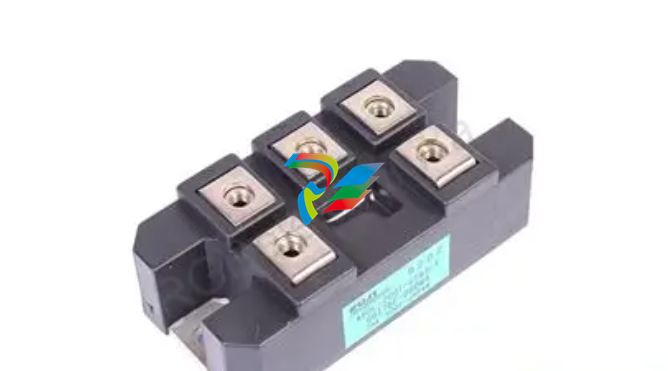 FUJI A50L-2001-0232 Industrial control module
 -
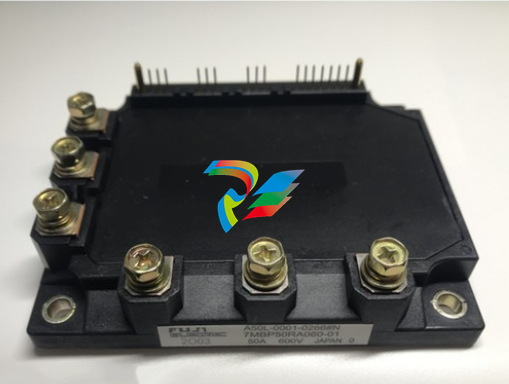 FUJI A50L-001-0266#N High-performance servo amplifier
 -
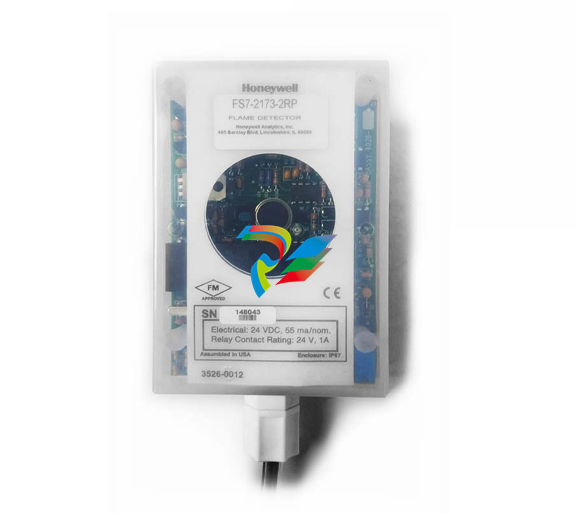 Honeywell FS7-2173-2RP Gas sensor
 -
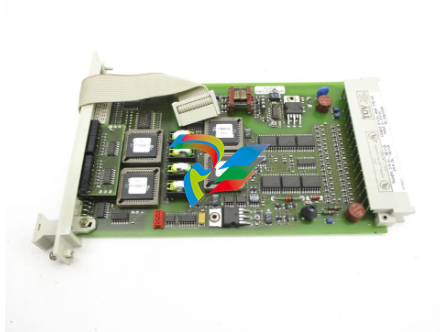 Honeywell 10106/2/1 Digital Input Module in Stock
 -
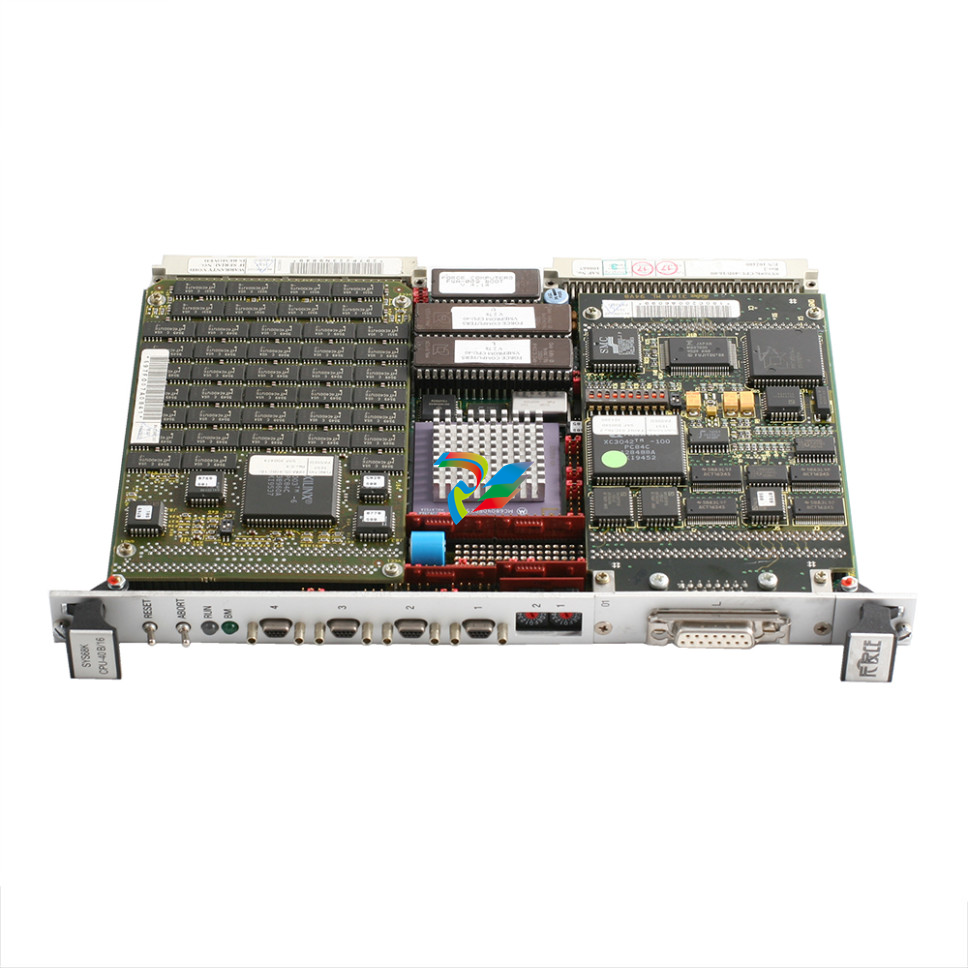 FRCE SYS68K CPU-40 B/16 PLC core processor module
 -
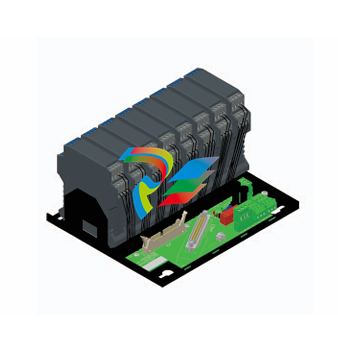 Foxboro FBM I/O cards PBCO-D8-009
 -
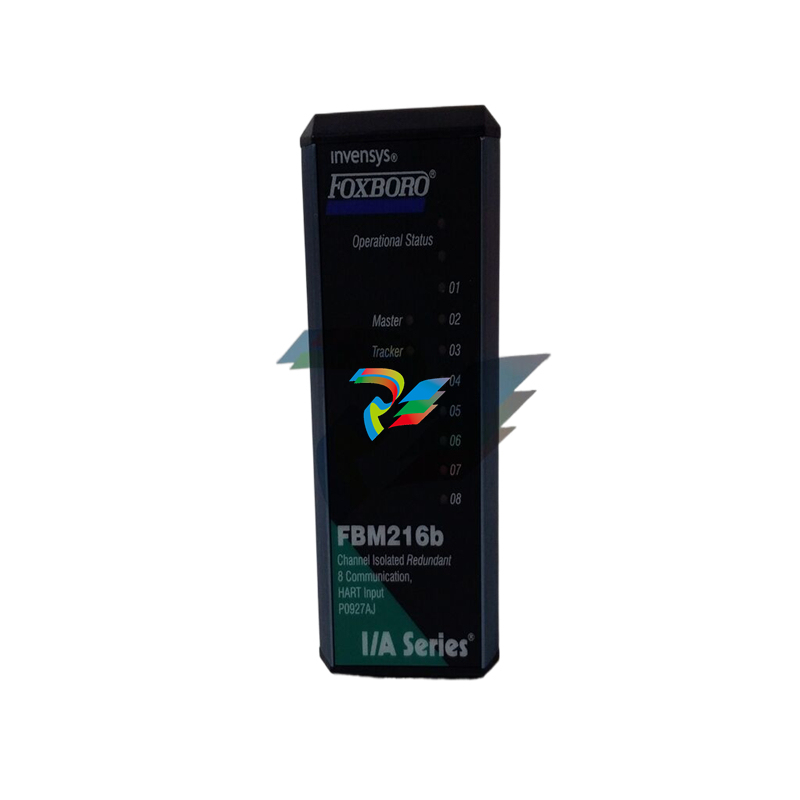 Foxboro AD916AE Digital Control System (DCS) Module
 -
 GE SR750-P5-G5-S5-HI-A20-R-E Multilin Relay
 -
.jpg) FOXBORO H90 H90C9AA0117S Industrial Computer Workstation
FOXBORO H90 H90C9AA0117S Industrial Computer Workstation -
FOXBORO RH928AW | I/A Series Relay Output Module
-
.jpg) Foxboro N-2AX+DIO Multi-functional input/output module
Foxboro N-2AX+DIO Multi-functional input/output module -
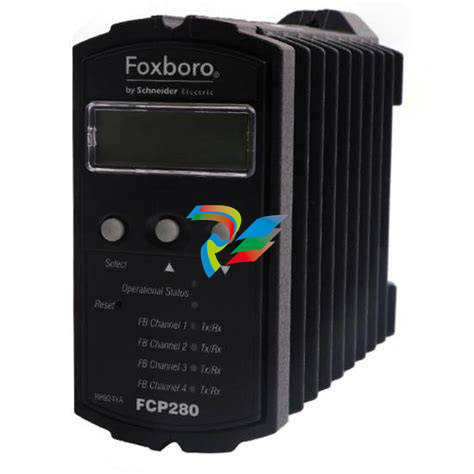 Foxboro RH924WA FCP280 Fiber Optic Network Adapter
 -
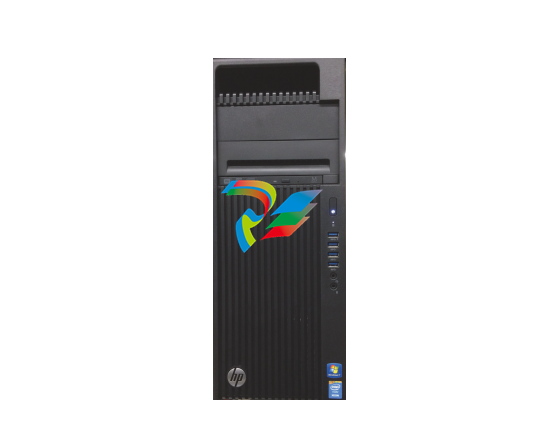 FOXBORO H92 Versatile Hardware Component In
 -
 Foxboro FBM218 P0922VW HART® Communication Redundant Output Interface Module
 -
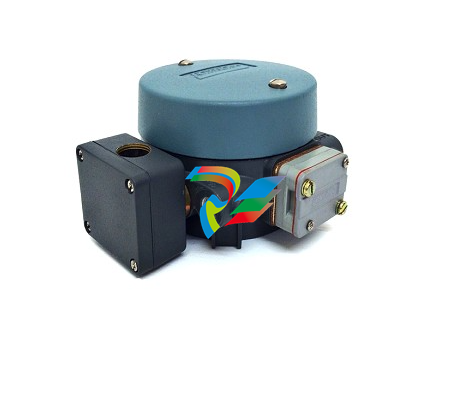 Foxboro E69F-TI2-J-R-S E69F Series Current-To-Pneumatic Signal Converter
 -
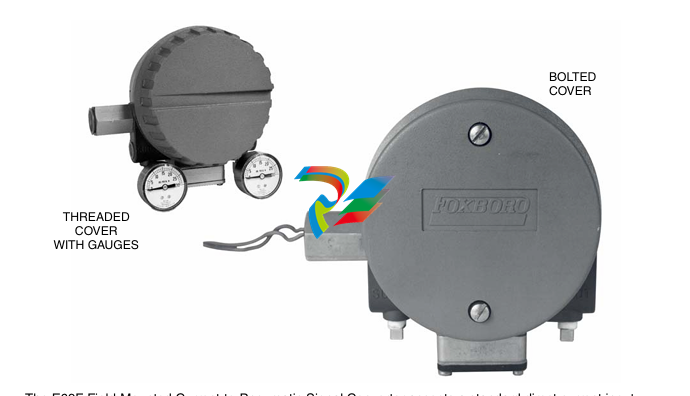 Foxboro E69F-BI2-S Converter
 -
.jpg) Foxboro H92A049E0700 The host of the DCS control station
Foxboro H92A049E0700 The host of the DCS control station -
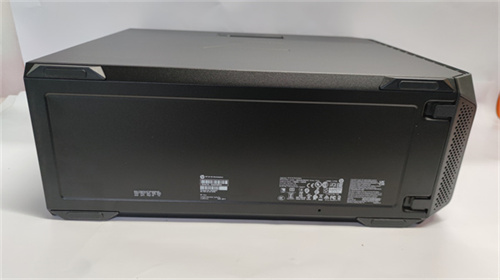 Foxboro H90C9AA0117S Industrial computer workstation
 -
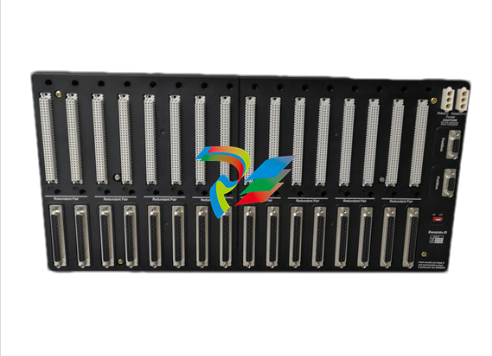 Foxboro RH101AA High-performance industrial control module
 -
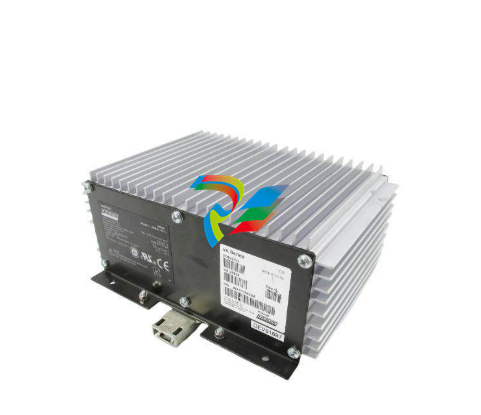 Foxboro P0922YU FPS400-24 I/A Series Power supply
 -
.png) FOXBORO P0973LN Chassis-based managed switch with independent power supply
FOXBORO P0973LN Chassis-based managed switch with independent power supply -
.jpg) FOXBORO P0926PA Input/output module
FOXBORO P0926PA Input/output module -
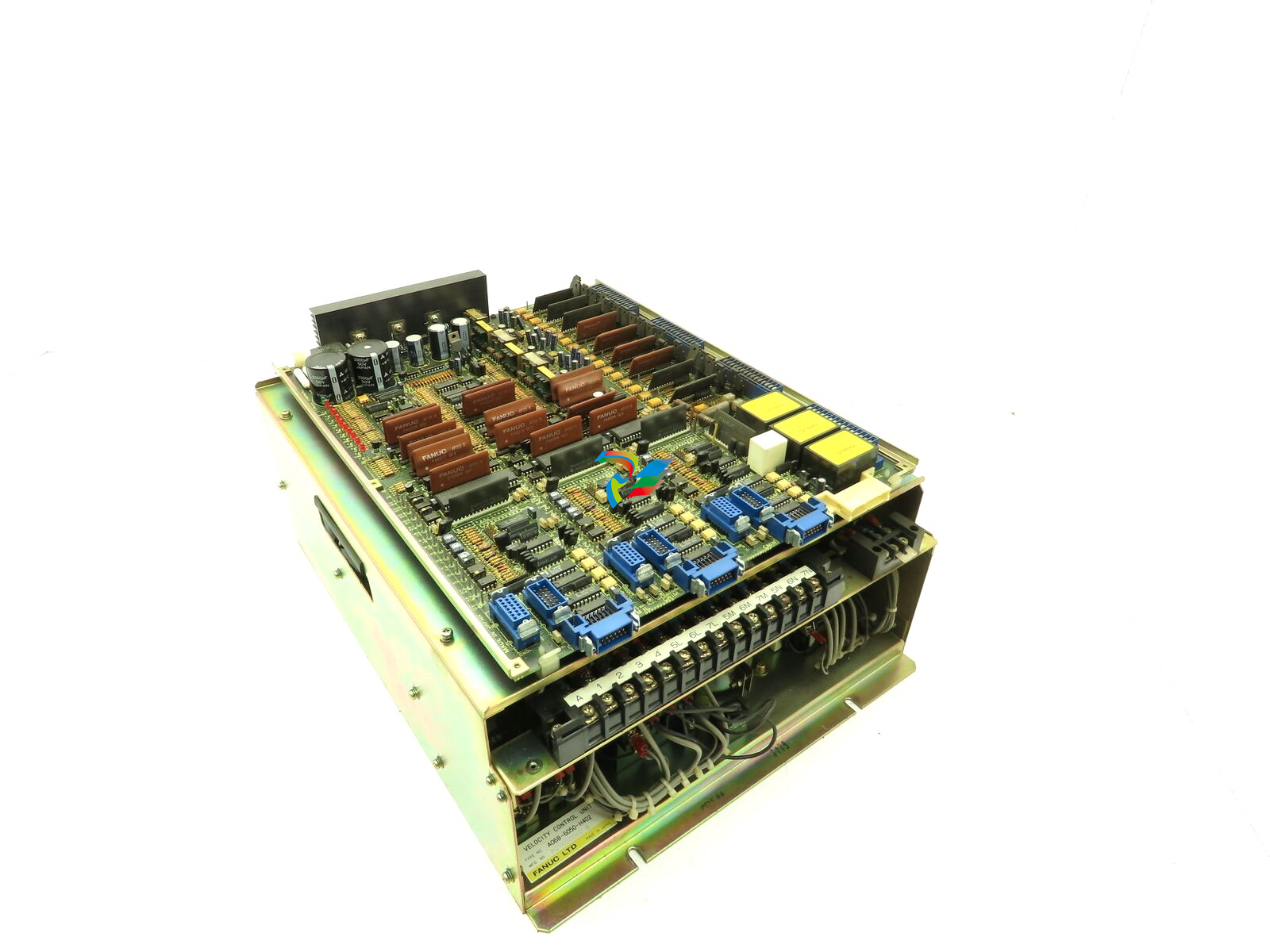 Fanuc A06B-6050-H402 3 AXIS ANALOG AC SERVO DRIVE
 -
.jpg) FOXBORO L0130AD L0130AE-0H Power module group
FOXBORO L0130AD L0130AE-0H Power module group -
_lVjBYb.jpg) FOXBORO 0399085B 0303440C+0303458A Combination Control Module
FOXBORO 0399085B 0303440C+0303458A Combination Control Module -
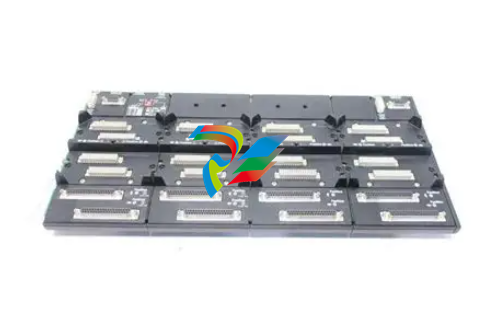 FOXBORO SY-0399095E (SY-0303451D+SY-0303460E) Process control board
 -
.jpg) FOXBORO 0399071D 0303440C+0303443B Input/Output (I/O) Module
FOXBORO 0399071D 0303440C+0303443B Input/Output (I/O) Module -
.jpg) FOXBORO RH924UQ Redundant Controller module
FOXBORO RH924UQ Redundant Controller module -
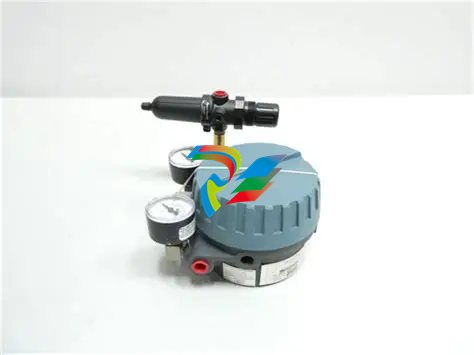 FFOXBORO E69F-TI2-S current pneumatic converter
 -
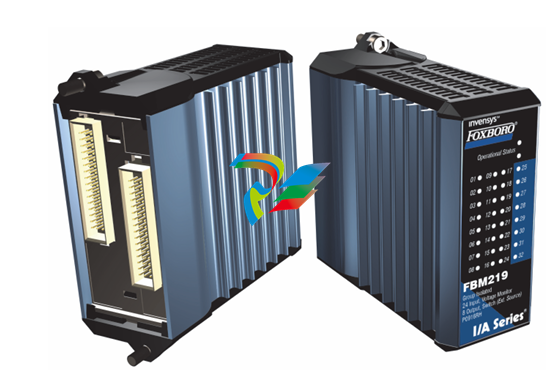 FOXBORO FBM219 RH916RH Discrete I/O Module
 -
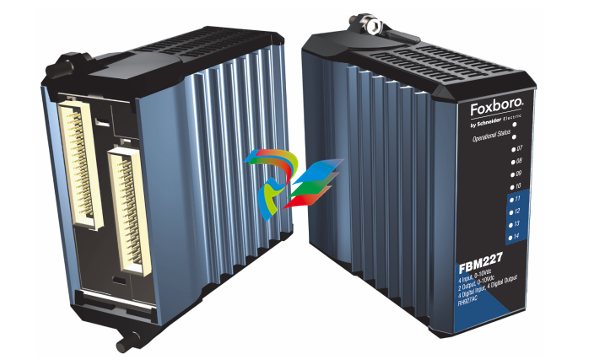 FOXBORO FBM227 P0927AC Module
 -
.jpg) FOXBORO 0399144 SY-0301059F SY-1025115C/SY-1025120E I/O module
FOXBORO 0399144 SY-0301059F SY-1025115C/SY-1025120E I/O module -
.jpg) FOXBORO SY-60399001R SY-60301001RB Industrial Control Module
FOXBORO SY-60399001R SY-60301001RB Industrial Control Module -
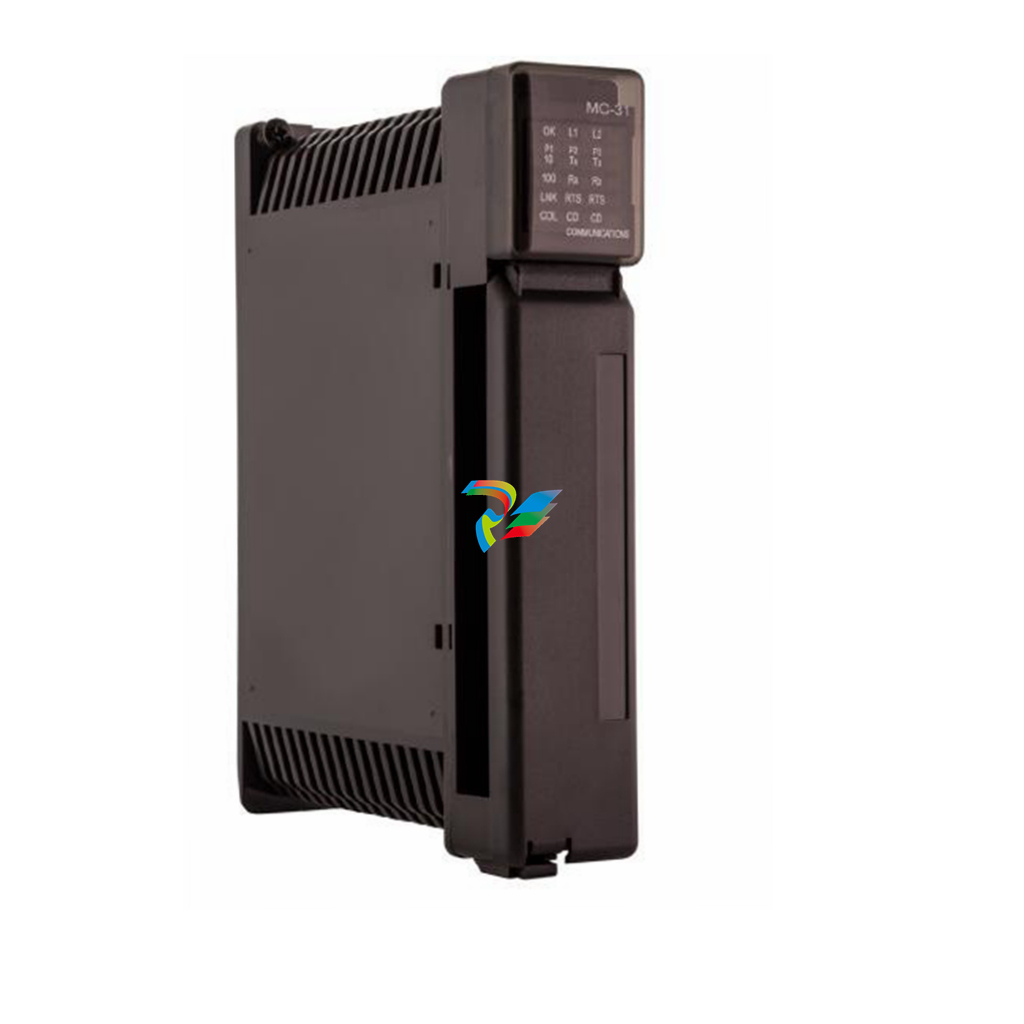 FOXBORO 0399143 SY-0301060R SY-1025115C SY-1025120E Combined control board
 -
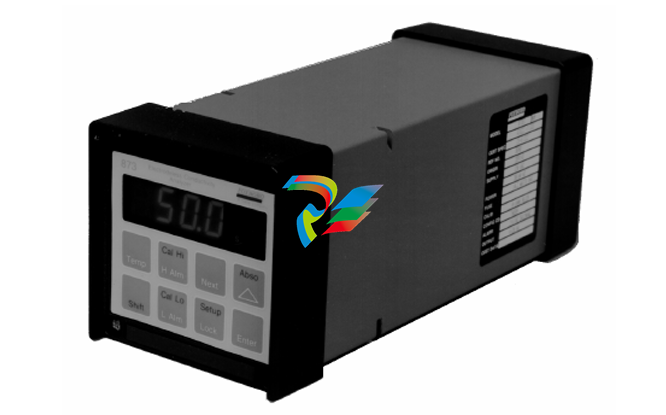 FOXBORO 873EC-JIPFGZ electrodeless conductivity analyzer
 -
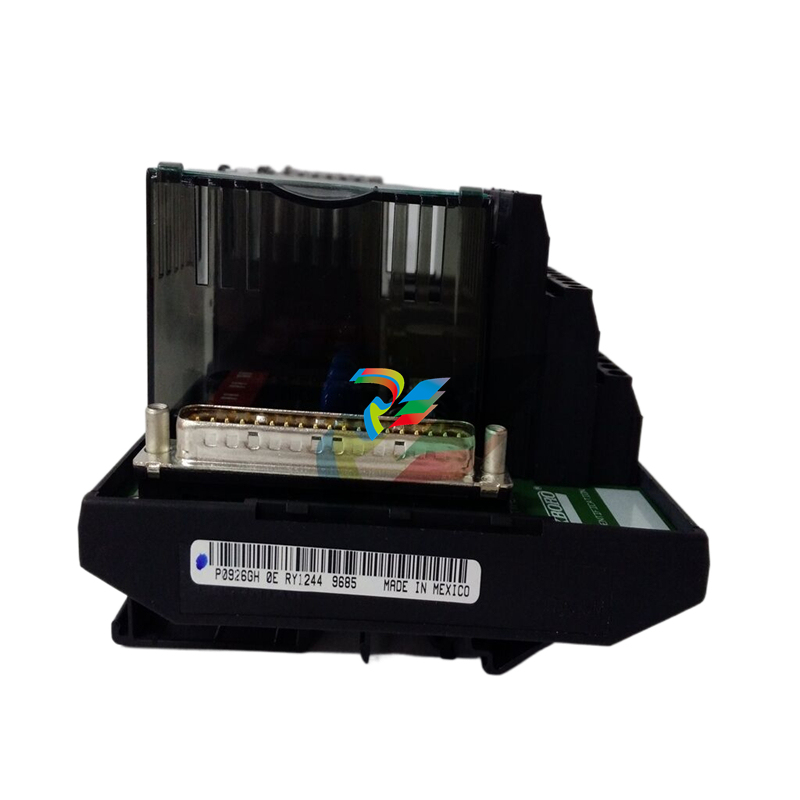 FOXBORO P0916PH (High-density HART I/O Module)
 -
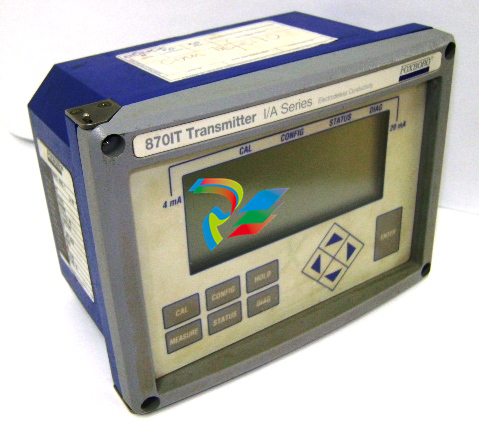 FOXBORO 870ITEC-AYFNZ-7 Intelligent Electrochemical Transmitters
 -
 FOXBORO Compact FBM240. Redundant with Readback, Discrete
 -
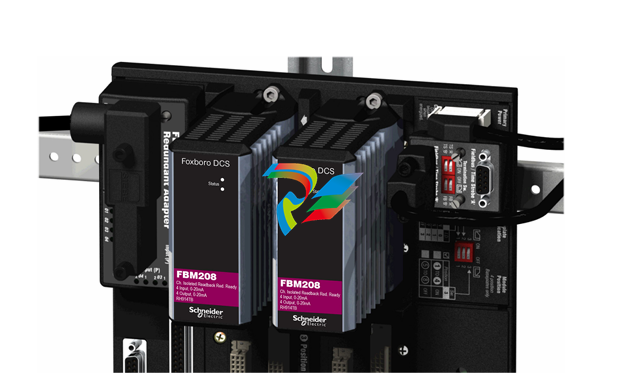 FOXBORO FBM208/b, Redundant with Readback, 0 to 20 mA I/O Module
 -
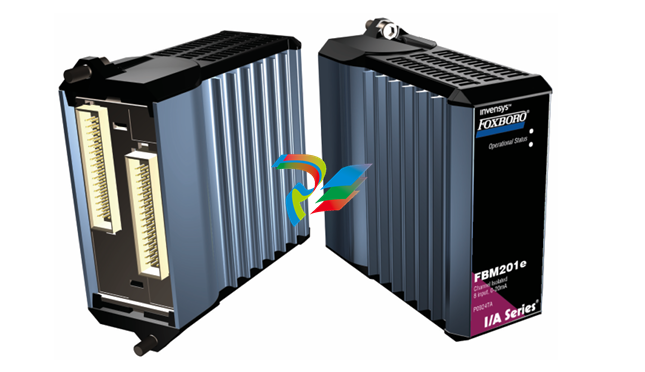 FOXBORO FBM201e Analog Input (0 to 20 mA) Interface Modules
 -
.jpg) FOXBORO P0916WG Terminal cable
FOXBORO P0916WG Terminal cable -
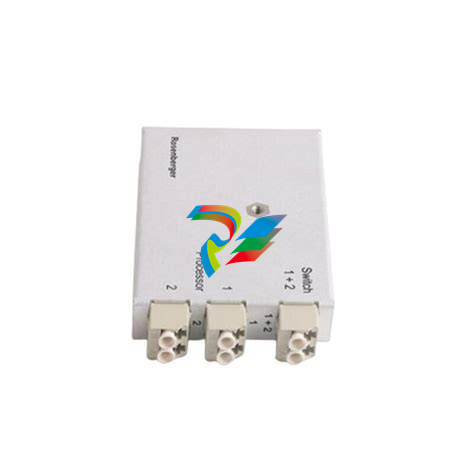 FOXBORO P0926MX 2-Port Splitter
 -
.jpg) FOXBORO AD908JQ High-Frequency Module
FOXBORO AD908JQ High-Frequency Module -
.jpg) FOXBORO AD916CC Processor module
FOXBORO AD916CC Processor module -
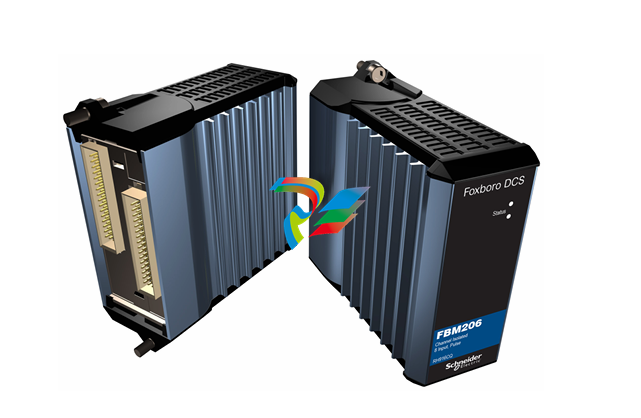 Foxboro DCS FBM206 Pulse Input Module
 -
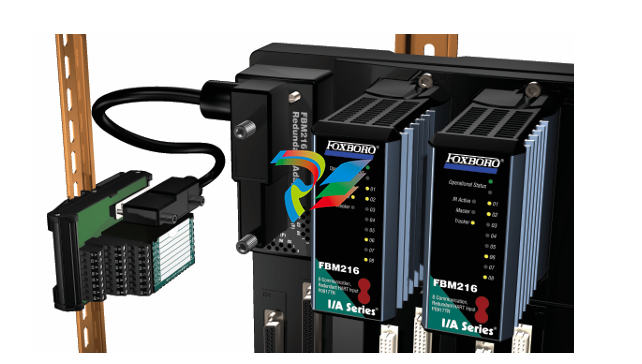 FOXBORO FBM216 HART® Communication Redundant Input Interface Module
 -
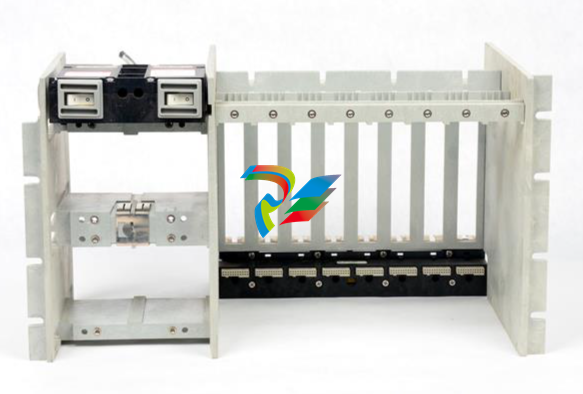 Foxboro p0903nu 1×8 unit sub-component module
 -
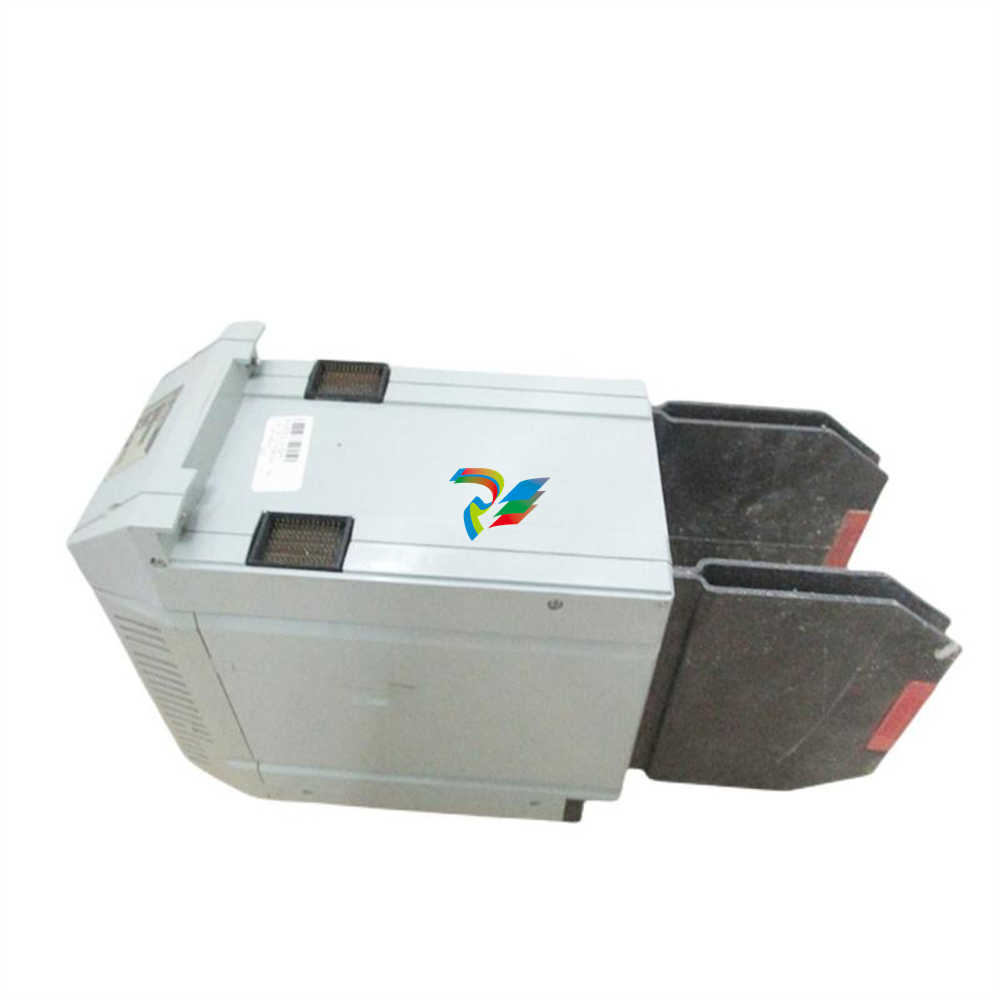 Foxboro P0911SM Industrial control module
 -
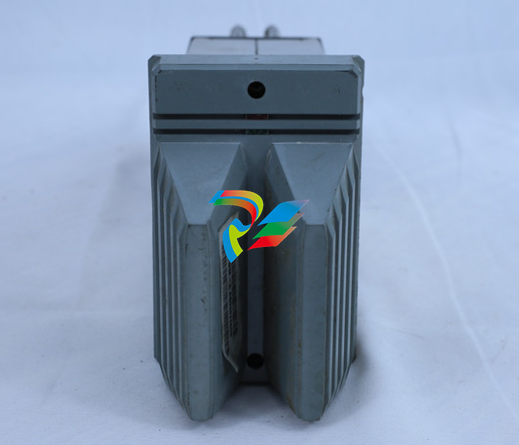 Foxboro CM902WM I/O module
 -
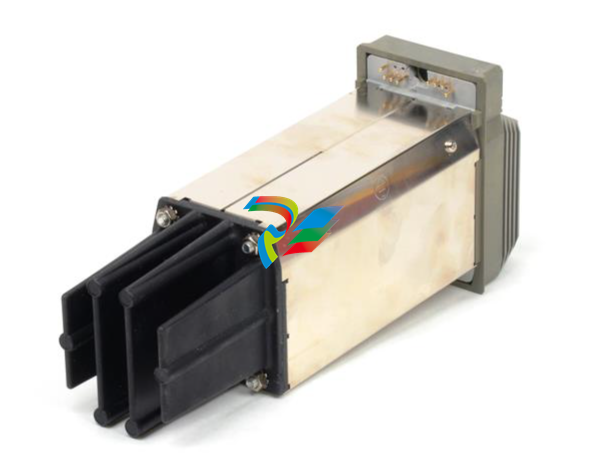 Foxboro CM902WL Power module
 -
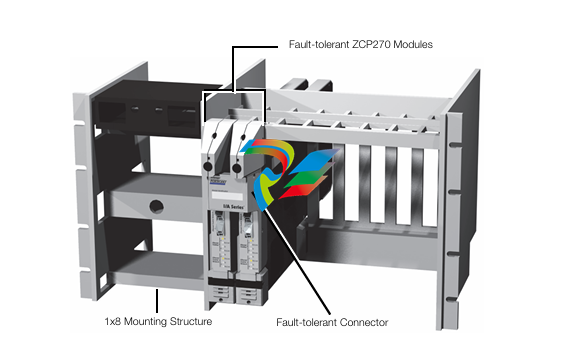 Foxboro P0972VA Industrial Control Module
 -
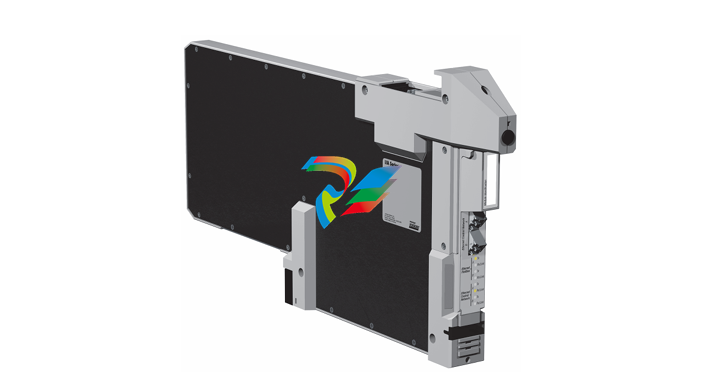 Foxboro Z-Module Control Processor 270 (ZCP270)
 -
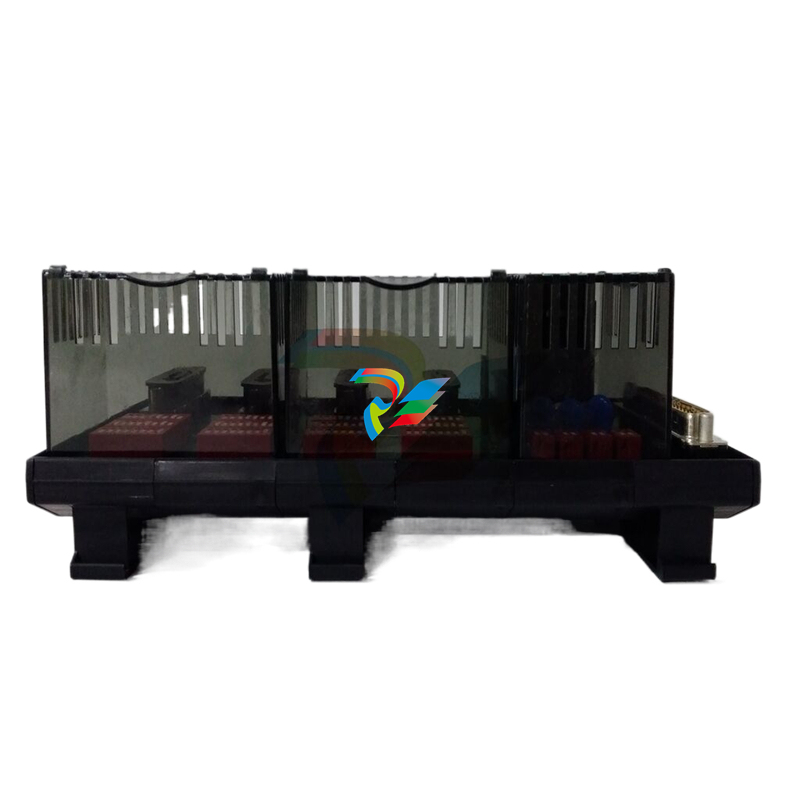 Foxboro PO916JS 16-channel terminal block module
 -
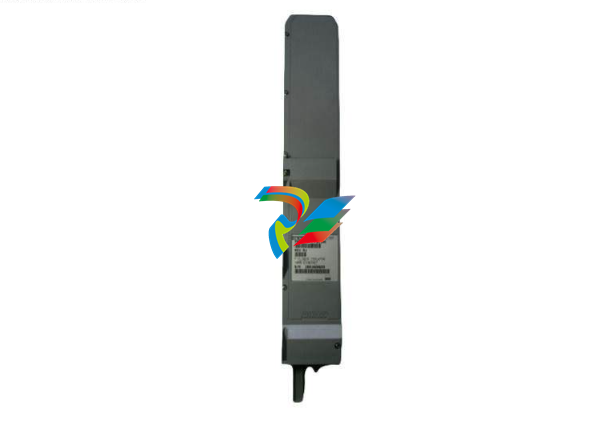 Foxboro PO911SM High-performance digital/analog input/output module
 -
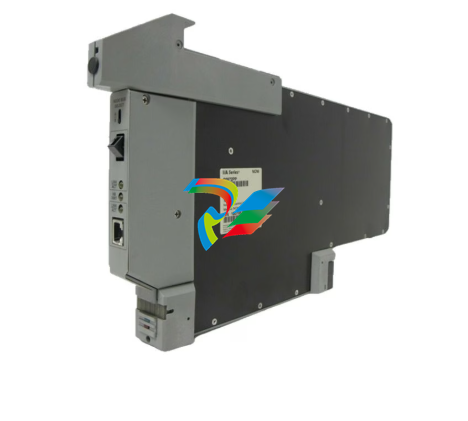 Foxboro P0972PP-NCNI Network Interface Module
 -
.jpg) FOXBORO P0971QZ controller module
FOXBORO P0971QZ controller module -
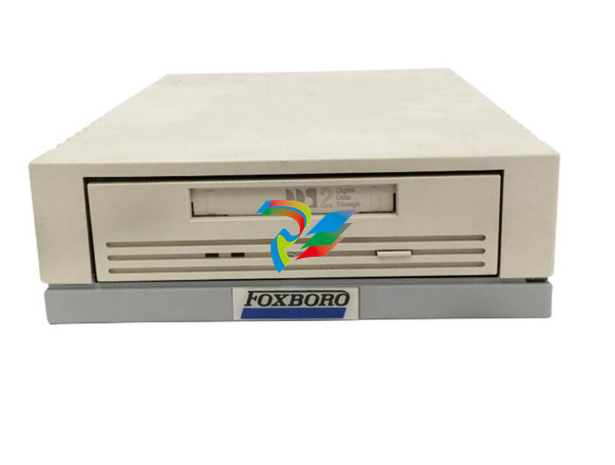 FOXBORO P0971DP Thermal resistance input/output module
 -
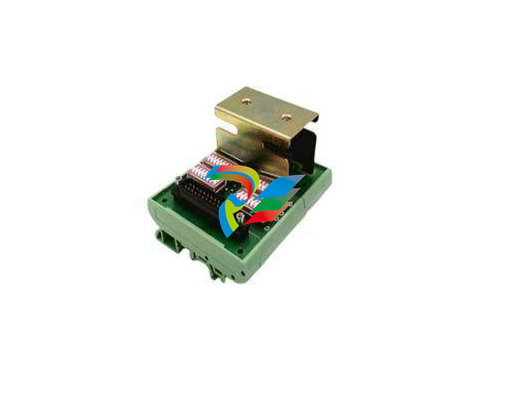 FOXBORO P0970VB Cable connector
 -
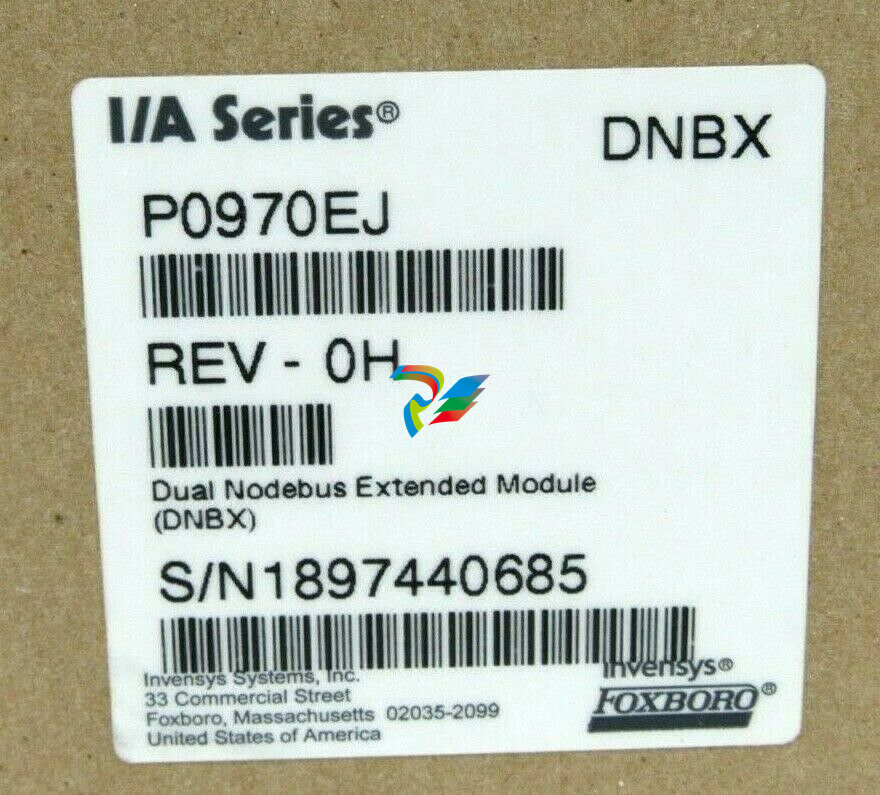 FOXBORO P0970EJ-DNBX Dual-node bus expansion module
 -
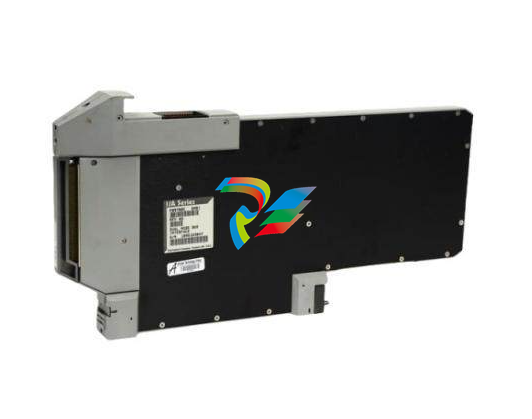 FOXBORO P0970BP Redundant power supply system
 -
.jpg) FOXBORO P0970BC-DNBI DeviceNet bus interface module
FOXBORO P0970BC-DNBI DeviceNet bus interface module -
.jpg) FOXBORO P0961FX-CP60S Main control CPU module
FOXBORO P0961FX-CP60S Main control CPU module -
.jpg) FOXBORO P0961EF-CP30B Network Interface Unit
FOXBORO P0961EF-CP30B Network Interface Unit -
.jpg) FOXBORO P0961CA Optical fiber local area network module
FOXBORO P0961CA Optical fiber local area network module -
.jpg) FOXBORO P0961BD-GW30B gateway processor module
FOXBORO P0961BD-GW30B gateway processor module -
.jpg) FOXBORO P0961BC-CP40B/I/A Series high-performance control processor module
FOXBORO P0961BC-CP40B/I/A Series high-performance control processor module -
FOXBORO P0960JA-CP40 High-performance control processor
-
FOXBORO P0926TM Control module
-
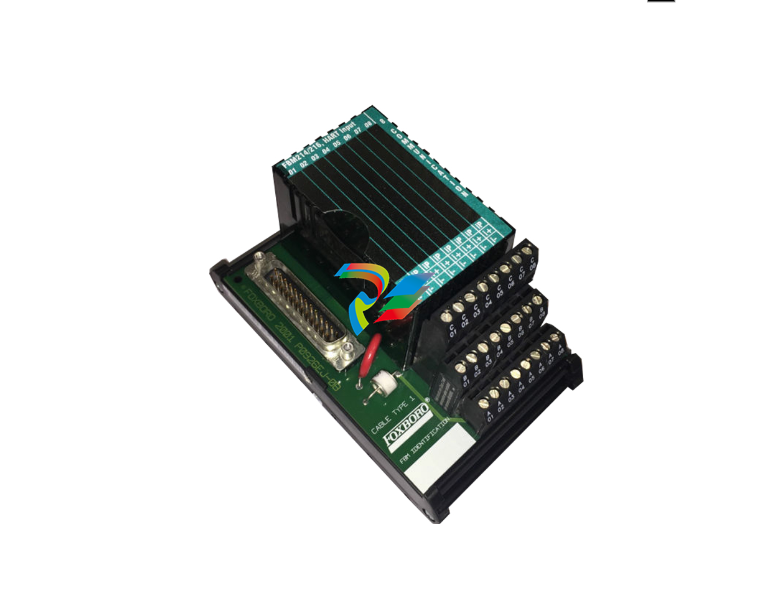 FOXBORO P0916BX Termination Assembly
 -
.jpg) FOXBORO P0916AE P0916AG P0916AW Thermal resistance input type DCS card module
FOXBORO P0916AE P0916AG P0916AW Thermal resistance input type DCS card module -
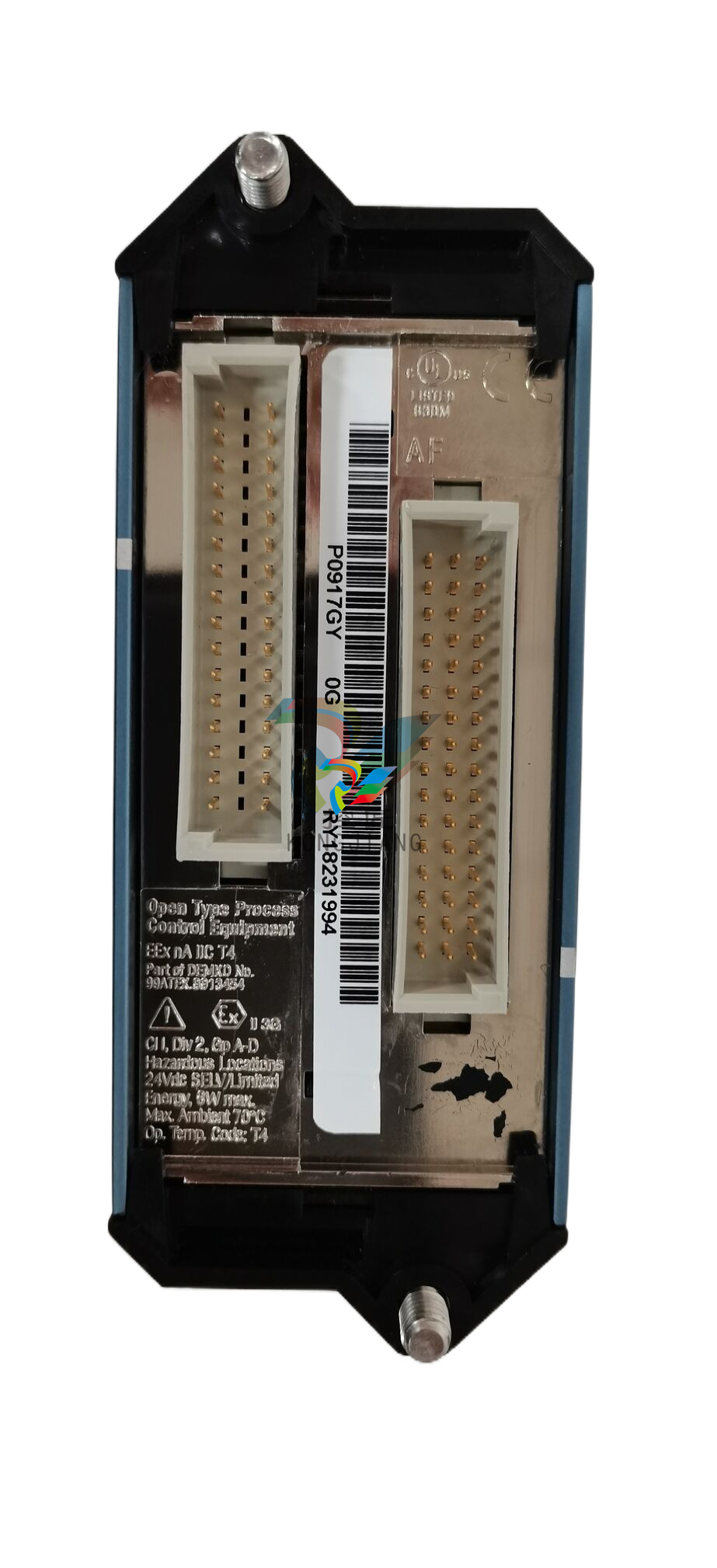 FOXBORO P0916AC FOXBORO distributed control system (DCS) compression terminal assembly
 -
.jpg) FOXBORO P0912CB High-performance interface module
FOXBORO P0912CB High-performance interface module -
.jpg) FOXBORO P0911VJ Thermal resistance input output module
FOXBORO P0911VJ Thermal resistance input output module -
.jpg) FOXBORO P0911QH-A High-precision module
FOXBORO P0911QH-A High-precision module -
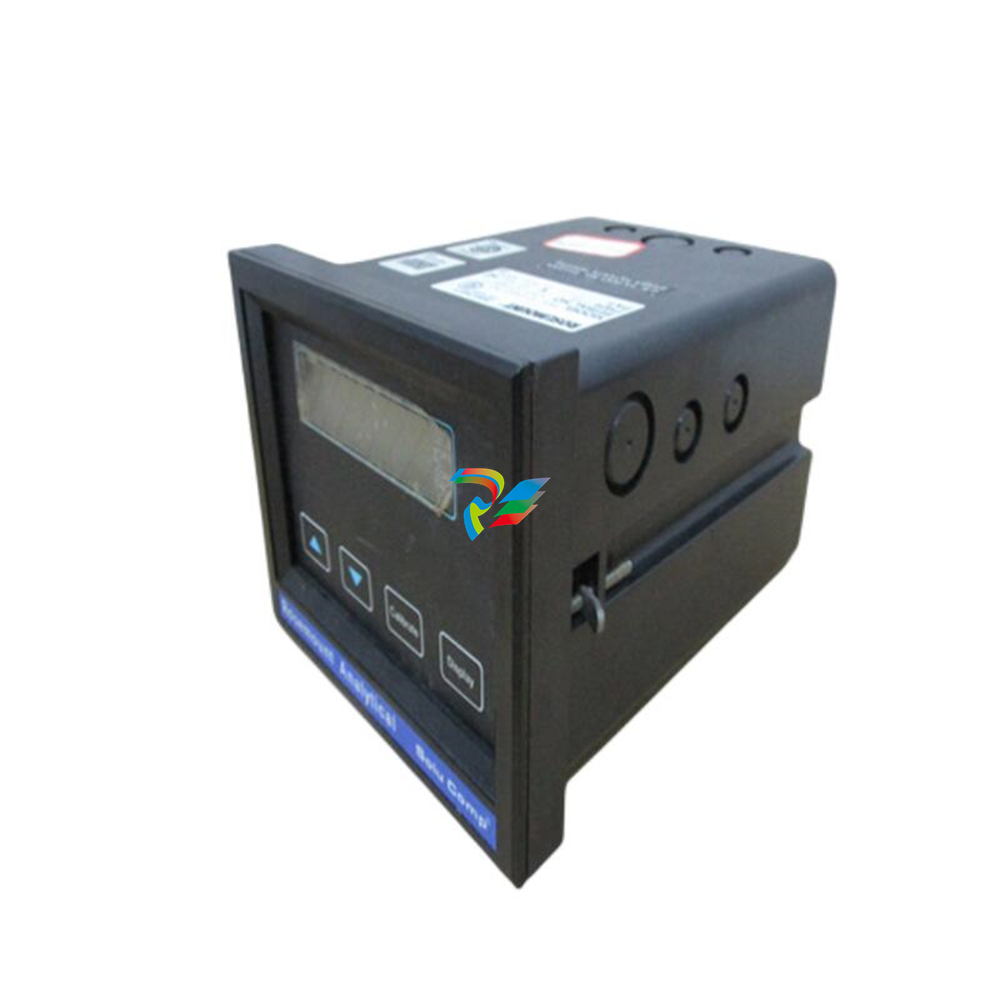 FOXBORO P0911QB-C P0911QC-C Thermal resistance input/output module
 -
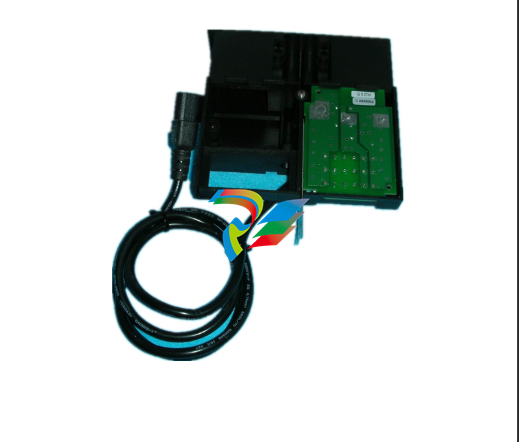 FOXBORO P0904BH P0904FH P0904HB Distributed Control system (DCS) module
 -
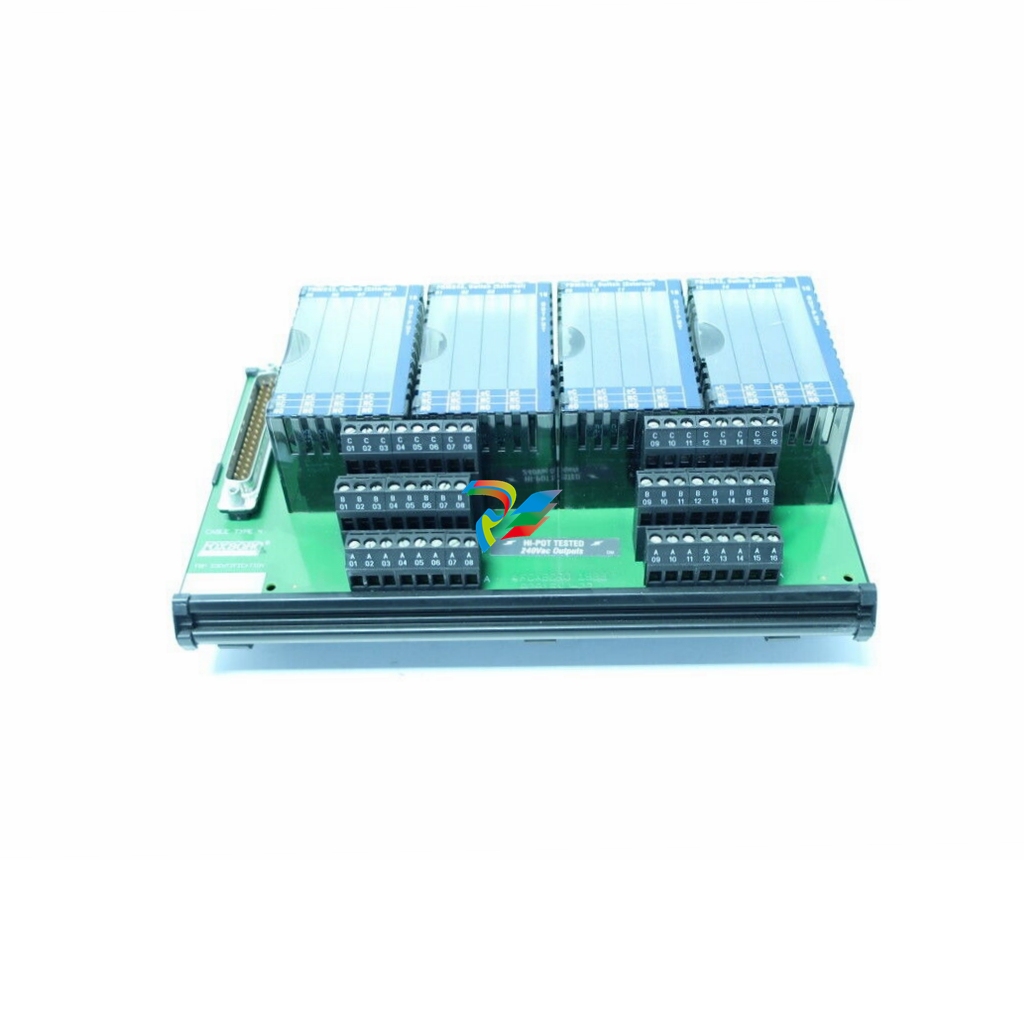 FOXBORO P0903ZP P0903ZQ Embedded System Debugging Module
 -
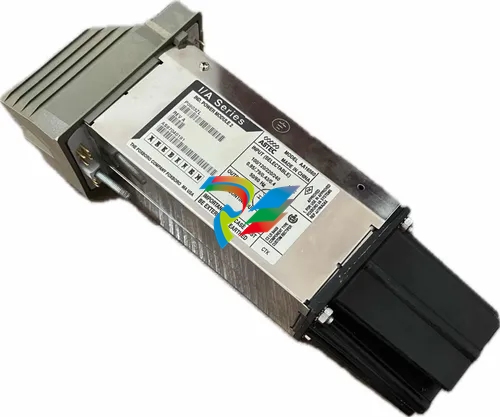 Foxboro P0903ZL P0903ZN Industrial power module
 -
 Foxboro P0903ZE I/A Series Fieldbus Isolator Module
 -
 FOXBORO P0903NW Industrial Control Module