
Beckhoff CP6932-1000-0000 Control Panel
Beckhoff CP6932-1000-0000 Control Panel
Beckhoff CP6932-1000-0000 is an industrial-grade, built-in "Economy" Control Panel designed to provide a robust Human-Machine Interface (HMI) for machine and plant engineering.
Built into a sleek, anodized aluminum front bezel with a sheet-steel rear cover, this panel features a high-fidelity 15-inch TFT display with a native resolution of 1024 x 768 pixels.
The defining characteristic of the CP6932-1000-0000 is its integrated layout: it combines a full alphanumeric PC keyboard (US layout) with 10 dedicated, backlit PLC special keys on a highly durable front membrane.
This specific model is built for display-only or peripheral manual data entry and interaction.
It relies on standard DVI/USB interfaces for direct, short-range local configurations (up to 5 meters) or can utilize DVI/USB Extended technology to stream video and peripheral data from a host Industrial PC located up to 50 meters away.
Technical Parameter Table
| Parameter | Specifications |
| Model Code | CP6932-1000-0000 |
| Device Type | Economy built-in Control Panel |
| Display Size & Type | 15-inch TFT Display |
| Resolution | 1024 x 768 pixels (4:3 aspect ratio) |
| Touch Screen Technology | None (Display and full integrated physical keyboard only) |
| Front Keyboard | Alphanumeric PC keyboard (US layout) + 10 PLC special keys with LEDs |
| Housing Material | Anodized aluminum front plate with sheet-steel rear cover |
| Connection Distance | Up to 5 m (Standard DVI/USB) / Up to 50 m (DVI-E / USB-E 2.0) |
| Interfaces | 1 x DVI-D input, 1 x USB 2.0 (Type B) input, 2 x USB 2.0 downstream ports (rear) |
| Power Supply | 24 V DC (-15% / +20%) |
| Protection Rating | Front side: IP65 (water jet protection) | Rear side: IP20 |
| Operating Temperature | 0°C to +55°C (32°F to 131°F) |
| Mounting Method | Control cabinet door installation via pull-out clamping levers |
Product Advantages and Features
Complete Spatial Freedom: Utilizing integrated DVI/USB Extended transmission hardware, the panel allows operators to control machines from up to 50 meters away from the actual control cabinet PC without loss of signal quality.
Tactile PLC Interaction: Features 10 custom-programmable function/PLC keys integrated directly into the front laminate, complete with LED feedback indicators for instantaneous monitoring of critical machine states.
Rugged, In-House Design: The aluminum faceplate protects internal electronic components from harsh manufacturing environments, ensuring high resistance to mechanical impacts, oil mist, and dust.
Streamlined Backspace Footprint: Designed specifically with a minimal mounting depth, allowing it to easily slip into shallow control cabinet doors or space-constrained terminal boxes.
No Loose Assembly Parts: Employs Beckhoff’s unique clamping mechanism which speeds up installation times and eliminates the risk of missing mounting clips during field servicing.
Application Cases
1. High-Precision Metal Machining & CNC Centers
Used as the main operator interface for CNC milling, turning, or universal machining setups.
The full physical alphanumeric keyboard allows technicians to quickly type or adjust G-code parameters directly on the factory floor while keeping the delicate PC hardware locked safely away in a master cabinet.
2. Assembly Lines & Material Handling
Integrated into automated assembly corridors.
The 10 dedicated PLC keys act as direct physical overrides for conveyor belts, stacker resets, or stop triggers, while the main screen manages complex logistical overview screens.
3. Plastics & Injection Molding Equipment
Thrives in environments prone to high temperatures and ambient vibration.
The front-side IP65 rating keeps airborne contaminants and spray away from critical circuitry, ensuring continuous process visualization.
Installation and Maintenance
Installation Instructions:
Cutout Geometry: Ensure the panel cutout in the cabinet door matches the precise dimensions specified in the technical drawings to maintain the front IP65 seal.
Clamping Levers: Insert the panel into the cutout and use the pull-out clamping levers around the perimeter. Tighten securely to pull the front gasket flush against the cabinet surface.
Grounding: Connect a dedicated low-resistance grounding wire to the marked M4 grounding screw terminal located on the rear panel sheet steel.
Maintenance Recommendations:
Membrane Cleaning: Clean the front foil overlay using a soft cloth and mild dishwashing liquid or isopropyl alcohol. Avoid acetone or high-concentration solvents that could cloud the display laminate.
USB Access: Keep the rear-mounted dual USB port covers closed when not in use to avoid contamination by ambient dust or oil mist.
Related Models & Series Variations
The CP6932 specifically denotes a 15-inch display combined with an alphanumeric keyboard layout.
Direct Multi-Touch or Control Variants in the 15" Size:
CP6932-0001-0000: Adds a single-finger touch screen layer directly over the 15-inch screen alongside the physical alphanumeric keyboard.
CP6932-0002-0000: Pairs the 15-inch alphanumeric keyboard
| User name | Member Level | Quantity | Specification | Purchase Date |
|---|



-
 CTI 2500 Series® Slice Ethernet Remote I/O System
 -
 CTI 2500 Series® Compact Programmable Automation Control System
 -
 CTI 2500 Series® Classic Programmable Automation Control System
 -
 CTI 2500 Series® Bases
 -
 SHINKAWA VM-25 Condition Monitoring System UPDATED
 -
 SHINKAWA VM-5 SERIES OPTIONS
 -
 ABB SACO 64D4 Annunciator unit
 -
 ABB SPAU 140 C Synchro-check relay
 -
 EATON Instructions for the FP-5000
 -
 HONEYWELL TDC 3000X Advanced Process Manager
 -
 HONEYWELL ENHANCED MICRO TDC 3000
 -
 VIBRO-METER VM600Mk2/ VM600 RPS6U rack power supplies
 -
 VIBRO-METER VM600Mk2/ VM600 ABE056 slimline rack
 -
 VIBRO-METER VM600Mk2 RLC16Mk2 relay modules
 -
 VIBRO-METER VM600Mk2 MPC4Mk2 + IOC4Mk2 machinery protection and condition monitoring modules
 -
 VIBRO-METER VM600Mk2 CPUMMk2 + IOCNMk2 rack controller and communications interface module
 -
 VIBRO-METER VM600Mk2 CPUMMk2 + IOCNMk2 rack controller and communications interface module
 -
 ADLINK PCI/PCIe-7300A, cPCI-7300 32-CH 80 MB/s High-Speed Digital I/O Cards
 -
 ADLINK cPCI-7248/7249R 48-CH DIO & Timer/Counter Cards
 -
 ADLINK PCI-7230/7233/7234. LPCI/LPCIe/cPCI-7230 32-CH Isolated DIO Cards
 -
 ADLINK cPCI-6965 Series Value 6U CompactPCI® Intel® Core™2 Duo
 -
 ADLINK cPCI-6910 Series 6U CompactPCI® Dual-Core Intel® Xeon® Processor LV / ULV Universal Blade
 -
 ADLINK CPCI-6670 6U CompactPCI Low Power Pentium® III SBC
 -
 ADLINK cPCI-6625/6 Series 6U CompactPCI® PlusIO blade with Intel® Core™ i7/i3 Processor
 -
 ADLINK 3U CompactPCI CPU Modules
 -
 ADLINK CM-435 Extreme Rugged™ PC/104 Single Board Computer
 -
 ADLINK PCI-8254/8258 DSP-based 4/8-axis Advanced Motion Controllers
 -
 ADLINK NuPRO-E43 PICMG® 1.3 Full-Size LGA1151 with 6th/7th Generation Intel® Core™ i7/i5/i3
 -
 ADLINK DLAP-211-JNX/DLAP-211-JT2/ DLAP-211-Nano
 -
 Hirschmann RS30-1602O6O6SDAE compact OpenRail managed Ethernet switches
 -
Hirschmann RS30-0802O6O6SDAE Ethernet switch
-
 Hirschmann RS20-1600T1T1SDAE Management-type Ethernet switch
 -
 Hirschmann OCTOPUS 24M Limited Availability/Passive
 -
 Hirschmann MSP30-24040SCZ9MRHHE3A
 -
 Hirschmann MAR1040-4C4C4C4C9999SMMHRHHXX.X. Gigabit Ethernet Switch configurator
 -
 Hirschmann Industrial Ethernet Rail Switch SPIDER II, SPIDER II Giga, SPIDER II PoE
 -
 Hirschmann Industrial Ethernet Firewall EAGLE One
 -
 Hirschmann Industrial Security Router EAGLE20/30
 -
 Hirschmann Description and operating instructions RS2-xTX/xFX EEC
 -
 Basler Electric DECS-200 Digital Excitation Control System
 -
 Basler Electric GENERATOR PROTECTION SYSTEM BE1-GPS100
 -
 Jaquet FT3000 Speed measurement system
 -
 Hirschmann Industrial Ethernet Ruggedized Switch MACH1000 Family
 -
 Basler Electric BESTCOMSPlus®
 -
 ETEL AccurET MODULAR 300 EA-P2M-300-xxxxxA controller
 -
 Basler Electric ES Series Protection Relays
 -
 ABB Multifunction Protection and Switchbay Control Unit REF542plus
 -
 EMERSON AMS 2140 Machinery Health Analyzer
 -
 Hirschmann Industrial Ethernet Rail Switch RS20 Basic Family
 -
 GE Grid Solutions P40U Px40 USB Adaptor
 -
 ABB ontinuous Gas Analyzers AO2000 Series AO2040CU Ex Central Unit in Category 2G
 -
 ABB Advance Optima AO2000 Series Continuous gas analyzers Models AO2020. AO2040
 -
 Advance Optima Module Uras 14
 -
 SAACKE control optimization
 -
 SAACKE se@vis efficiency monitor
 -
 SAACKE se@vis pro
 -
 SAACKE se@vis eco
 -
 SAACKE se@vis compact
 -
 HIRSCHMANN Industrial ETHERNET Switch MICE MS20/MS30
 -
 HIRSCHMANN MICE Media modules
 -
 Kongsberg GL-10 Level Switch
 -
 B&R ACOPOSinverter P74 frequency converter
 -
 Beckhoff CX2020 | Basic CPU module (service phase)
 -
 Beckhoff CX1010 | Basic CPU module (service phase)
 -
 Beckhoff CX5120 | Embedded PC with Intel Atom® E3815
 -
 Beckhoff CP69xx-xxxx-0010 | Economy built-in Control Panel with DVI/USB Extended interface
 -
 Beckhoff CP29xx-0000 | Multi-touch built-in Control Panel with DVI/USB Extended interface
 -
 SAACKE Monoblock Rotary Cup Burner SKVJ-M
 -
 ABB Plantguard Fault Tolerant Technology Architecture and Software
 -
 OMRON H8PR-8/H8PR-8P H8PR-16/H8PR-16P H8PR-24/H8PR-24P Rotary Positioner
 -
 ABB PFSA107-Z42 DTU Stressometer Digital Transmission Unit
 -
 Nidec Mentor MP
 -
 IBA ibaNet-E
 -
 IBA FO Connection to Reflective Memory
 -
 IBA FO Connection to Siemens Systems
 -
 IBA Interface Cards For Fiber Optic Connections
 -
 IBA Field and Drive Buses
 -
 IBA ibaPADU-S Modular System
 -
 IBA ibaMAQS
 -
 STUCKE SYMAP®ARC
 -
 STUCKE SYMAP®R
 -
 STUCKE SYMAP®Compact
 -
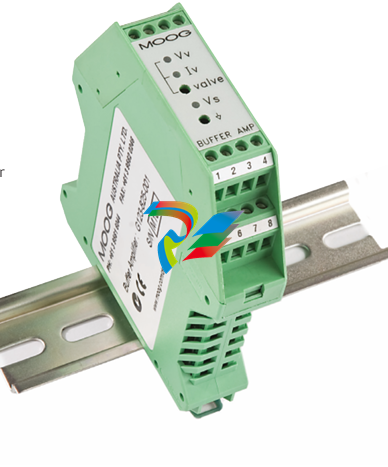 MOOG G123-825-001 BUFFER AMPLIFIER
 -
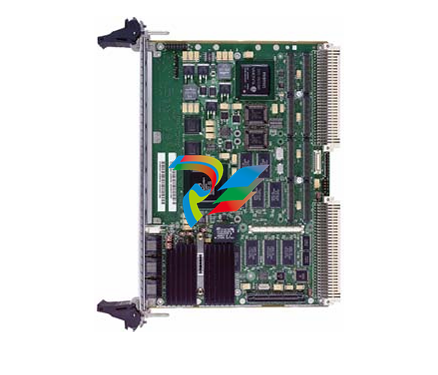 Motorola MVME5100 Series VME Processor Modules
 -
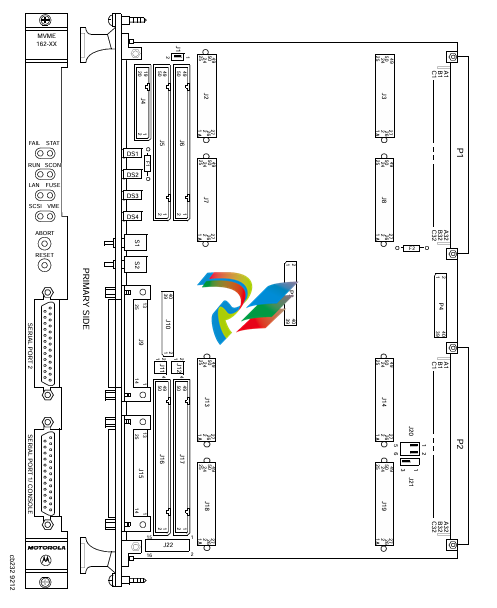 Motorola MVME162 Embedded Controller
 -
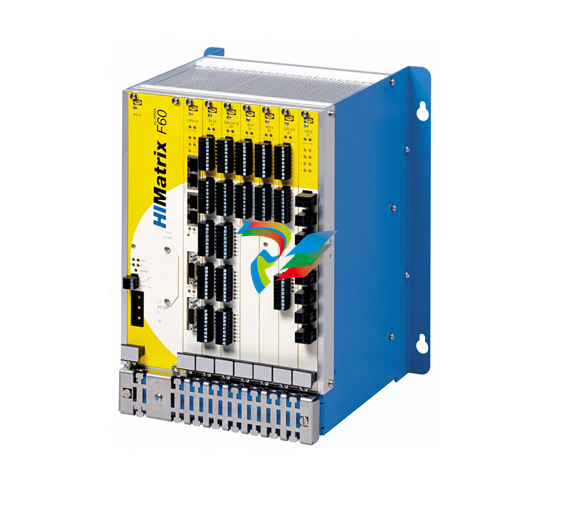 HIMatrix Safety-Related Controller System Manual for the Modular Systems
 -
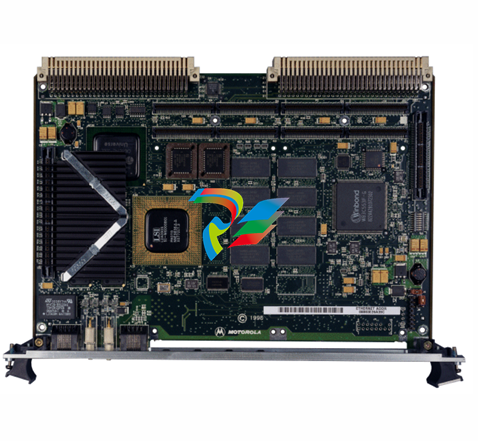 Motorola MVME2400 Series VME Processor Module
 -
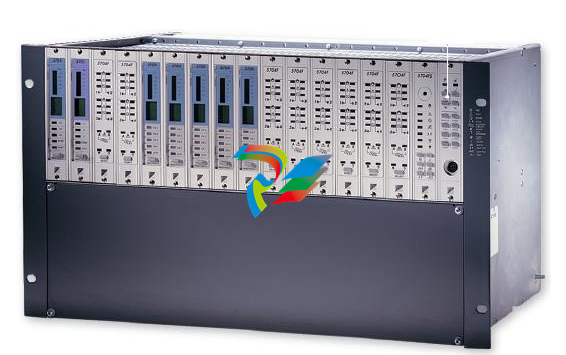 Sieger System 57
 -
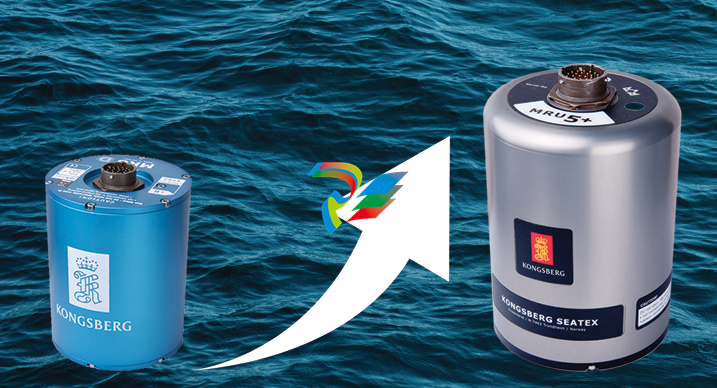 KONGSBERG MRU product line continuation
 -
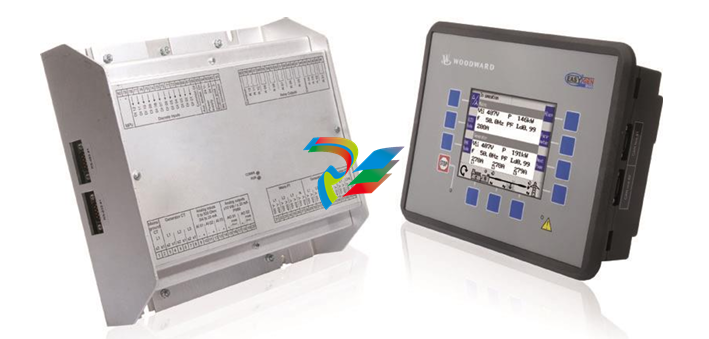 Woodward easYgen-3100/3200 Genset Control for Multiple Unit Operation
 -
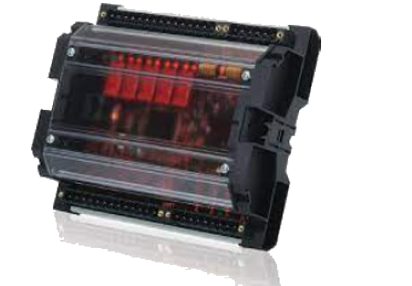 Woodward MFR 300 Multifunction Relay / Measuring
 -
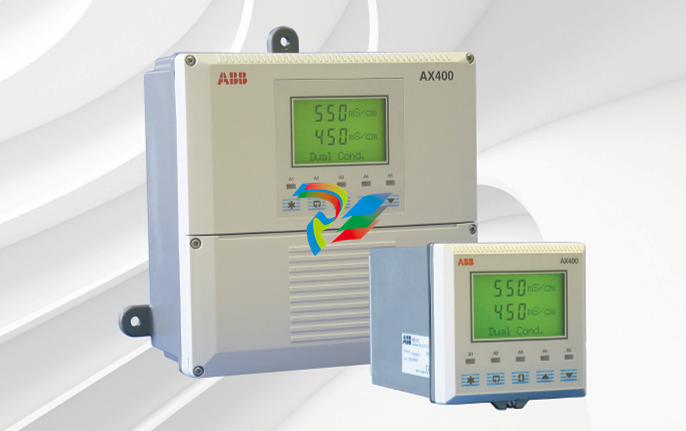 ABB AX410, AX411, AX413, AX416, AX418, AX450, AX455 and AX456 Single and dual input analyzers for low level conductivity
 -
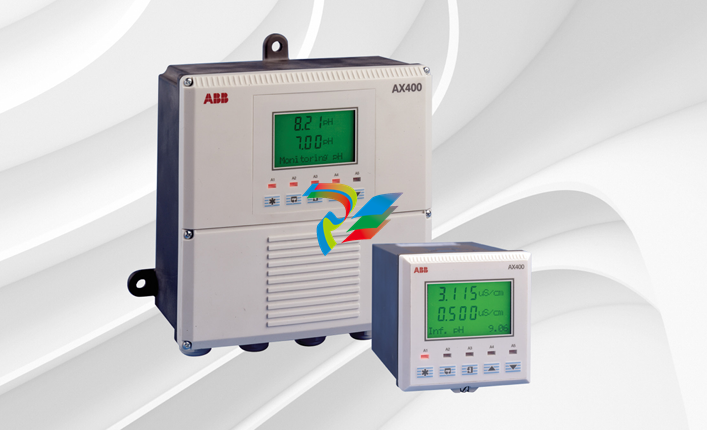 ABB AX410, AX411, AX416, AX450 and AX455 Single and dual input analyzers
 -
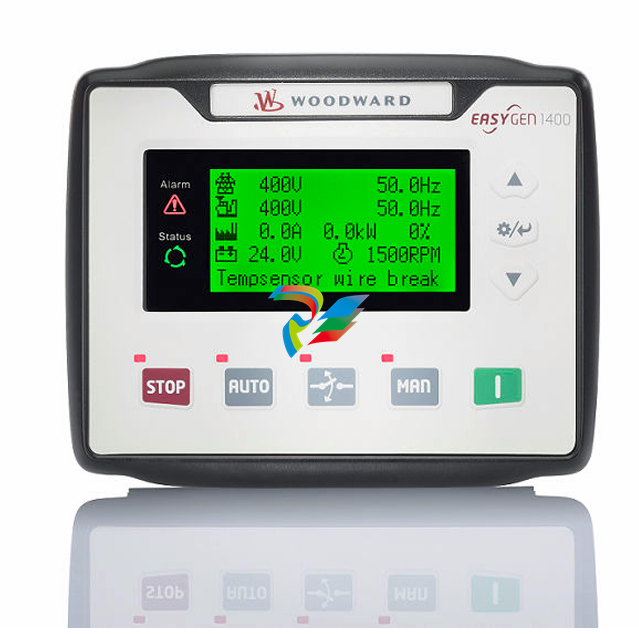 Woodward easYgen-1400 Technical Manual Genset Control
 -
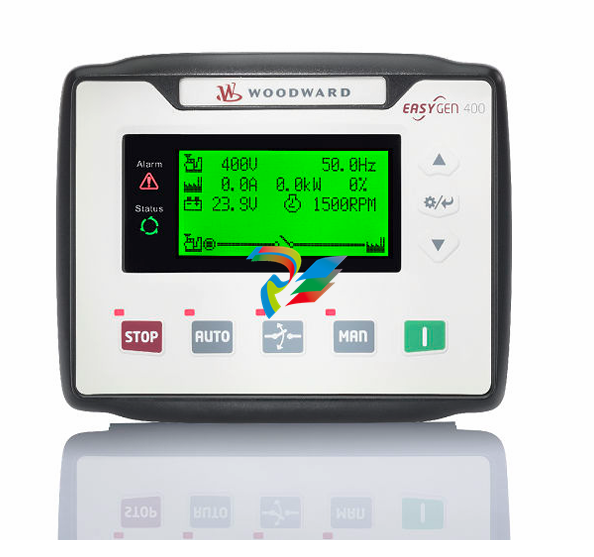 Woodward easYgen-400 Operation Manual Genset Control
 -
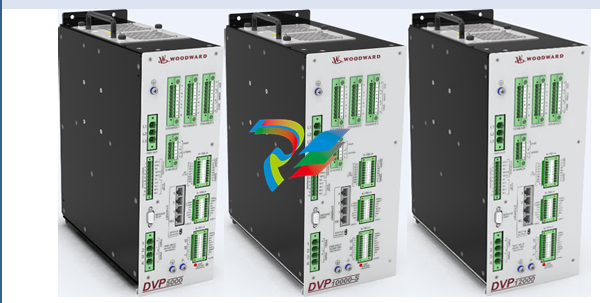 Woodward High Output Digital Valve Positioner (DVP)DVP5000/DVP10000/DVP12000
 -
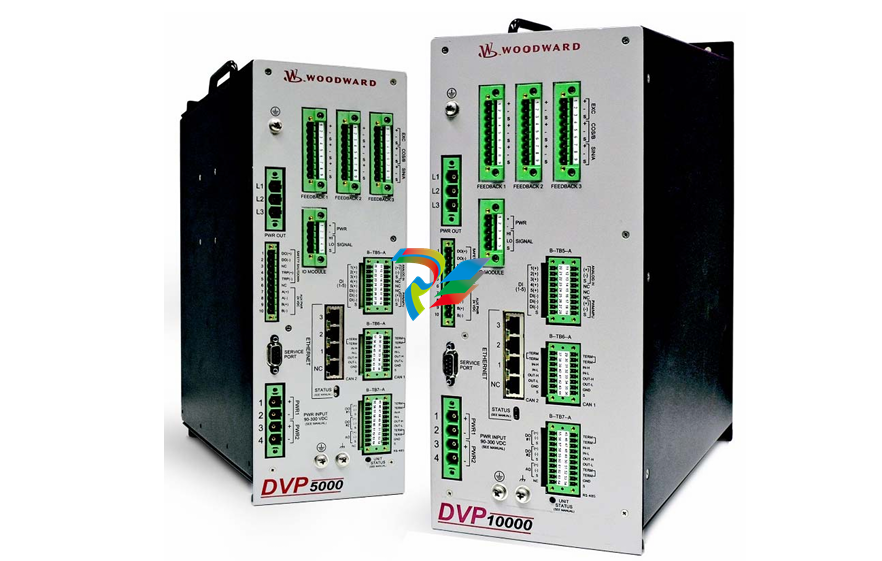 Woodward High Output Digital Valve Positioner DVP5000 and DVP10000
 -
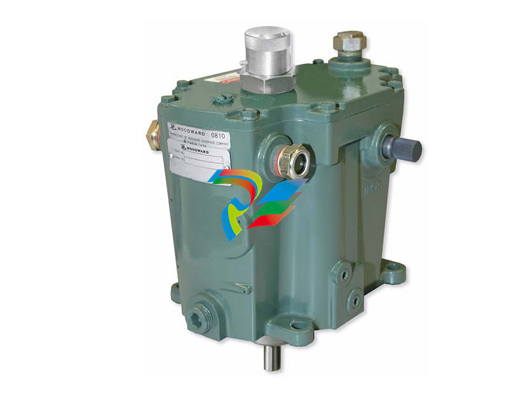 Woodward TG611-13/-17 Overspeed Test Device Conversion Kit
 -
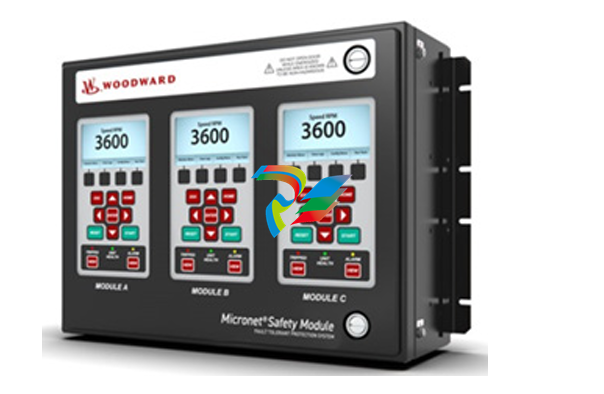 Woodward MicroNet Safety Module (MSM)
 -
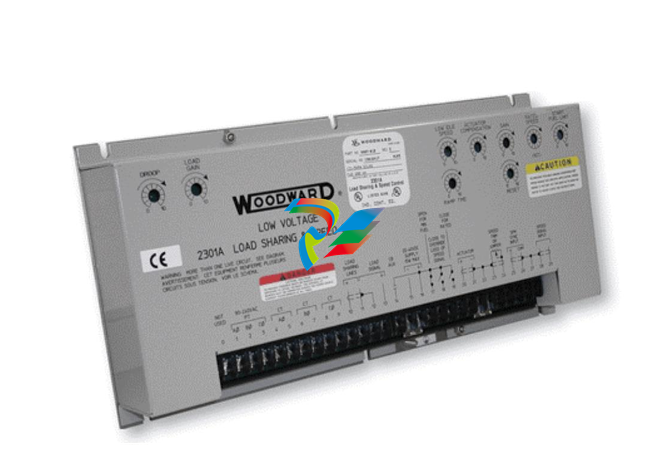 Woodward 2301A Electronic Load Sharing and Speed Control 9905/9907 Series
 -
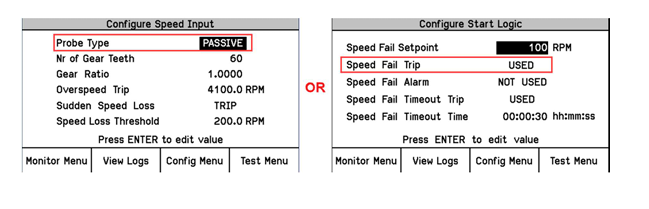 Woodward-Service Bulletin 01671
 -
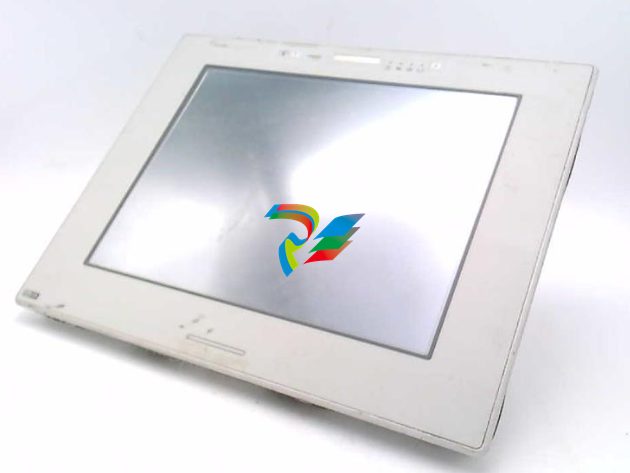 UniOP eTOP40B 12.1” TFT color display
 -
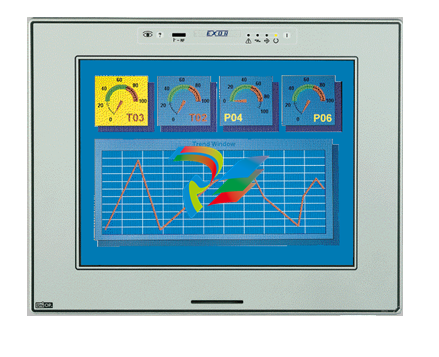 UniOP eTOP40 TFT Color display
 -
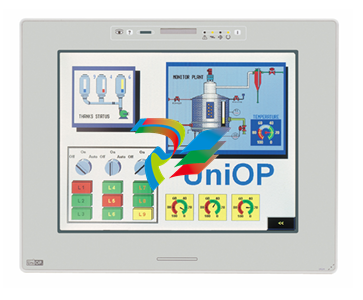 UniOP eTOP33B 10.4” TFT color display
 -
 UniOP eTOP33C eTOP33-0050 Resistive touchscreen
 -
UniOP eTOP30. eTOP32 eTOP32-0050 Human-machine interface equipment
-
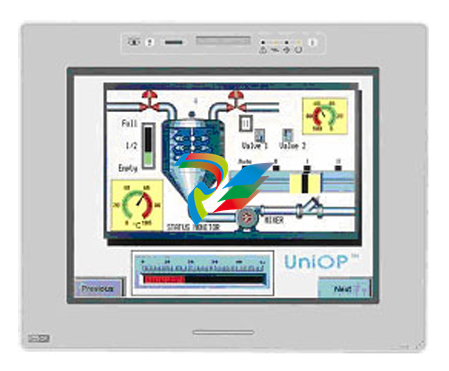 UniOP eTOP20B and eTOP21B eTOP20B-0050
 -
 UniOP eTOP12 eTOP12-0050 Advanced human-machine interface equipment
 -
 UniOP eTOP11 eTOP11-0050 HMI
 -
 UniOP eTOP06C HMI
 -
 UniOP eTOP06 HMI
 -
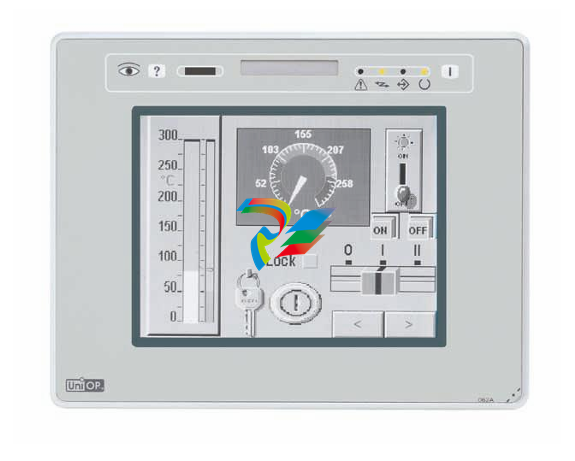 UniOP eTOP05EB eTOP05EB-DF45 HMI
 -
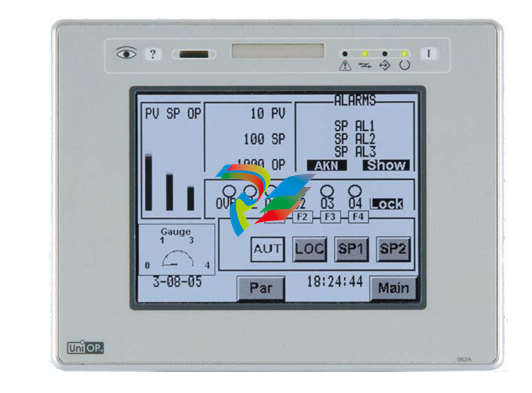 UniOP eTOP05. eTOP05P Human-machine interface equipment
 -
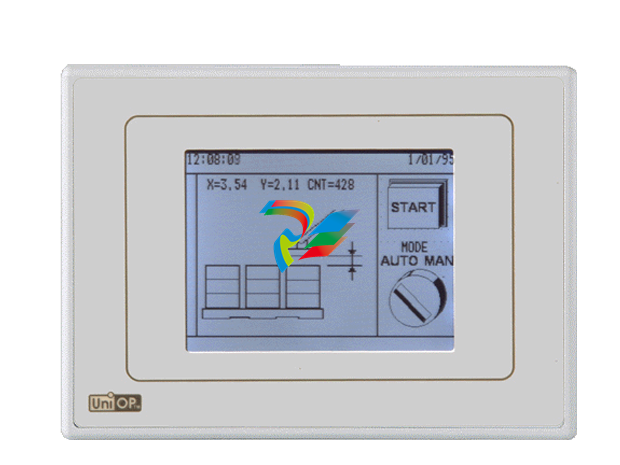 UniOP eTOP03 eTOP03-0046
 -
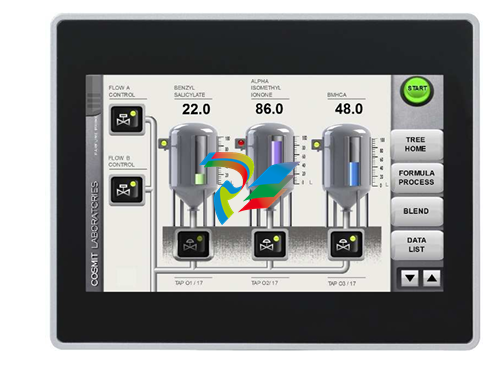 UniOP eTOP507 507U2P1 eTOP Series 500 Human-Machine Interface
 -
 UniOP eTOP307
 -
 UniOP ETT-VGA Human-machine interface touch unit
 -
 UniOP ePAD32B, ePAD33B and ePAD33BT ePAD33B-0350
 -
 UniOP ePAD05 and ePAD06
 -
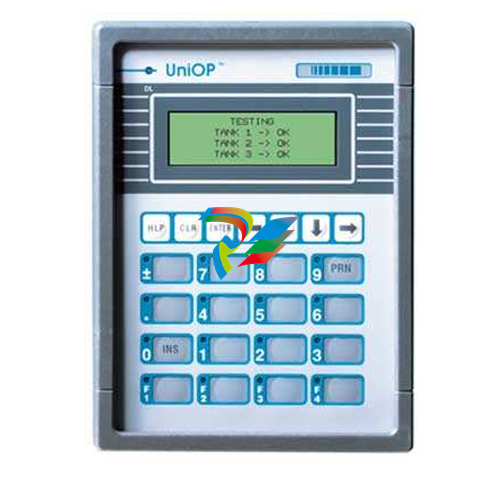 UniOP CP02R-04 Human-machine interface
 -
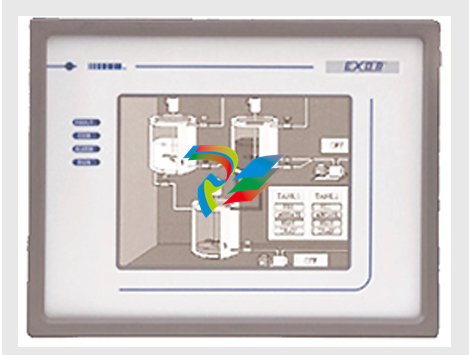 UniOP ERT-16 - Industrial PLC Workstation
 -
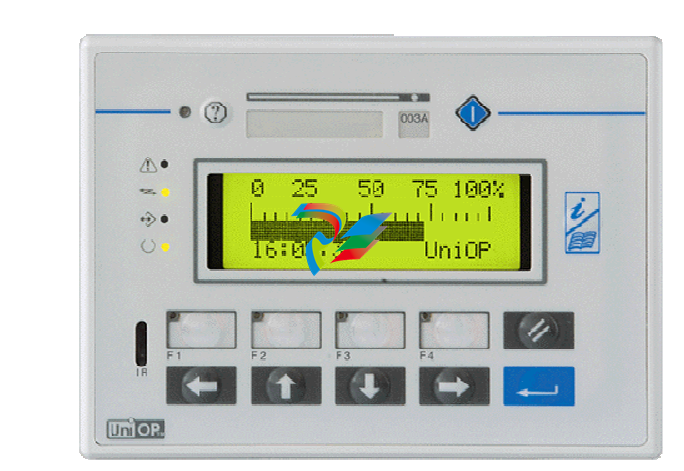 UniOP ePAD03 and ePAD04
 -
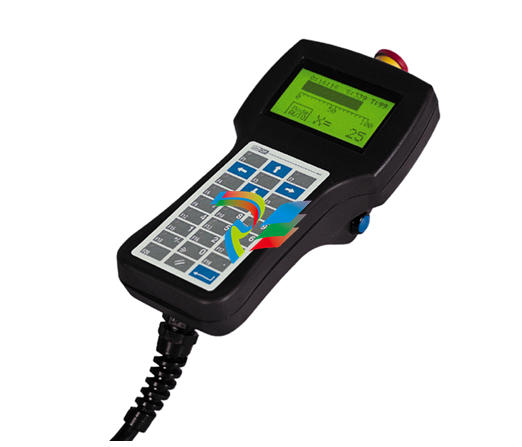 UNIOP EPALM10-DA71 state-of-the-art handheld HMI
 -
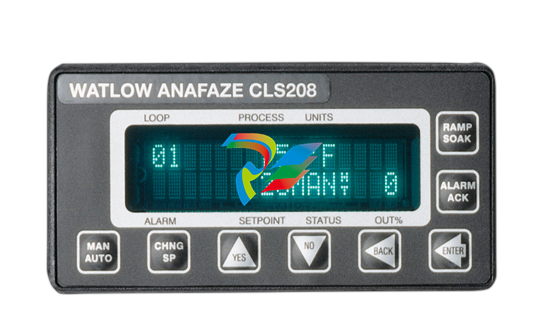 Watlow SERIES CLS200 SPECIFICATION SHEET
 -
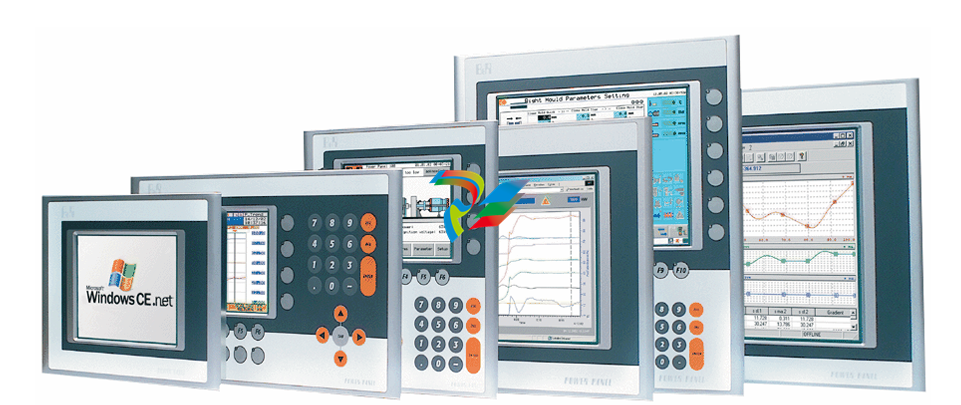 Detailed Explanation of B&R Power Panel 300/400: The Core of Industrial Automation Control
 -
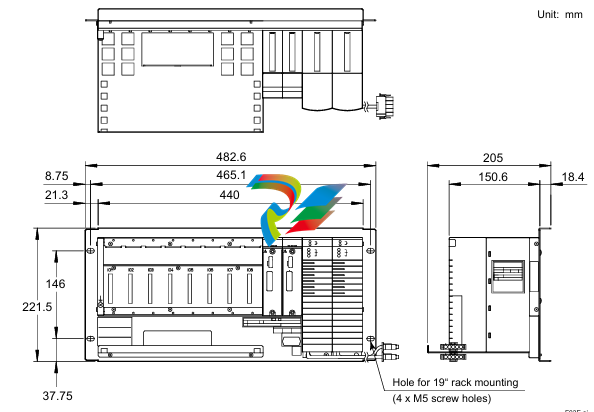 YOKOGAWA Models ANB10S, ANB10D, ANR10S, ANR10D Node Units (for FIO)
 -
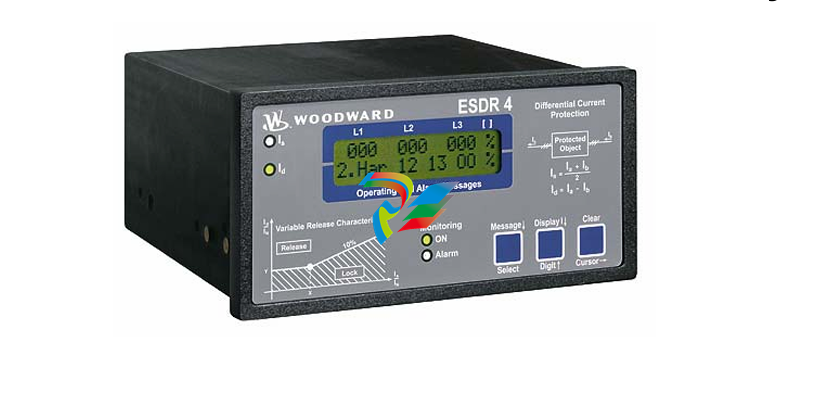 Woodward ESDR 4 Current Differential Protection Relay
 -
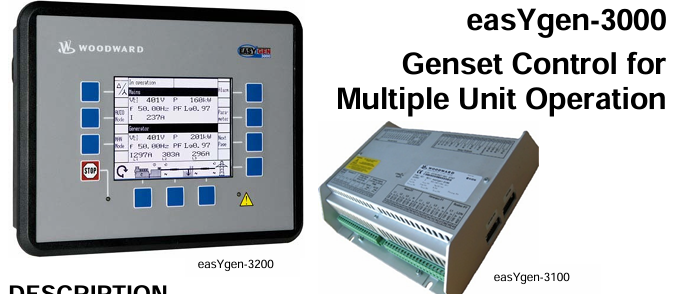 Woodward easYgen-3000 Genset Control for


