Hirschmann MM2-2FXM3/2TX1 MICE Media Module
Hirschmann MM2-2FXM3/2TX1 MICE Media Module
The Hirschmann MM2-2FXM3/2TX1 (Belden Part Number: 943 720-101) is a hot-swappable, 4-port Fast Ethernet media module engineered exclusively for the MICE (Modular Industrial Communication Equipment) switch family, specifically the MS20 and MS30 chassis.
Providing a hybrid interface of multi-mode fiber and copper links, this module offers a flexible, resilient path for scaling local industrial Ethernet backbones without service downtime.
Product Introduction / Overview
The MICE modular switch concept allows industrial networks to grow on demand. Instead of replacing entire switch assemblies when transmission requirements change, users can simply swap or insert media modules.
The MM2-2FXM3/2TX1 is a specialized hybrid module featuring 2 Multi-Mode fiber ports using compact MTRJ connectors alongside 2 Fast Ethernet copper ports (RJ45). By utilizing MTRJ fiber interfaces, it provides dual-channel fiber connectivity in half the physical width of standard SC or ST interfaces. This design allows operators to establish reliable fiber links up to 5 km while preserving local RJ45 connections for field PLCs, HMIs, or variable frequency drives.
Technical Table
| Parameter / Specification | Details |
| Model Designation | MM2-2FXM3/2TX1 |
| Belden Order Code | 943 720-101 |
| Module Series | MICE Media Module (MM2 Series) |
| Total Ports | 4 Ports |
| Fiber Ports (Ports 1 & 2) | 2 x 100BASE-FX, Multi-Mode MTRJ connectors |
| Copper Ports (Ports 3 & 4) | 2 x 10/100BASE-TX, RJ45 sockets (Auto-crossing, auto-negotiation) |
| Fiber Wave Length | $1300text{ nm}$ |
| Fiber Range | Up to 5 km using $50/125 mutext{m}$ or $62.5/125 mutext{m}$ multi-mode fiber |
| Operating Voltage | Supplied directly through the backplane of the MICE switch chassis |
| Power Consumption | Maximum 3.5 W |
| Diagnostic LEDs | Module Power (P), Port Status / Link Data (1, 2, 3, 4) |
| Dimensions (W x H x D) | $38text{ mm} times 110text{ mm} times 79text{ mm}$ |
| Weight | Approximately 170 g |
| MTBF | Over 600,000 hours |
Environmental Tolerance Conditions
Operating Temperature: $0^circtext{C}$ to $+60^circtext{C}$ ($32^circtext{F}$ to $140^circtext{F}$)
Storage Temperature: $-40^circtext{C}$ to $+70^circtext{C}$ ($-40^circtext{F}$ to $158^circtext{F}$)
Relative Humidity: 10% to 95% (Non-condensing)
Conformity & Approvals: cUL 508 (Safety of Industrial Control Equipment), FM Class I Div 2 (Hazardous Locations), CE, FCC.
Operating Instructions
1. Hardware Module Slotting
Identify an open slot on your MICE MS20 or MS30 central switch backplane.
Align the plastic slide tracks on the top and bottom of the MM2-2FXM3/2TX1 module with the guide rails in the switch chassis slot.
Slide the module straight back into the chassis firmly until the module interface clicks into the backplane connector and the housing lock engages.
Tighten the two thumb screws located at the bottom of the module plate to secure the assembly against vibration.
2. Media Cabling
Copper Ports (RJ45): Plug standard industrial Cat5e or Cat6 cables into the RJ45 sockets. The ports automatically negotiate speed ($10text{ Mbps}$ or $100text{ Mbps}$) and duplex mode.
Fiber Ports (MTRJ): Ensure the MTRJ patch cord ends are clean and free of dust. Align the locking key of the MTRJ plug with the socket on the MM2 module and push inward until it clicks.
Fault Diagnosis
The front face of the module features real-time LED indicators corresponding to the port map printed on the front panel:
Power LED (P is Off): The module is not receiving power from the backplane. Ensure the module is pushed fully into the slot and the retaining screws are tight. If the host switch has power, try slotting the module into a different bay to isolate a backplane fault.
Port LEDs (1 through 4 are Off): No physical link is detected.
For RJ45 ports: Check cable crimps, test for cable damage, and verify the endpoint device is powered.
For MTRJ fiber ports: Verify that the Tx and Rx lines are crossed properly between partner devices (Tx connected to Rx). Use an optical power meter to check for excessive fiber attenuation.
Port LED Flashing Green: Normal behavior. Indicates active data transmission/reception on that specific physical port.

Related Models of the Same Series
Hirschmann MICE media modules are highly customizable based on port speed, media type, and connection physical style:
MM2-4TX1 (943 010-001): 4 x 10/100BASE-TX RJ45 copper ports.
MM2-2FXM2/2TX1 (943 721-101): Hybrid module: 2 x Multi-Mode SC ports + 2 x RJ45 copper ports.
MM2-2FXS2/2TX1 (943 730-101): Hybrid module: 2 x Single-Mode SC ports (up to 30 km) + 2 x RJ45 copper ports.
MM3-4FXM2 (943 722-101): MM3 series variant with 4 x Multi-Mode SC fiber ports.
Storage Conditions
To maintain operational integrity and extend the shelf life of backup spare modules:
Store modules in their original static-shielding ESD packaging.
Maintain ambient storage temperatures between $-40^circtext{C}$ and $+70^circtext{C}$.
Keep storage environments dry (humidity below 95%, non-condensing).
Critical: Always keep the protective plastic dust caps inserted into the MTRJ fiber optic ports. Exposed optical receivers and transmitters can easily attract micro-dust particles, leading to permanent optical signal attenuation upon deployment.
| User name | Member Level | Quantity | Specification | Purchase Date |
|---|



-
 SELSEL-T401L Ultra-High-Speed Line Relay
 -
 SEL SEL-T400L Time-Domain Line Protection
 -
 SEL SEL-2664S Stator Ground Protection Relay
 -
 SEL SEL-787-2/-3/-4 Transformer Protection Relay
 -
 SEL SEL-787 Transformer Protection Relay
 -
 SEL SEL-751 Feeder Protection Relay
 -
 SEL SEL-700G Generator Protection Relay
 -
 SEL-487E Transformer Protection Relay
 -
 SEL-400G Advanced Generator Protection System
 -
 SEL SEL-387E Current Differential and Voltage Relay
 -
 SEL SEL-387A Current Differential and Overcurrent Relay
 -
 SEL SEL-387 Current Differential and Overcurrent Relay
 -
 SEL SEL-300G Generator Relay
 -
 SEL SEL-700BT Motor Bus Transfer Relay
 -
 CTI 2500 Series® Slice Ethernet Remote I/O System
 -
 CTI 2500 Series® Compact Programmable Automation Control System
 -
 CTI 2500 Series® Classic Programmable Automation Control System
 -
 CTI 2500 Series® Bases
 -
 SHINKAWA VM-25 Condition Monitoring System UPDATED
 -
 SHINKAWA VM-5 SERIES OPTIONS
 -
 ABB SACO 64D4 Annunciator unit
 -
 ABB SPAU 140 C Synchro-check relay
 -
 EATON Instructions for the FP-5000
 -
 HONEYWELL TDC 3000X Advanced Process Manager
 -
 HONEYWELL ENHANCED MICRO TDC 3000
 -
 VIBRO-METER VM600Mk2/ VM600 RPS6U rack power supplies
 -
 VIBRO-METER VM600Mk2/ VM600 ABE056 slimline rack
 -
 VIBRO-METER VM600Mk2 RLC16Mk2 relay modules
 -
 VIBRO-METER VM600Mk2 MPC4Mk2 + IOC4Mk2 machinery protection and condition monitoring modules
 -
 VIBRO-METER VM600Mk2 CPUMMk2 + IOCNMk2 rack controller and communications interface module
 -
 VIBRO-METER VM600Mk2 CPUMMk2 + IOCNMk2 rack controller and communications interface module
 -
 ADLINK PCI/PCIe-7300A, cPCI-7300 32-CH 80 MB/s High-Speed Digital I/O Cards
 -
 ADLINK cPCI-7248/7249R 48-CH DIO & Timer/Counter Cards
 -
 ADLINK PCI-7230/7233/7234. LPCI/LPCIe/cPCI-7230 32-CH Isolated DIO Cards
 -
 ADLINK cPCI-6965 Series Value 6U CompactPCI® Intel® Core™2 Duo
 -
 ADLINK cPCI-6910 Series 6U CompactPCI® Dual-Core Intel® Xeon® Processor LV / ULV Universal Blade
 -
 ADLINK CPCI-6670 6U CompactPCI Low Power Pentium® III SBC
 -
 ADLINK cPCI-6625/6 Series 6U CompactPCI® PlusIO blade with Intel® Core™ i7/i3 Processor
 -
 ADLINK 3U CompactPCI CPU Modules
 -
 ADLINK CM-435 Extreme Rugged™ PC/104 Single Board Computer
 -
 ADLINK PCI-8254/8258 DSP-based 4/8-axis Advanced Motion Controllers
 -
 ADLINK NuPRO-E43 PICMG® 1.3 Full-Size LGA1151 with 6th/7th Generation Intel® Core™ i7/i5/i3
 -
 ADLINK DLAP-211-JNX/DLAP-211-JT2/ DLAP-211-Nano
 -
 Hirschmann RS30-1602O6O6SDAE compact OpenRail managed Ethernet switches
 -
Hirschmann RS30-0802O6O6SDAE Ethernet switch
-
 Hirschmann RS20-1600T1T1SDAE Management-type Ethernet switch
 -
 Hirschmann OCTOPUS 24M Limited Availability/Passive
 -
 Hirschmann MSP30-24040SCZ9MRHHE3A
 -
 Hirschmann MAR1040-4C4C4C4C9999SMMHRHHXX.X. Gigabit Ethernet Switch configurator
 -
 Hirschmann Industrial Ethernet Rail Switch SPIDER II, SPIDER II Giga, SPIDER II PoE
 -
 Hirschmann Industrial Ethernet Firewall EAGLE One
 -
 Hirschmann Industrial Security Router EAGLE20/30
 -
 Hirschmann Description and operating instructions RS2-xTX/xFX EEC
 -
 Basler Electric DECS-200 Digital Excitation Control System
 -
 Basler Electric GENERATOR PROTECTION SYSTEM BE1-GPS100
 -
 Jaquet FT3000 Speed measurement system
 -
 Hirschmann Industrial Ethernet Ruggedized Switch MACH1000 Family
 -
 Basler Electric BESTCOMSPlus®
 -
 ETEL AccurET MODULAR 300 EA-P2M-300-xxxxxA controller
 -
 Basler Electric ES Series Protection Relays
 -
 ABB Multifunction Protection and Switchbay Control Unit REF542plus
 -
 EMERSON AMS 2140 Machinery Health Analyzer
 -
 Hirschmann Industrial Ethernet Rail Switch RS20 Basic Family
 -
 GE Grid Solutions P40U Px40 USB Adaptor
 -
 ABB ontinuous Gas Analyzers AO2000 Series AO2040CU Ex Central Unit in Category 2G
 -
 ABB Advance Optima AO2000 Series Continuous gas analyzers Models AO2020. AO2040
 -
 Advance Optima Module Uras 14
 -
 SAACKE control optimization
 -
 SAACKE se@vis efficiency monitor
 -
 SAACKE se@vis pro
 -
 SAACKE se@vis eco
 -
 SAACKE se@vis compact
 -
 HIRSCHMANN Industrial ETHERNET Switch MICE MS20/MS30
 -
 HIRSCHMANN MICE Media modules
 -
 Kongsberg GL-10 Level Switch
 -
 B&R ACOPOSinverter P74 frequency converter
 -
 Beckhoff CX2020 | Basic CPU module (service phase)
 -
 Beckhoff CX1010 | Basic CPU module (service phase)
 -
 Beckhoff CX5120 | Embedded PC with Intel Atom® E3815
 -
 Beckhoff CP69xx-xxxx-0010 | Economy built-in Control Panel with DVI/USB Extended interface
 -
 Beckhoff CP29xx-0000 | Multi-touch built-in Control Panel with DVI/USB Extended interface
 -
 SAACKE Monoblock Rotary Cup Burner SKVJ-M
 -
 ABB Plantguard Fault Tolerant Technology Architecture and Software
 -
 OMRON H8PR-8/H8PR-8P H8PR-16/H8PR-16P H8PR-24/H8PR-24P Rotary Positioner
 -
 ABB PFSA107-Z42 DTU Stressometer Digital Transmission Unit
 -
 Nidec Mentor MP
 -
 IBA ibaNet-E
 -
 IBA FO Connection to Reflective Memory
 -
 IBA FO Connection to Siemens Systems
 -
 IBA Interface Cards For Fiber Optic Connections
 -
 IBA Field and Drive Buses
 -
 IBA ibaPADU-S Modular System
 -
 IBA ibaMAQS
 -
 STUCKE SYMAP®ARC
 -
 STUCKE SYMAP®R
 -
 STUCKE SYMAP®Compact
 -
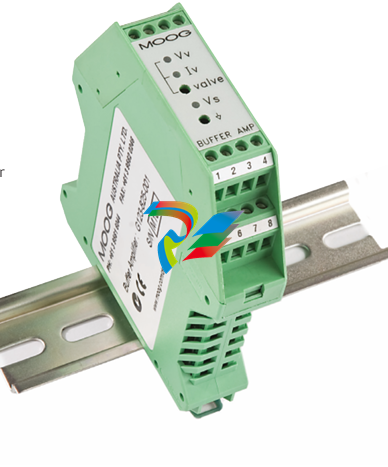 MOOG G123-825-001 BUFFER AMPLIFIER
 -
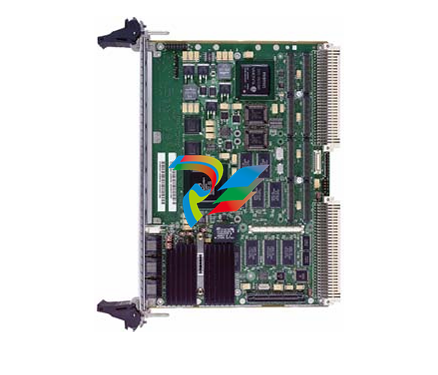 Motorola MVME5100 Series VME Processor Modules
 -
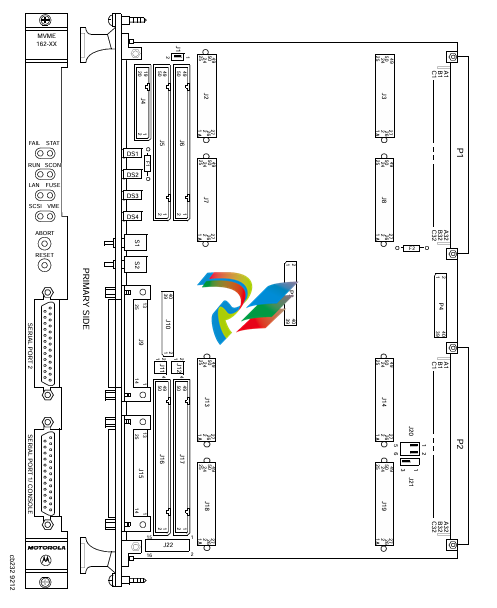 Motorola MVME162 Embedded Controller
 -
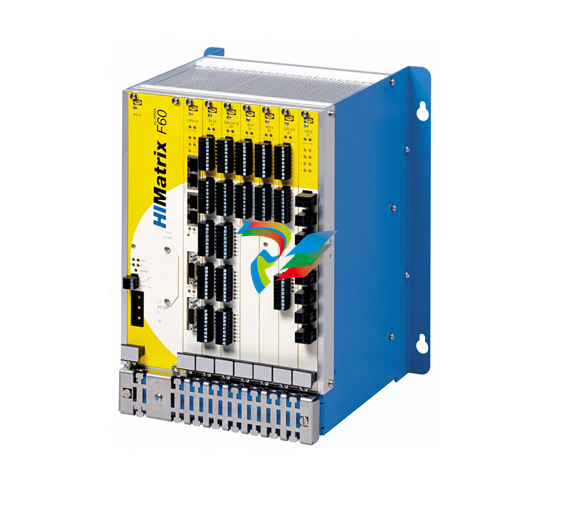 HIMatrix Safety-Related Controller System Manual for the Modular Systems
 -
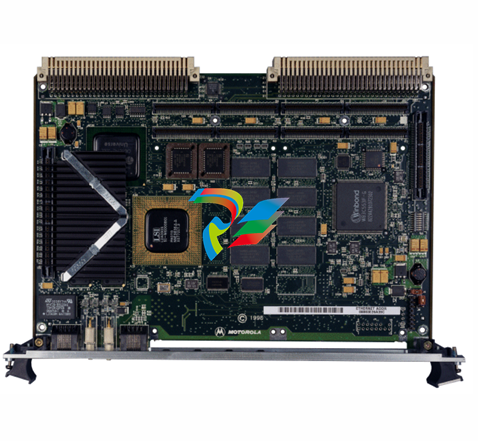 Motorola MVME2400 Series VME Processor Module
 -
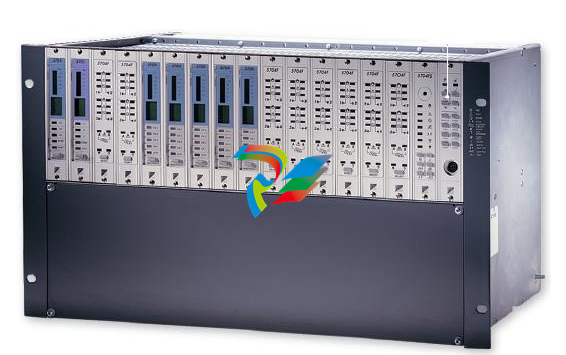 Sieger System 57
 -
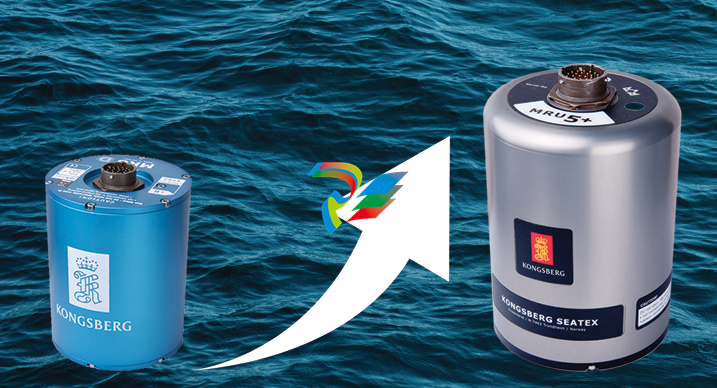 KONGSBERG MRU product line continuation
 -
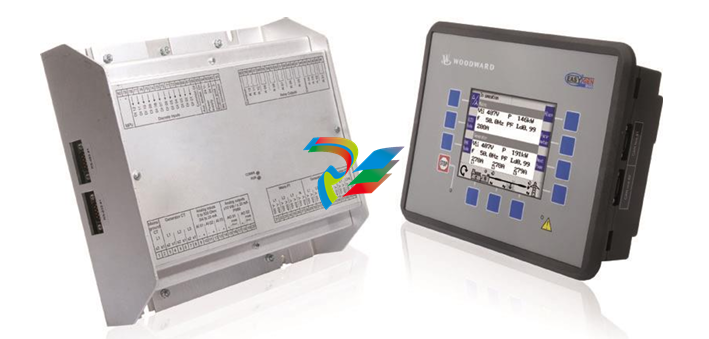 Woodward easYgen-3100/3200 Genset Control for Multiple Unit Operation
 -
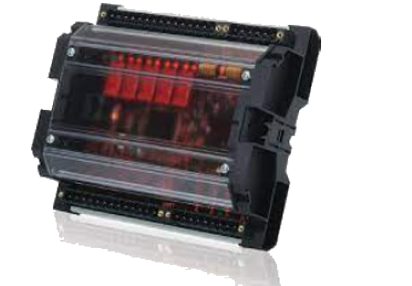 Woodward MFR 300 Multifunction Relay / Measuring
 -
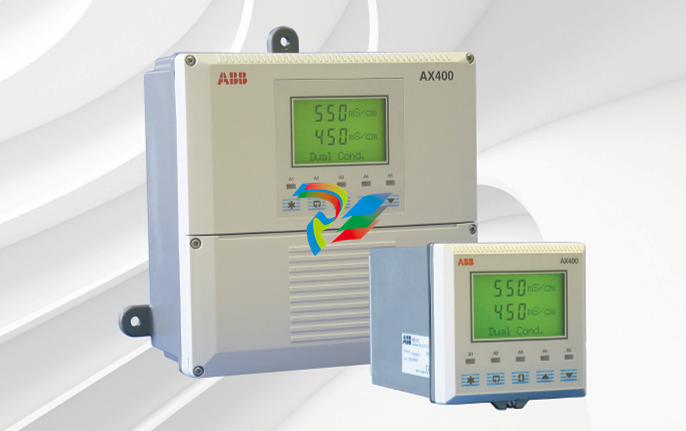 ABB AX410, AX411, AX413, AX416, AX418, AX450, AX455 and AX456 Single and dual input analyzers for low level conductivity
 -
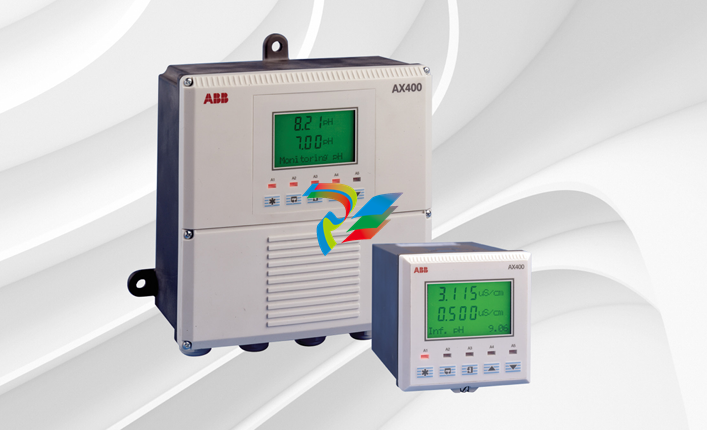 ABB AX410, AX411, AX416, AX450 and AX455 Single and dual input analyzers
 -
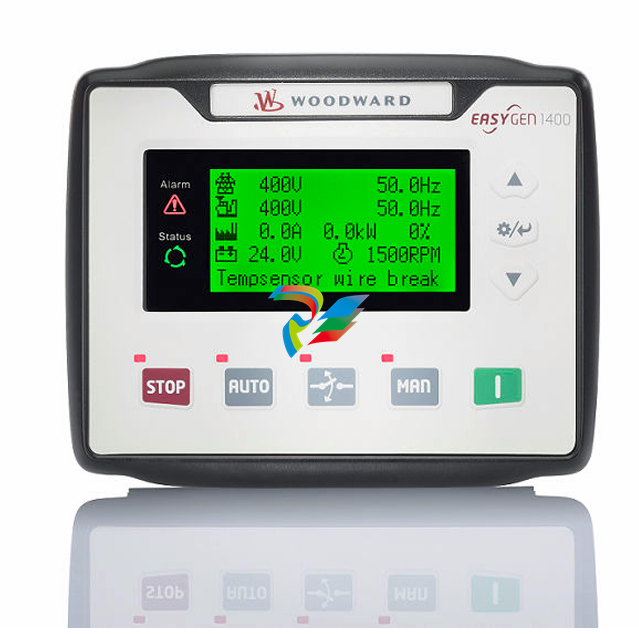 Woodward easYgen-1400 Technical Manual Genset Control
 -
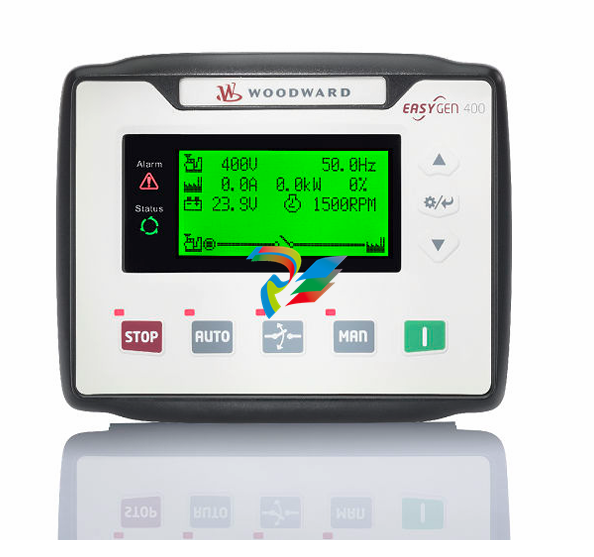 Woodward easYgen-400 Operation Manual Genset Control
 -
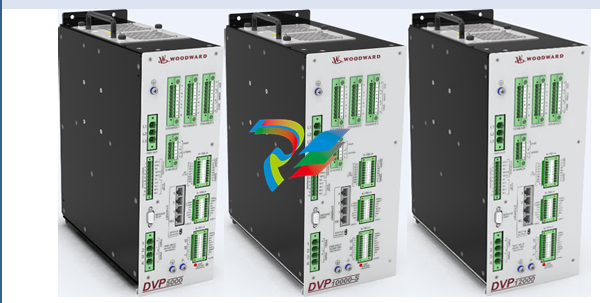 Woodward High Output Digital Valve Positioner (DVP)DVP5000/DVP10000/DVP12000
 -
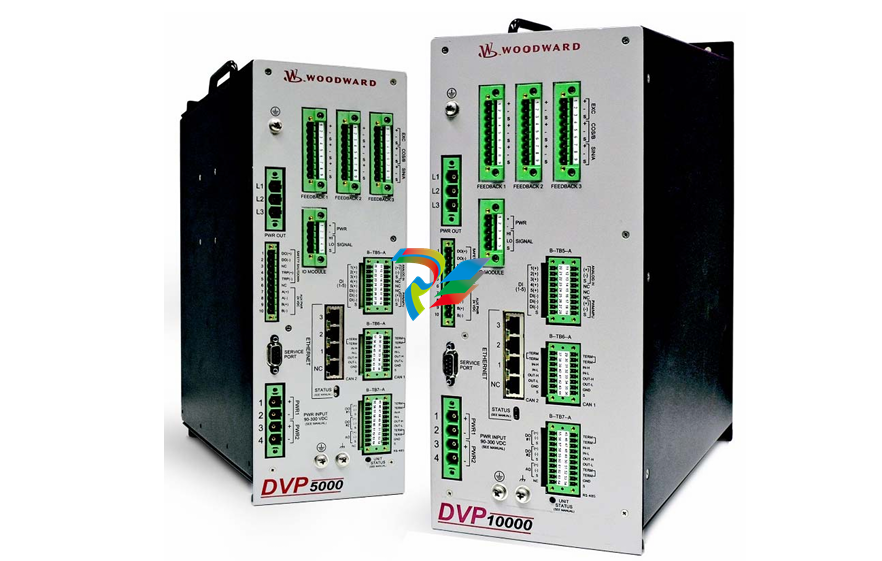 Woodward High Output Digital Valve Positioner DVP5000 and DVP10000
 -
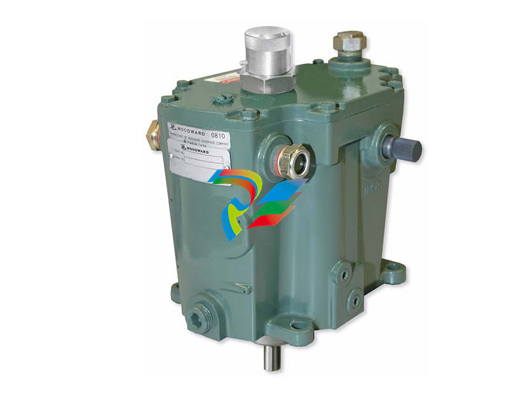 Woodward TG611-13/-17 Overspeed Test Device Conversion Kit
 -
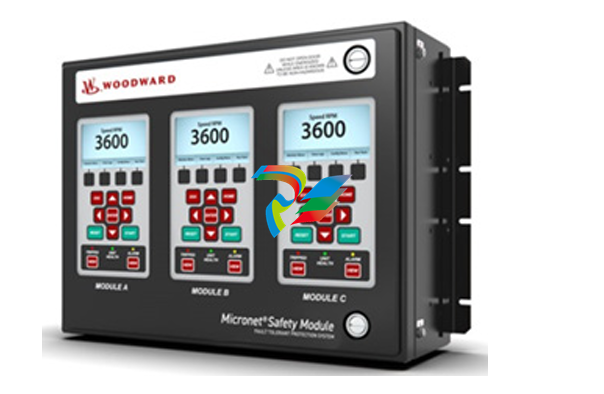 Woodward MicroNet Safety Module (MSM)
 -
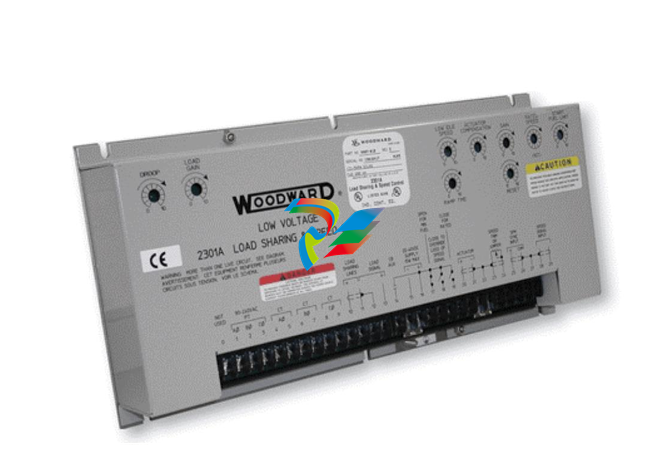 Woodward 2301A Electronic Load Sharing and Speed Control 9905/9907 Series
 -
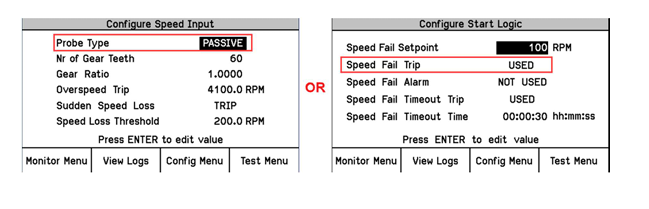 Woodward-Service Bulletin 01671
 -
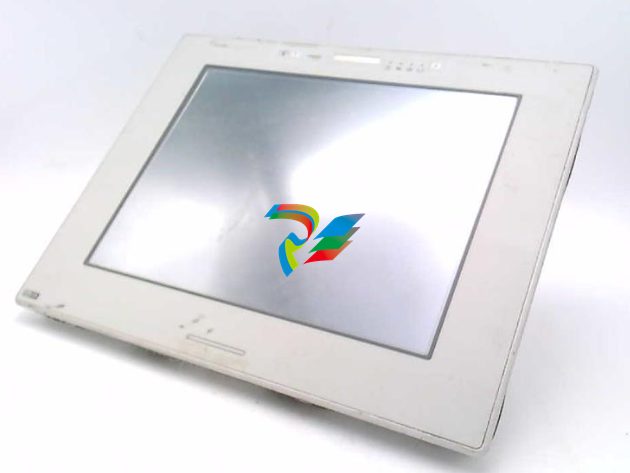 UniOP eTOP40B 12.1” TFT color display
 -
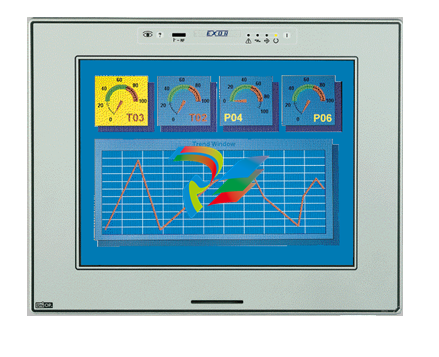 UniOP eTOP40 TFT Color display
 -
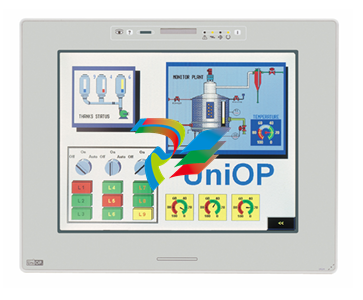 UniOP eTOP33B 10.4” TFT color display
 -
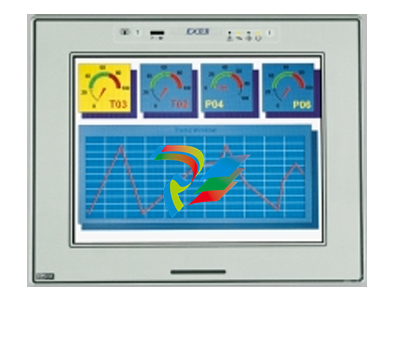 UniOP eTOP33C eTOP33-0050 Resistive touchscreen
 -
UniOP eTOP30. eTOP32 eTOP32-0050 Human-machine interface equipment
-
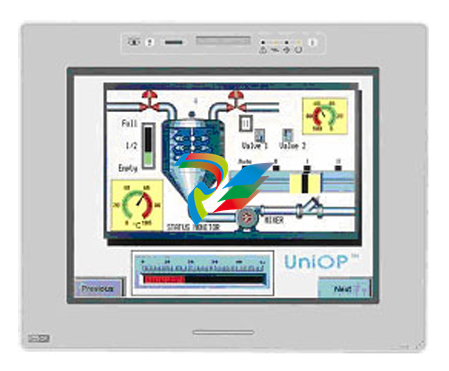 UniOP eTOP20B and eTOP21B eTOP20B-0050
 -
 UniOP eTOP12 eTOP12-0050 Advanced human-machine interface equipment
 -
 UniOP eTOP11 eTOP11-0050 HMI
 -
 UniOP eTOP06C HMI
 -
 UniOP eTOP06 HMI
 -
 UniOP eTOP05EB eTOP05EB-DF45 HMI
 -
 UniOP eTOP05. eTOP05P Human-machine interface equipment
 -
 UniOP eTOP03 eTOP03-0046