HIRSCHMANN MM20-M4M2M2T1SAHH Media Module
HIRSCHMANN MM20-M4M2M2T1SAHH Media Module
The HIRSCHMANN MM20-M4M2M2T1SAHH is a highly flexible, multi-interface 4-port Fast Ethernet media module designed for Hirschmann’s MICE (Modular Industrial Communication Equipment) series switches, specifically fitting MS20 and MS30 modular base chassis.
Featuring a specialized combination of 1 ST multimode fiber port, 2 SC multimode fiber ports, and 1 RJ45 copper port, this multi-media expansion module serves as an ideal bridge for mixing different optical connector standards while maintaining local field device access.
Product Introduction / Overview
The MM20-M4M2M2T1SAHH plugs directly into the backplane expansion slots of MS20 or MS30 modular switches. Its unique triple-interface port arrangement allows industrial automation engineers to interconnect legacy ST (BFOC) twist-lock fiber cables and modern SC duplex fiber runs within a single switch node without requiring external media converters, while leaving one copper RJ45 port for local PLC or HMI diagnostics.
Module Nomenclature Decoding:
[MM20] : Media Module series for Fast Ethernet MICE switches
[M4] : Port 1 -> Multimode 100BASE-FX ST (BFOC) Fiber Connector
[M2] : Port 2 -> Multimode 100BASE-FX SC Fiber Connector
[M2] : Port 3 -> Multimode 100BASE-FX SC Fiber Connector
[T1] : Port 4 -> 10/100BASE-TX RJ45 Copper Port
[S] : Standard Operating Temperature Range (0°C to +60°C)
[A] : Standard Industrial Approvals (cUL508. CE, FCC)
[HH] : Dual Hirschmann Standard Release / Firmware Compliance
Technical Table
| Parameter | Specification Details |
| Manufacturer / Line | Hirschmann / MICE (Modular Industrial Communication Equipment) |
| Compatible Base Switches | MS20 and MS30 Modular Base Units |
| Total Ports | 4 Ports (3 x Fiber + 1 x Copper) |
| Fiber Interfaces | 1 x 100BASE-FX ST Multimode + 2 x 100BASE-FX SC Multimode |
| Copper Interface | 1 x 10/100BASE-TX RJ45 Port (Auto-negotiation, Auto-MDI/MDI-X) |
| Wavelength | 1300 nm |
| Optical Distance | Up to 5 km ($50/125,mutext{m}$ fiber) / up to 4 km ($62.5/125,mutext{m}$ fiber) |
| Operating Temperature | $0^circtext{C}$ to $+60^circtext{C}$ |
| Power Supply | Powered directly via host switch backplane (~6W) |
| Enclosure Rating | IP20 industrial housing |
Environmental Tolerance Conditions
Operating Temperature Range: $0^circtext{C}$ to $+60^circtext{C}$ ($32^circtext{F}$ to $140^circtext{F}$)
Relative Humidity: 10% to 95% (non-condensing)
Vibration & Shock Resistance: IEC 60068-2-6 (Vibration) and IEC 60068-2-27 (Shock) compliant
Industrial Safety Standards: cUL508. cUL1604. CE Mark, FCC Part 15 Class A
Operating Instructions
Hot-Swapping Routine: The module can be inserted or removed while the host MS20/MS30 switch is powered on. Always disconnect active fiber and copper cables before loosening the captive screws.
Optical Dust Protection: Keep protective rubber plugs inserted into any unused ST or SC fiber ports to prevent airborne dust contamination on internal lenses.
Cable Insertion:
ST Port (Port 1): Push the bayonet connector onto the port post and twist clockwise to lock.
SC Ports (Ports 2 & 3): Push the duplex SC connector straight into the port until it clicks firmly into place.
RJ45 Port (Port 4): Standard Cat5e/6 connection with automatic speed and crossover detection.
Fault Diagnosis
| LED State / Symptom | Possible Cause | Recommended Action |
| Port Link LED OFF | Cable disconnected or broken | Inspect cable integrity; verify Tx/Rx fiber polarity is crossed properly on fiber connections. |
| Fiber Link Error | Dirty optical ferrule | Clean the fiber connector end-faces using a $2.5,text{mm}$ optical cleaning pen or alcohol swab. |
| Yellow/Amber Flashing | Data traffic activity / collision | Normal data transmission; if performance degrades, verify duplex match settings. |
| Module Unresponsive | Backplane connector improperly seated | Loosen screws, unseat and firmly reinsert the module into the switch slot, then retighten screws. |
Related Models of the Same Series
| Model | Port Configuration | Environmental / Approval Tier |
| MM20-M4M2M2T1SAHH | 1 x ST Fiber + 2 x SC Fiber + 1 x RJ45 | Standard Temp ($0^circtext{C}$ to $+60^circtext{C}$) |
| MM20-M4T1M2T1SAHH | 1 x ST Fiber + 1 x SC Fiber + 2 x RJ45 | Standard Temp ($0^circtext{C}$ to $+60^circtext{C}$) |
| MM20-M4M4T1T1SAHH | 2 x ST Fiber + 2 x RJ45 | Standard Temp ($0^circtext{C}$ to $+60^circtext{C}$) |
| MM20-M2M2T1T1SAHH | 2 x SC Fiber + 2 x RJ45 | Standard Temp ($0^circtext{C}$ to $+60^circtext{C}$) |
| MM20-M2T1T1T1SAHH | 1 x SC Fiber + 3 x RJ45 | Standard Temp ($0^circtext{C}$ to $+60^circtext{C}$) |
Storage Conditions
Storage Temperature Range: $-40^circtext{C}$ to $+85^circtext{C}$ ($-40^circtext{F}$ to $185^circtext{F}$)
Storage Humidity: 10% to 95% non-condensing relative humidity
Packaging & Handling: Keep the module stored in its original anti-static bag in a clean, dust-free indoor location until final deployment.
| User name | Member Level | Quantity | Specification | Purchase Date |
|---|



-
 SELSEL-T401L Ultra-High-Speed Line Relay
 -
 SEL SEL-T400L Time-Domain Line Protection
 -
 SEL SEL-2664S Stator Ground Protection Relay
 -
 SEL SEL-787-2/-3/-4 Transformer Protection Relay
 -
 SEL SEL-787 Transformer Protection Relay
 -
 SEL SEL-751 Feeder Protection Relay
 -
 SEL SEL-700G Generator Protection Relay
 -
 SEL-487E Transformer Protection Relay
 -
 SEL-400G Advanced Generator Protection System
 -
 SEL SEL-387E Current Differential and Voltage Relay
 -
 SEL SEL-387A Current Differential and Overcurrent Relay
 -
 SEL SEL-387 Current Differential and Overcurrent Relay
 -
 SEL SEL-300G Generator Relay
 -
 SEL SEL-700BT Motor Bus Transfer Relay
 -
 CTI 2500 Series® Slice Ethernet Remote I/O System
 -
 CTI 2500 Series® Compact Programmable Automation Control System
 -
 CTI 2500 Series® Classic Programmable Automation Control System
 -
 CTI 2500 Series® Bases
 -
 SHINKAWA VM-25 Condition Monitoring System UPDATED
 -
 SHINKAWA VM-5 SERIES OPTIONS
 -
 ABB SACO 64D4 Annunciator unit
 -
 ABB SPAU 140 C Synchro-check relay
 -
 EATON Instructions for the FP-5000
 -
 HONEYWELL TDC 3000X Advanced Process Manager
 -
 HONEYWELL ENHANCED MICRO TDC 3000
 -
 VIBRO-METER VM600Mk2/ VM600 RPS6U rack power supplies
 -
 VIBRO-METER VM600Mk2/ VM600 ABE056 slimline rack
 -
 VIBRO-METER VM600Mk2 RLC16Mk2 relay modules
 -
 VIBRO-METER VM600Mk2 MPC4Mk2 + IOC4Mk2 machinery protection and condition monitoring modules
 -
 VIBRO-METER VM600Mk2 CPUMMk2 + IOCNMk2 rack controller and communications interface module
 -
 VIBRO-METER VM600Mk2 CPUMMk2 + IOCNMk2 rack controller and communications interface module
 -
 ADLINK PCI/PCIe-7300A, cPCI-7300 32-CH 80 MB/s High-Speed Digital I/O Cards
 -
 ADLINK cPCI-7248/7249R 48-CH DIO & Timer/Counter Cards
 -
 ADLINK PCI-7230/7233/7234. LPCI/LPCIe/cPCI-7230 32-CH Isolated DIO Cards
 -
 ADLINK cPCI-6965 Series Value 6U CompactPCI® Intel® Core™2 Duo
 -
 ADLINK cPCI-6910 Series 6U CompactPCI® Dual-Core Intel® Xeon® Processor LV / ULV Universal Blade
 -
 ADLINK CPCI-6670 6U CompactPCI Low Power Pentium® III SBC
 -
 ADLINK cPCI-6625/6 Series 6U CompactPCI® PlusIO blade with Intel® Core™ i7/i3 Processor
 -
 ADLINK 3U CompactPCI CPU Modules
 -
 ADLINK CM-435 Extreme Rugged™ PC/104 Single Board Computer
 -
 ADLINK PCI-8254/8258 DSP-based 4/8-axis Advanced Motion Controllers
 -
 ADLINK NuPRO-E43 PICMG® 1.3 Full-Size LGA1151 with 6th/7th Generation Intel® Core™ i7/i5/i3
 -
 ADLINK DLAP-211-JNX/DLAP-211-JT2/ DLAP-211-Nano
 -
 Hirschmann RS30-1602O6O6SDAE compact OpenRail managed Ethernet switches
 -
Hirschmann RS30-0802O6O6SDAE Ethernet switch
-
 Hirschmann RS20-1600T1T1SDAE Management-type Ethernet switch
 -
 Hirschmann OCTOPUS 24M Limited Availability/Passive
 -
 Hirschmann MSP30-24040SCZ9MRHHE3A
 -
 Hirschmann MAR1040-4C4C4C4C9999SMMHRHHXX.X. Gigabit Ethernet Switch configurator
 -
 Hirschmann Industrial Ethernet Rail Switch SPIDER II, SPIDER II Giga, SPIDER II PoE
 -
 Hirschmann Industrial Ethernet Firewall EAGLE One
 -
 Hirschmann Industrial Security Router EAGLE20/30
 -
 Hirschmann Description and operating instructions RS2-xTX/xFX EEC
 -
 Basler Electric DECS-200 Digital Excitation Control System
 -
 Basler Electric GENERATOR PROTECTION SYSTEM BE1-GPS100
 -
 Jaquet FT3000 Speed measurement system
 -
 Hirschmann Industrial Ethernet Ruggedized Switch MACH1000 Family
 -
 Basler Electric BESTCOMSPlus®
 -
 ETEL AccurET MODULAR 300 EA-P2M-300-xxxxxA controller
 -
 Basler Electric ES Series Protection Relays
 -
 ABB Multifunction Protection and Switchbay Control Unit REF542plus
 -
 EMERSON AMS 2140 Machinery Health Analyzer
 -
 Hirschmann Industrial Ethernet Rail Switch RS20 Basic Family
 -
 GE Grid Solutions P40U Px40 USB Adaptor
 -
 ABB ontinuous Gas Analyzers AO2000 Series AO2040CU Ex Central Unit in Category 2G
 -
 ABB Advance Optima AO2000 Series Continuous gas analyzers Models AO2020. AO2040
 -
 Advance Optima Module Uras 14
 -
 SAACKE control optimization
 -
 SAACKE se@vis efficiency monitor
 -
 SAACKE se@vis pro
 -
 SAACKE se@vis eco
 -
 SAACKE se@vis compact
 -
 HIRSCHMANN Industrial ETHERNET Switch MICE MS20/MS30
 -
 HIRSCHMANN MICE Media modules
 -
 Kongsberg GL-10 Level Switch
 -
 B&R ACOPOSinverter P74 frequency converter
 -
 Beckhoff CX2020 | Basic CPU module (service phase)
 -
 Beckhoff CX1010 | Basic CPU module (service phase)
 -
 Beckhoff CX5120 | Embedded PC with Intel Atom® E3815
 -
 Beckhoff CP69xx-xxxx-0010 | Economy built-in Control Panel with DVI/USB Extended interface
 -
 Beckhoff CP29xx-0000 | Multi-touch built-in Control Panel with DVI/USB Extended interface
 -
 SAACKE Monoblock Rotary Cup Burner SKVJ-M
 -
 ABB Plantguard Fault Tolerant Technology Architecture and Software
 -
 OMRON H8PR-8/H8PR-8P H8PR-16/H8PR-16P H8PR-24/H8PR-24P Rotary Positioner
 -
 ABB PFSA107-Z42 DTU Stressometer Digital Transmission Unit
 -
 Nidec Mentor MP
 -
 IBA ibaNet-E
 -
 IBA FO Connection to Reflective Memory
 -
 IBA FO Connection to Siemens Systems
 -
 IBA Interface Cards For Fiber Optic Connections
 -
 IBA Field and Drive Buses
 -
 IBA ibaPADU-S Modular System
 -
 IBA ibaMAQS
 -
 STUCKE SYMAP®ARC
 -
 STUCKE SYMAP®R
 -
 STUCKE SYMAP®Compact
 -
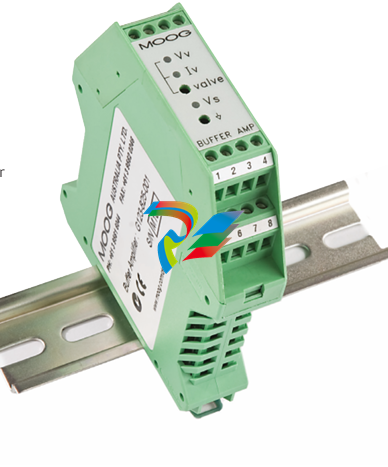 MOOG G123-825-001 BUFFER AMPLIFIER
 -
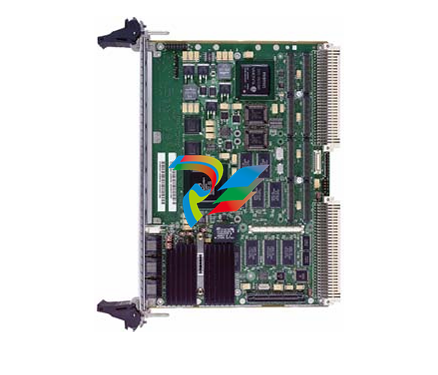 Motorola MVME5100 Series VME Processor Modules
 -
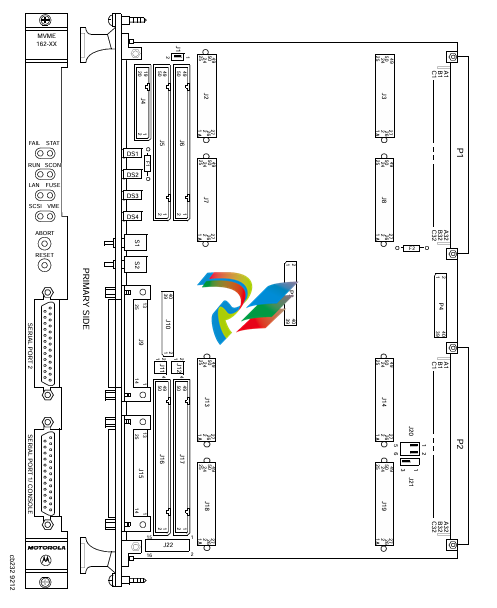 Motorola MVME162 Embedded Controller
 -
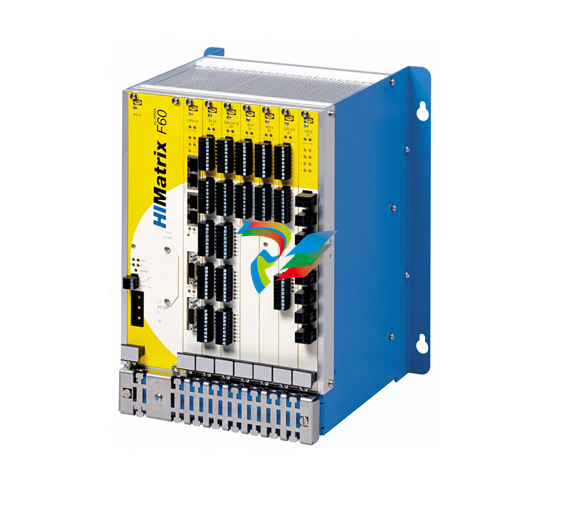 HIMatrix Safety-Related Controller System Manual for the Modular Systems
 -
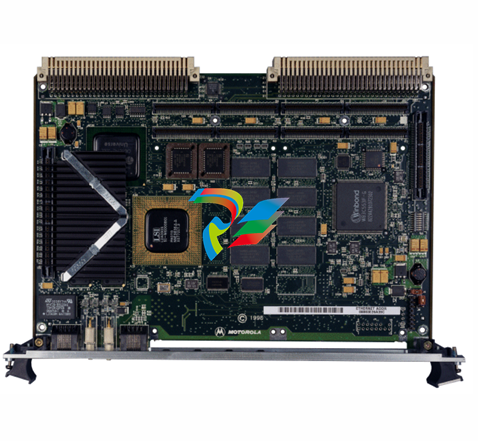 Motorola MVME2400 Series VME Processor Module
 -
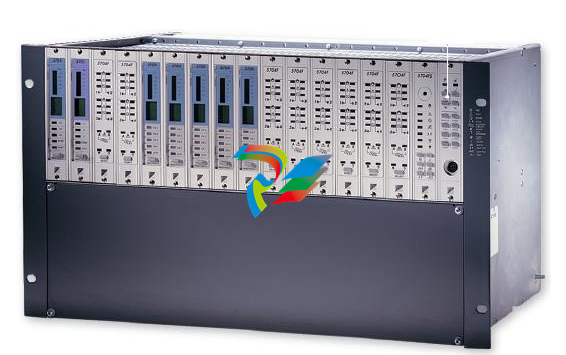 Sieger System 57
 -
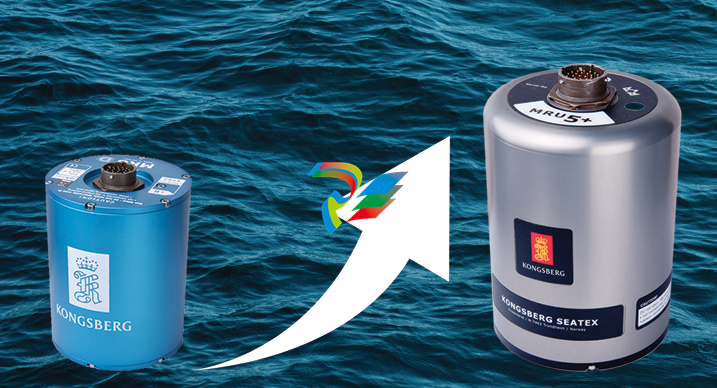 KONGSBERG MRU product line continuation
 -
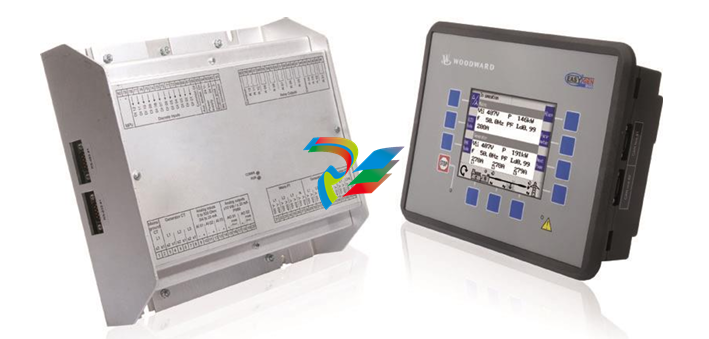 Woodward easYgen-3100/3200 Genset Control for Multiple Unit Operation
 -
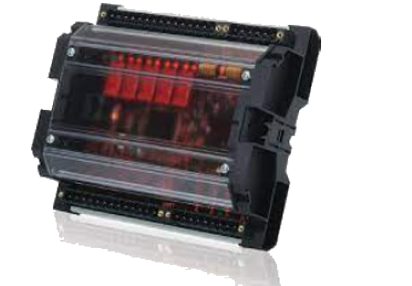 Woodward MFR 300 Multifunction Relay / Measuring
 -
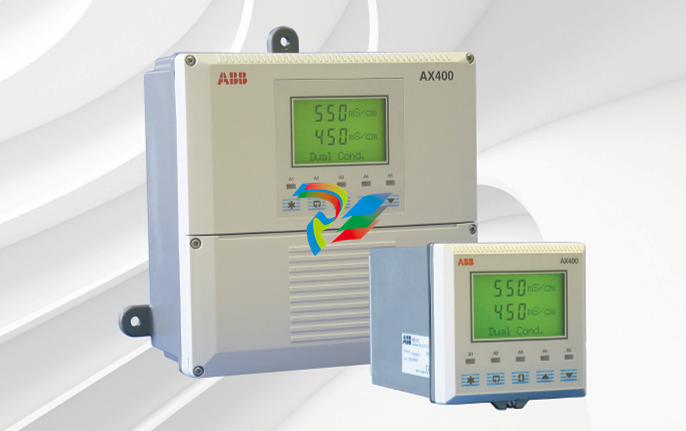 ABB AX410, AX411, AX413, AX416, AX418, AX450, AX455 and AX456 Single and dual input analyzers for low level conductivity
 -
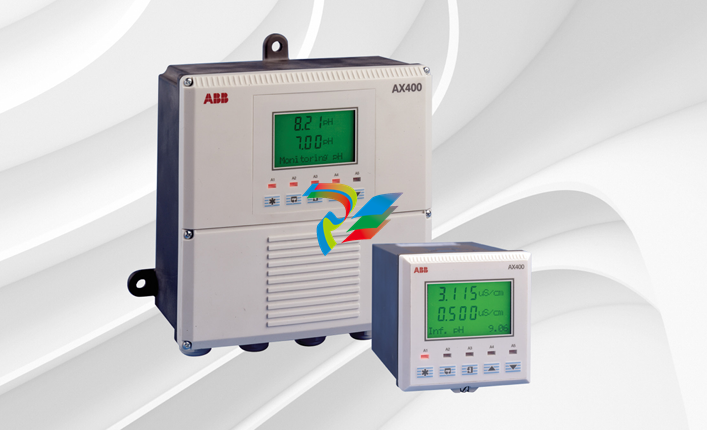 ABB AX410, AX411, AX416, AX450 and AX455 Single and dual input analyzers
 -
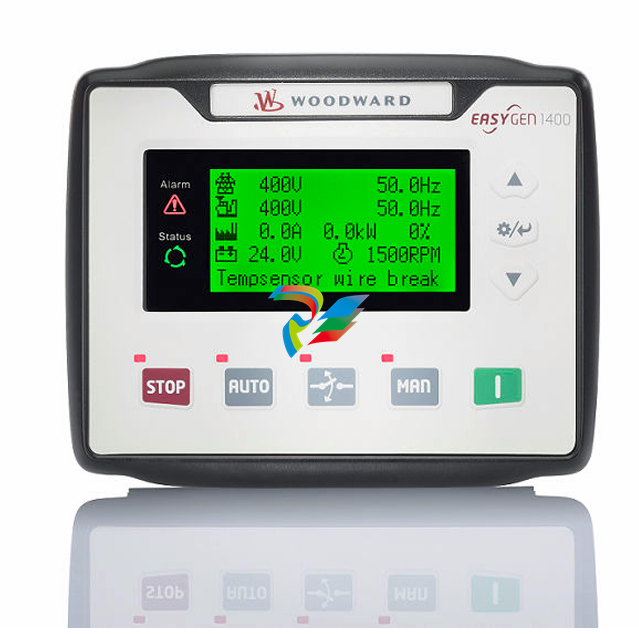 Woodward easYgen-1400 Technical Manual Genset Control
 -
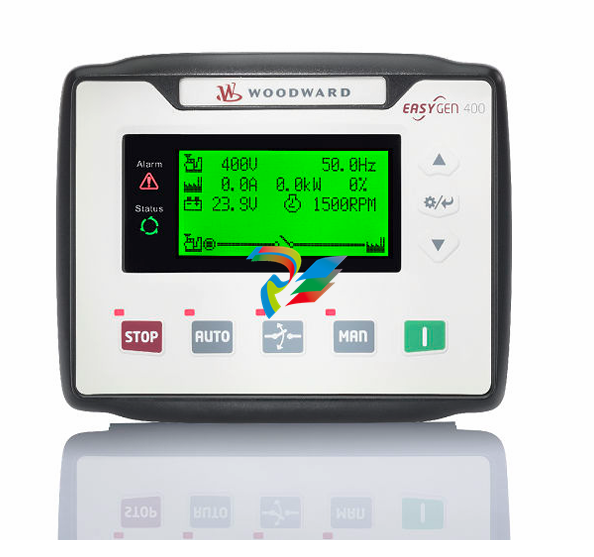 Woodward easYgen-400 Operation Manual Genset Control
 -
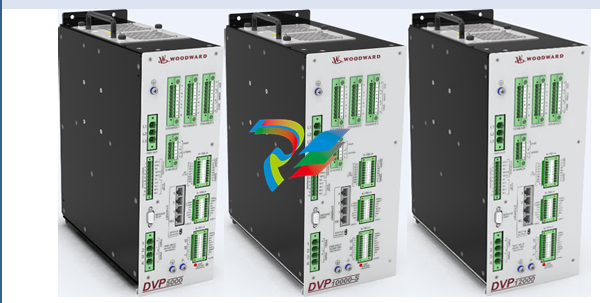 Woodward High Output Digital Valve Positioner (DVP)DVP5000/DVP10000/DVP12000
 -
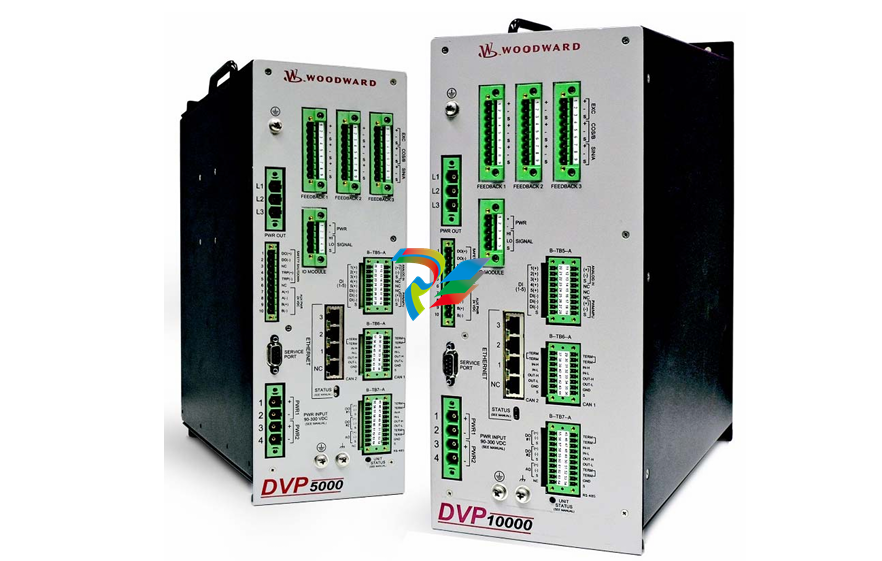 Woodward High Output Digital Valve Positioner DVP5000 and DVP10000
 -
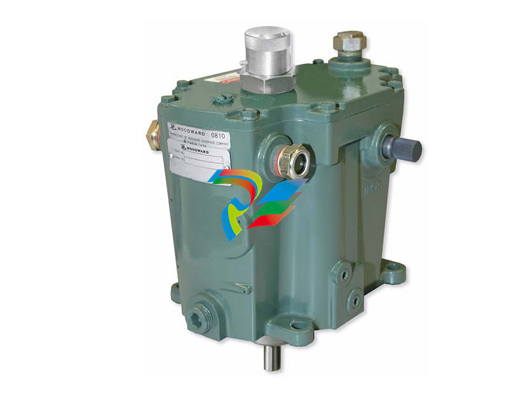 Woodward TG611-13/-17 Overspeed Test Device Conversion Kit
 -
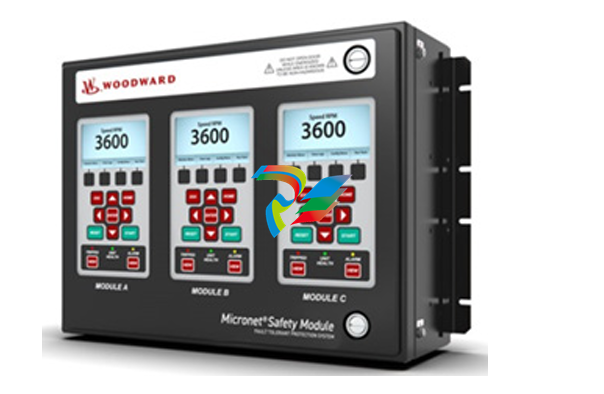 Woodward MicroNet Safety Module (MSM)
 -
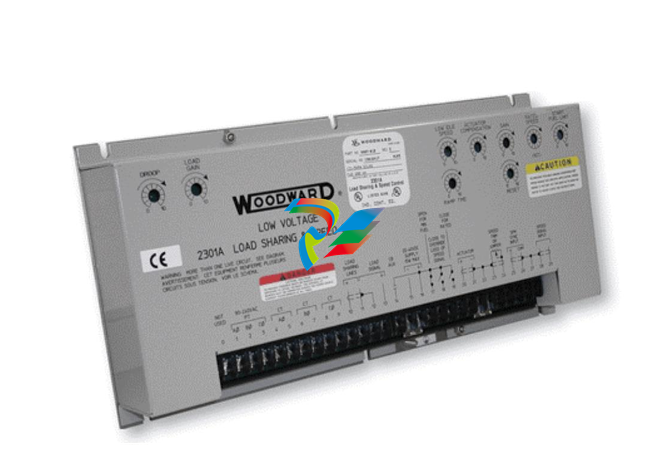 Woodward 2301A Electronic Load Sharing and Speed Control 9905/9907 Series
 -
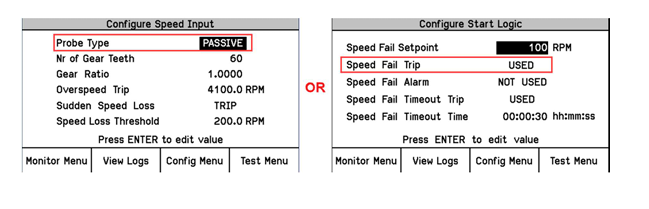 Woodward-Service Bulletin 01671
 -
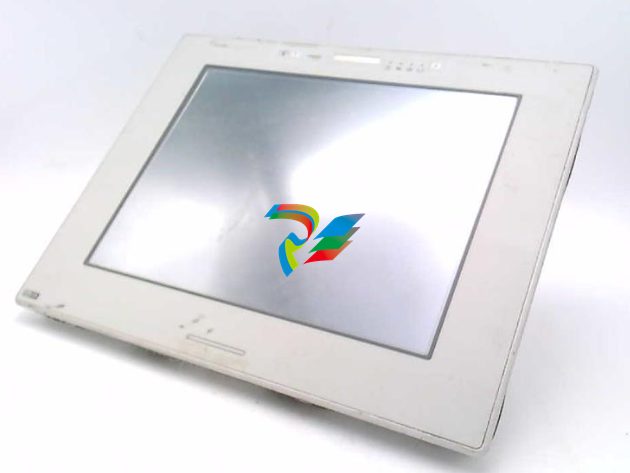 UniOP eTOP40B 12.1” TFT color display
 -
 UniOP eTOP40 TFT Color display
 -
 UniOP eTOP33B 10.4” TFT color display
 -
 UniOP eTOP33C eTOP33-0050 Resistive touchscreen
 -
UniOP eTOP30. eTOP32 eTOP32-0050 Human-machine interface equipment
-
 UniOP eTOP20B and eTOP21B eTOP20B-0050
 -
 UniOP eTOP12 eTOP12-0050 Advanced human-machine interface equipment
 -
 UniOP eTOP11 eTOP11-0050 HMI
 -
 UniOP eTOP06C HMI
 -
 UniOP eTOP06 HMI
 -
 UniOP eTOP05EB eTOP05EB-DF45 HMI
 -
 UniOP eTOP05. eTOP05P Human-machine interface equipment
 -
 UniOP eTOP03 eTOP03-0046