
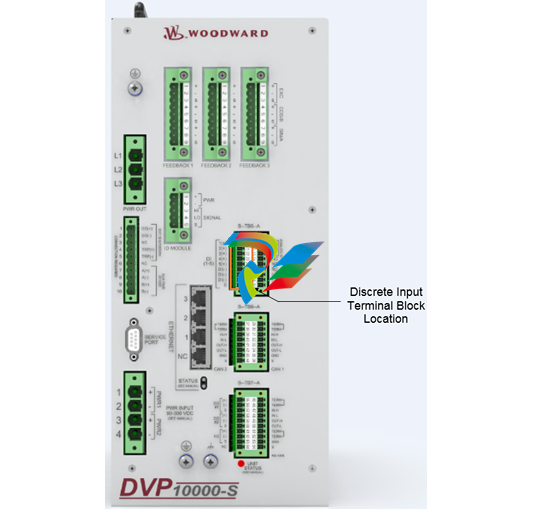
Woodward High Output DVP, 10KW TB Input/Output 8200-536
High Output DVP, 10KW TB Input/Output 8200-536
High Output DVP, 10KW
TB Input/Output
8200-536
TB Input/Output, SIL Certified
8200-545
TB Input/Output, Servo Interface Module (SIM)
8200-586
The DVP device may be controlled via CAN communication. There are three possible CAN modes:
1. CANopen single with or without analog backup
2. CANopen dual
3. CANopen virtual
1. The CANopen single with or without backup:
This mode uses CAN port 1 for communication. Optionally, it is possible to configure (by CAN
communication) the analog input as a backup signal. By default, the analog input is a backup signal.
(See analog input section for how to interface and setup an analog input.)
2. CANopen Dual:
This mode uses CAN port 1 and CAN port 2. If the two ports are working correctly, information
received from CAN port 1 is used. If communication by CAN port 1 is not possible any more (detected
by communication time out), CAN port 2 is used for communication.
3. CANopen Virtual:
This mode is used when two DVPs are linked together to control more than one actuator or valve. This
is used for Dual Redundant DVP Operation.
The CAN communication baud rate can be selected. The possible options are:
• 125 kbps
• 250 kbps
• 500 kbps
Per CiA DS-102 Standard, the following are the recommended maximum cable lengths. Differences in the
baud rate and the cable length affect the number of units that can be put onto a network.
If CAN port 1 is used, see Figure 3-13 of the CAN port interface. See the Analog Input section above for
the analog interface diagram when CAN is used with an Analog Input backup.
Pins 29 and 30 are the termination jumper. Connecting these two pins with a short wire on the connector
will enable an internal 120 Ω resistor between CAN high and CAN low wire.
Pins 31 and Pin 32 are the CAN High and CAN low wires typically found on a CAN system.
Pins 33 and 34 are two additional CAN high and CAN low pins. These can be used to daisy chain the
CANbus to the next device, without the need for a junction box.
Pin 35 is the CAN ground. The DVP side of the CAN link is galvanically isolated from the DVP, ground,
and system common. Therefore, we need to connect the isolated ground to the ground of the user
control.
Pin 36 is used to terminate the CAN wiring shield.
When using dual can communication mode, there are two identical communication ports. Port 1 and Port 2 are
wired identically. For description, see Port 1.
Table 3-16. Dual CAN Communication Wiring Specifications
Pin Number Function
29 CAN 1 Termination jumper
30 CAN 1 Termination jumper
31 CAN 1 High in
32 CAN 1 Low in
33 CAN 1 High out
34 CAN 1 Low out
35 CAN 1 ISO GND
36 CAN 1 Shield
37 CAN 2 Termination jumper
38 CAN 2 Termination jumper
39 CAN 2 High in
40 CAN 2 Low in
41 CAN 2 High out
42 CAN 2 Low out
43 CAN 2 ISO GND
44 CAN 2 Shield
See Appendix A for more information on CANopen communications.
3.14.1 CAN Node ID Selection
When using CANopen communications, it is necessary to set the CAN Node ID to a unique value to
ensure that the DVP responds to commands intended for the appropriate device. There are two methods
for setting this value— software or hardware/wiring. The method is defaulted to a predetermined
configuration based on the DVP part number but can be changed using the Service Tool (see manual
26912). With the software option, the node ID setting is a user-defined value set in software. The
hardware/wiring (also referred to as harness coding) option uses discrete inputs to select an index which
sets the node ID value. The index is determined by the power-up state of the discrete inputs. Note that
the discrete input condition is based on open or closed state at power-up, ignoring the active high/low
configuration. Changes to any Node ID-related software settings require a power cycle to take effect.
The discrete input CAN ID selection has three different options. The index can be based on two, three, or
four discrete inputs, allowing three, seven, or 15 valid preprogrammed settings. This selection method is
set using the Service Tool as part of the CAN demand configuration. Tables 3-17. 3-18. and 3-19 identify
the selected index based on the configured selection method.
Definitions:
• Discrete Input 5: connection between terminal 24 and GROUND
• Discrete Input 4: connection between terminal 23 and GROUND
• Discrete Input 3: connection between terminal 22 and GROUND
• Discrete Input 2: connection between terminal 21 and GROUND
• Discrete Input 1: connection between terminal 20 and GROUND
• (GROUND can be any terminal 25. 26 or 27)
3.14.2 Instructions for Use of CAN ID Terminal Blocks
When using the harness coding method (as described in Section 3.14.1), it is necessary to install a
jumper terminal block within each positioner during initial installation. This terminal block configures each
positioner for proper communication with its assigned primary or secondary CAN Open Network. The
installation of this terminal block must be performed before attempting power-up or communications
across the CAN Open Network. Until this process is complete, the positioners will not communicate with
the networks. Install jumpers based on the CAN ID Node Selection and using the information from the
appropriate table (3-17. 3-18. and/or 3-19).
Proper installation of the CAN ID Terminal Blocks is performed by the following steps:
1. Ensure that there is no power being applied to the DVPs.
2. Determine which DVP will be connected to the Primary CAN Network, and which will be connected to
the Secondary CAN Network.
3. Create the appropriate CAN ID Terminal Block associated with each CAN Network.
| User name | Member Level | Quantity | Specification | Purchase Date |
|---|



-
 SELSEL-T401L Ultra-High-Speed Line Relay
 -
 SEL SEL-T400L Time-Domain Line Protection
 -
 SEL SEL-2664S Stator Ground Protection Relay
 -
 SEL SEL-787-2/-3/-4 Transformer Protection Relay
 -
 SEL SEL-787 Transformer Protection Relay
 -
 SEL SEL-751 Feeder Protection Relay
 -
 SEL SEL-700G Generator Protection Relay
 -
 SEL-487E Transformer Protection Relay
 -
 SEL-400G Advanced Generator Protection System
 -
 SEL SEL-387E Current Differential and Voltage Relay
 -
 SEL SEL-387A Current Differential and Overcurrent Relay
 -
 SEL SEL-387 Current Differential and Overcurrent Relay
 -
 SEL SEL-300G Generator Relay
 -
 SEL SEL-700BT Motor Bus Transfer Relay
 -
 CTI 2500 Series® Slice Ethernet Remote I/O System
 -
 CTI 2500 Series® Compact Programmable Automation Control System
 -
 CTI 2500 Series® Classic Programmable Automation Control System
 -
 CTI 2500 Series® Bases
 -
 SHINKAWA VM-25 Condition Monitoring System UPDATED
 -
 SHINKAWA VM-5 SERIES OPTIONS
 -
 ABB SACO 64D4 Annunciator unit
 -
 ABB SPAU 140 C Synchro-check relay
 -
 EATON Instructions for the FP-5000
 -
 HONEYWELL TDC 3000X Advanced Process Manager
 -
 HONEYWELL ENHANCED MICRO TDC 3000
 -
 VIBRO-METER VM600Mk2/ VM600 RPS6U rack power supplies
 -
 VIBRO-METER VM600Mk2/ VM600 ABE056 slimline rack
 -
 VIBRO-METER VM600Mk2 RLC16Mk2 relay modules
 -
 VIBRO-METER VM600Mk2 MPC4Mk2 + IOC4Mk2 machinery protection and condition monitoring modules
 -
 VIBRO-METER VM600Mk2 CPUMMk2 + IOCNMk2 rack controller and communications interface module
 -
 VIBRO-METER VM600Mk2 CPUMMk2 + IOCNMk2 rack controller and communications interface module
 -
 ADLINK PCI/PCIe-7300A, cPCI-7300 32-CH 80 MB/s High-Speed Digital I/O Cards
 -
 ADLINK cPCI-7248/7249R 48-CH DIO & Timer/Counter Cards
 -
 ADLINK PCI-7230/7233/7234. LPCI/LPCIe/cPCI-7230 32-CH Isolated DIO Cards
 -
 ADLINK cPCI-6965 Series Value 6U CompactPCI® Intel® Core™2 Duo
 -
 ADLINK cPCI-6910 Series 6U CompactPCI® Dual-Core Intel® Xeon® Processor LV / ULV Universal Blade
 -
 ADLINK CPCI-6670 6U CompactPCI Low Power Pentium® III SBC
 -
 ADLINK cPCI-6625/6 Series 6U CompactPCI® PlusIO blade with Intel® Core™ i7/i3 Processor
 -
 ADLINK 3U CompactPCI CPU Modules
 -
 ADLINK CM-435 Extreme Rugged™ PC/104 Single Board Computer
 -
 ADLINK PCI-8254/8258 DSP-based 4/8-axis Advanced Motion Controllers
 -
 ADLINK NuPRO-E43 PICMG® 1.3 Full-Size LGA1151 with 6th/7th Generation Intel® Core™ i7/i5/i3
 -
 ADLINK DLAP-211-JNX/DLAP-211-JT2/ DLAP-211-Nano
 -
 Hirschmann RS30-1602O6O6SDAE compact OpenRail managed Ethernet switches
 -
Hirschmann RS30-0802O6O6SDAE Ethernet switch
-
 Hirschmann RS20-1600T1T1SDAE Management-type Ethernet switch
 -
 Hirschmann OCTOPUS 24M Limited Availability/Passive
 -
 Hirschmann MSP30-24040SCZ9MRHHE3A
 -
 Hirschmann MAR1040-4C4C4C4C9999SMMHRHHXX.X. Gigabit Ethernet Switch configurator
 -
 Hirschmann Industrial Ethernet Rail Switch SPIDER II, SPIDER II Giga, SPIDER II PoE
 -
 Hirschmann Industrial Ethernet Firewall EAGLE One
 -
 Hirschmann Industrial Security Router EAGLE20/30
 -
 Hirschmann Description and operating instructions RS2-xTX/xFX EEC
 -
 Basler Electric DECS-200 Digital Excitation Control System
 -
 Basler Electric GENERATOR PROTECTION SYSTEM BE1-GPS100
 -
 Jaquet FT3000 Speed measurement system
 -
 Hirschmann Industrial Ethernet Ruggedized Switch MACH1000 Family
 -
 Basler Electric BESTCOMSPlus®
 -
 ETEL AccurET MODULAR 300 EA-P2M-300-xxxxxA controller
 -
 Basler Electric ES Series Protection Relays
 -
 ABB Multifunction Protection and Switchbay Control Unit REF542plus
 -
 EMERSON AMS 2140 Machinery Health Analyzer
 -
 Hirschmann Industrial Ethernet Rail Switch RS20 Basic Family
 -
 GE Grid Solutions P40U Px40 USB Adaptor
 -
 ABB ontinuous Gas Analyzers AO2000 Series AO2040CU Ex Central Unit in Category 2G
 -
 ABB Advance Optima AO2000 Series Continuous gas analyzers Models AO2020. AO2040
 -
 Advance Optima Module Uras 14
 -
 SAACKE control optimization
 -
 SAACKE se@vis efficiency monitor
 -
 SAACKE se@vis pro
 -
 SAACKE se@vis eco
 -
 SAACKE se@vis compact
 -
 HIRSCHMANN Industrial ETHERNET Switch MICE MS20/MS30
 -
 HIRSCHMANN MICE Media modules
 -
 Kongsberg GL-10 Level Switch
 -
 B&R ACOPOSinverter P74 frequency converter
 -
 Beckhoff CX2020 | Basic CPU module (service phase)
 -
 Beckhoff CX1010 | Basic CPU module (service phase)
 -
 Beckhoff CX5120 | Embedded PC with Intel Atom® E3815
 -
 Beckhoff CP69xx-xxxx-0010 | Economy built-in Control Panel with DVI/USB Extended interface
 -
 Beckhoff CP29xx-0000 | Multi-touch built-in Control Panel with DVI/USB Extended interface
 -
 SAACKE Monoblock Rotary Cup Burner SKVJ-M
 -
 ABB Plantguard Fault Tolerant Technology Architecture and Software
 -
 OMRON H8PR-8/H8PR-8P H8PR-16/H8PR-16P H8PR-24/H8PR-24P Rotary Positioner
 -
 ABB PFSA107-Z42 DTU Stressometer Digital Transmission Unit
 -
 Nidec Mentor MP
 -
 IBA ibaNet-E
 -
 IBA FO Connection to Reflective Memory
 -
 IBA FO Connection to Siemens Systems
 -
 IBA Interface Cards For Fiber Optic Connections
 -
 IBA Field and Drive Buses
 -
 IBA ibaPADU-S Modular System
 -
 IBA ibaMAQS
 -
 STUCKE SYMAP®ARC
 -
 STUCKE SYMAP®R
 -
 STUCKE SYMAP®Compact
 -
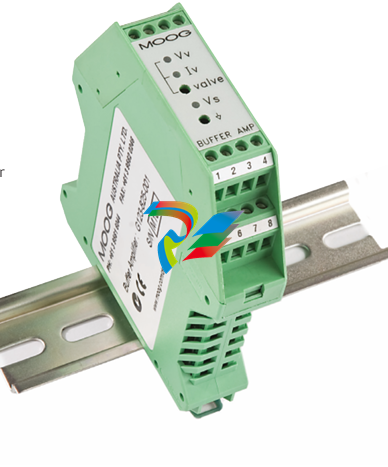 MOOG G123-825-001 BUFFER AMPLIFIER
 -
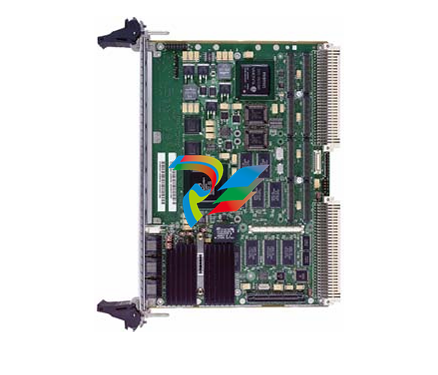 Motorola MVME5100 Series VME Processor Modules
 -
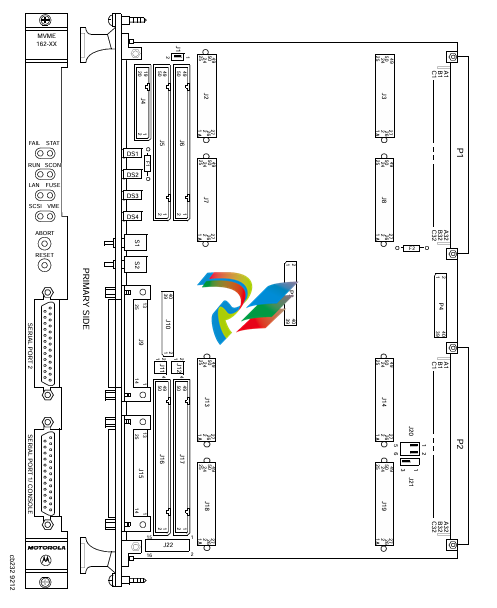 Motorola MVME162 Embedded Controller
 -
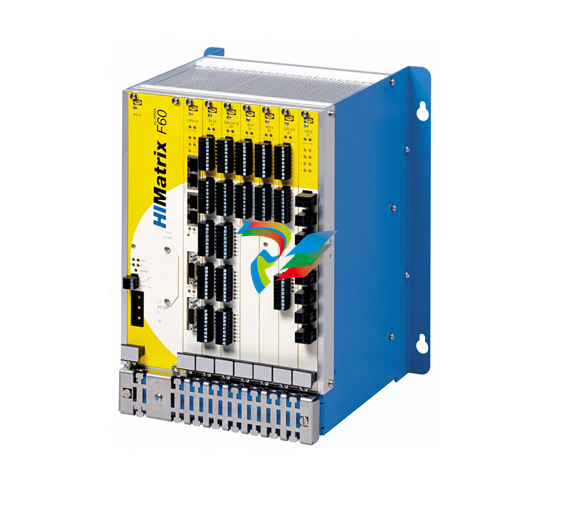 HIMatrix Safety-Related Controller System Manual for the Modular Systems
 -
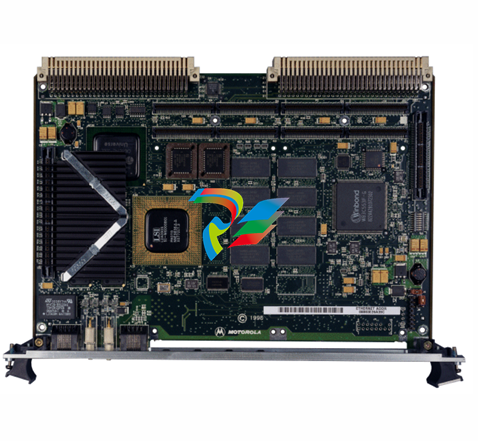 Motorola MVME2400 Series VME Processor Module
 -
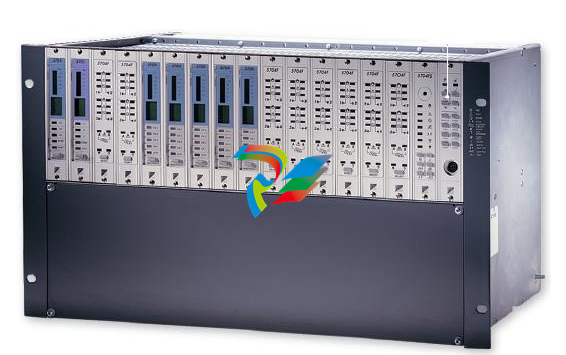 Sieger System 57
 -
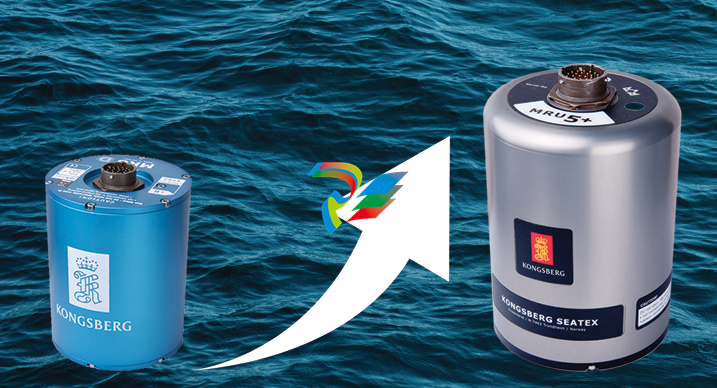 KONGSBERG MRU product line continuation
 -
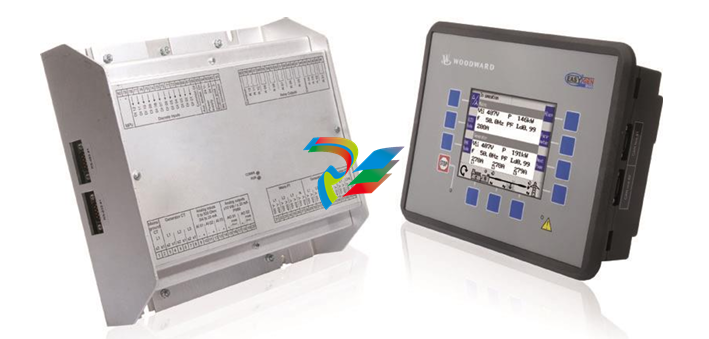 Woodward easYgen-3100/3200 Genset Control for Multiple Unit Operation
 -
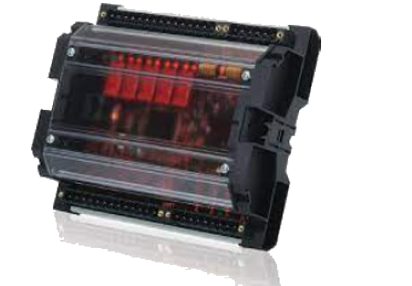 Woodward MFR 300 Multifunction Relay / Measuring
 -
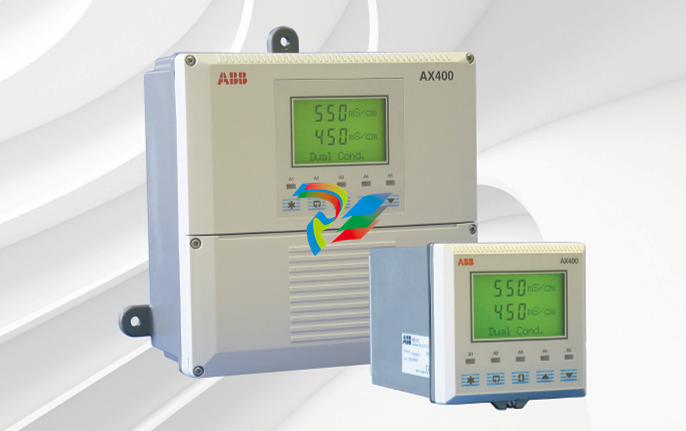 ABB AX410, AX411, AX413, AX416, AX418, AX450, AX455 and AX456 Single and dual input analyzers for low level conductivity
 -
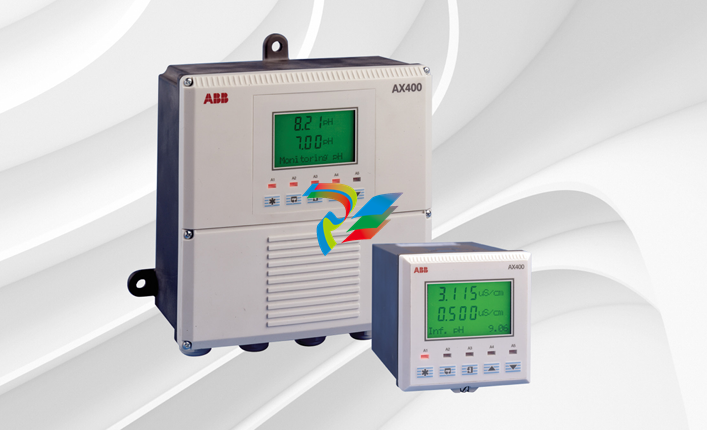 ABB AX410, AX411, AX416, AX450 and AX455 Single and dual input analyzers
 -
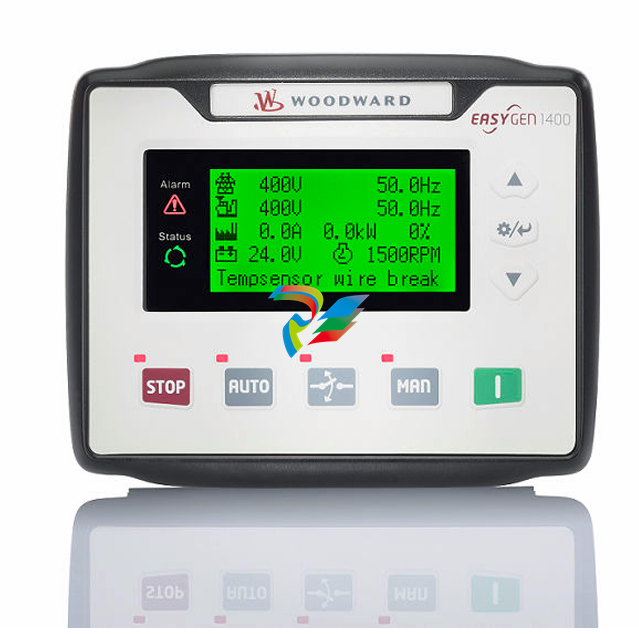 Woodward easYgen-1400 Technical Manual Genset Control
 -
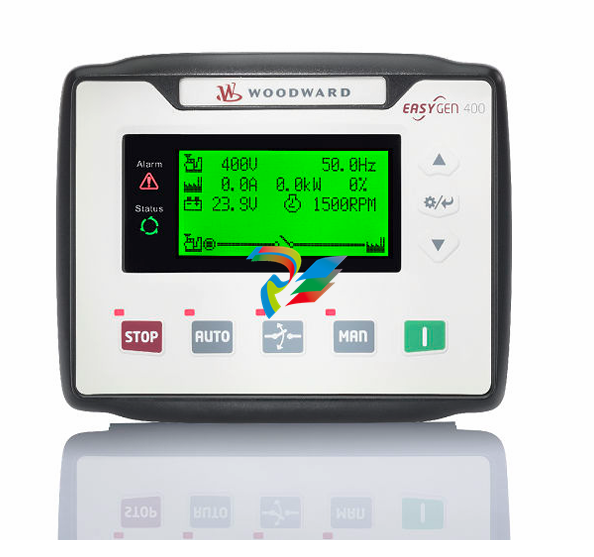 Woodward easYgen-400 Operation Manual Genset Control
 -
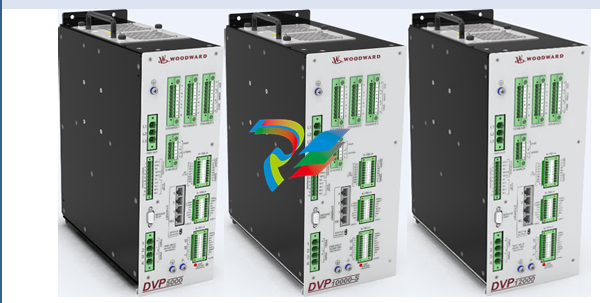 Woodward High Output Digital Valve Positioner (DVP)DVP5000/DVP10000/DVP12000
 -
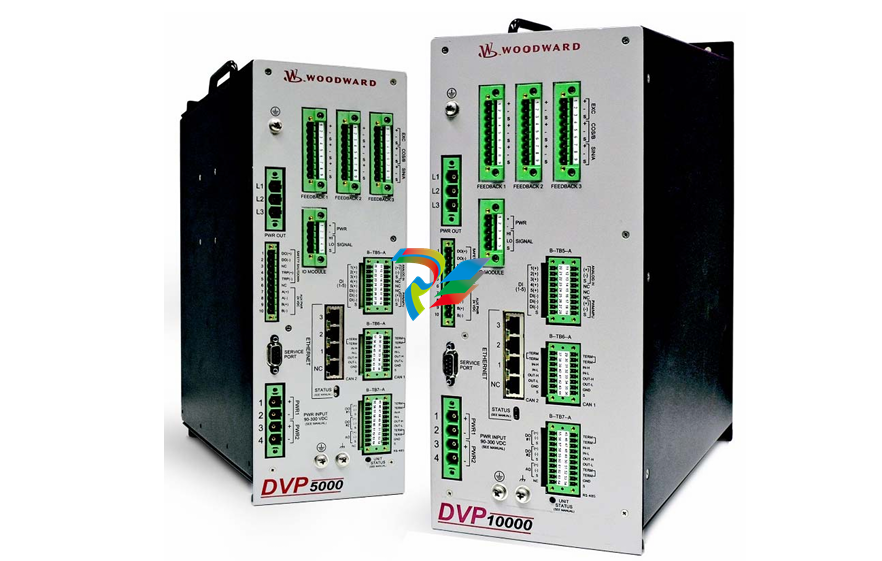 Woodward High Output Digital Valve Positioner DVP5000 and DVP10000
 -
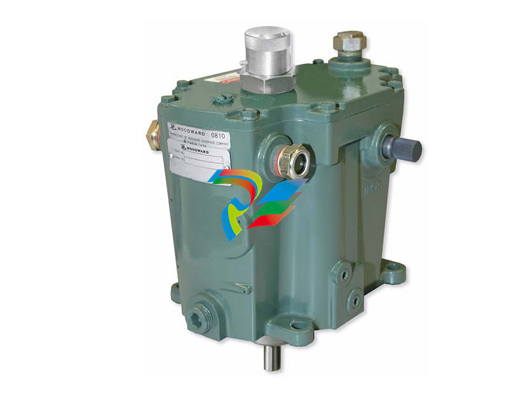 Woodward TG611-13/-17 Overspeed Test Device Conversion Kit
 -
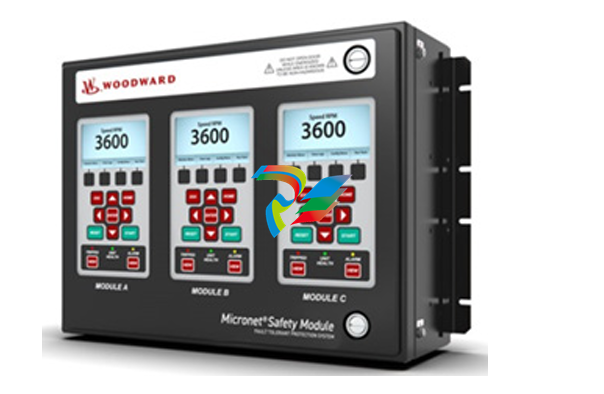 Woodward MicroNet Safety Module (MSM)
 -
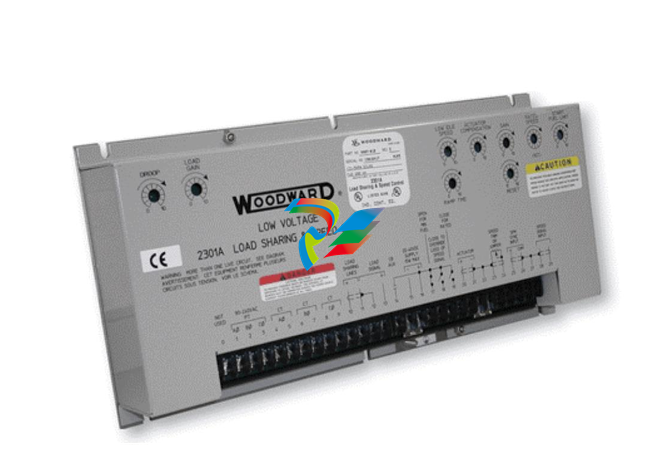 Woodward 2301A Electronic Load Sharing and Speed Control 9905/9907 Series
 -
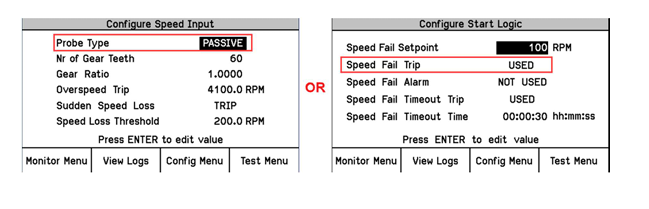 Woodward-Service Bulletin 01671
 -
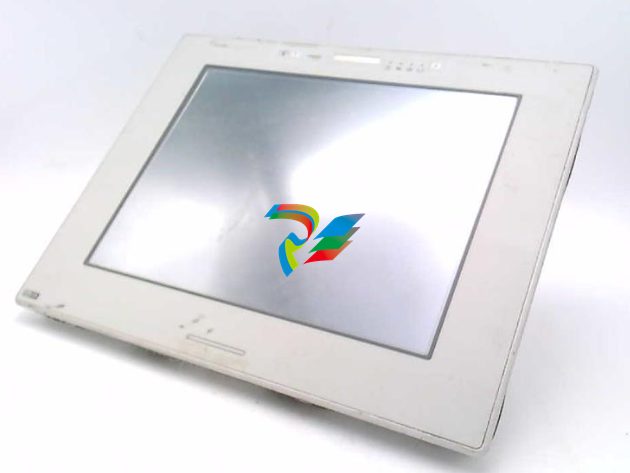 UniOP eTOP40B 12.1” TFT color display
 -
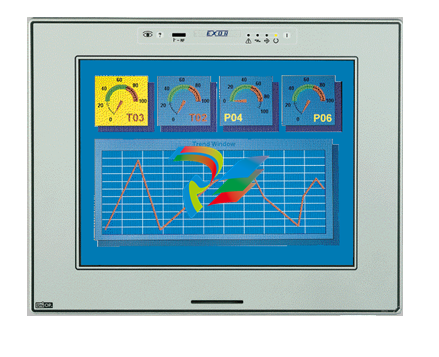 UniOP eTOP40 TFT Color display
 -
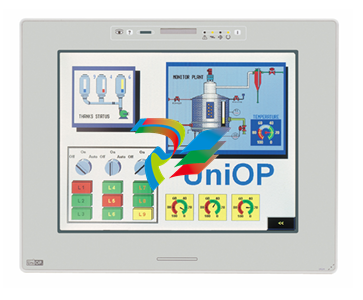 UniOP eTOP33B 10.4” TFT color display
 -
 UniOP eTOP33C eTOP33-0050 Resistive touchscreen
 -
UniOP eTOP30. eTOP32 eTOP32-0050 Human-machine interface equipment
-
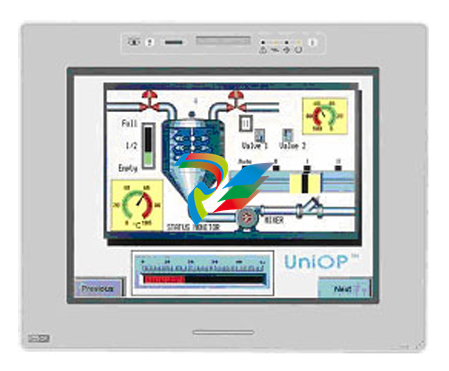 UniOP eTOP20B and eTOP21B eTOP20B-0050
 -
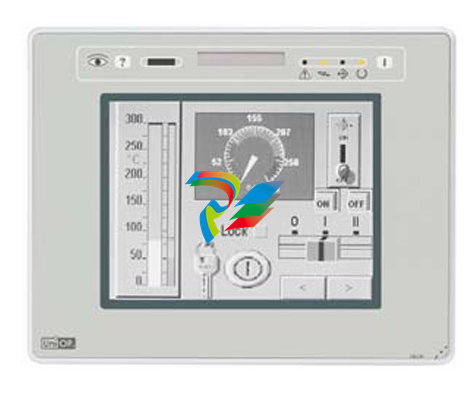 UniOP eTOP12 eTOP12-0050 Advanced human-machine interface equipment
 -
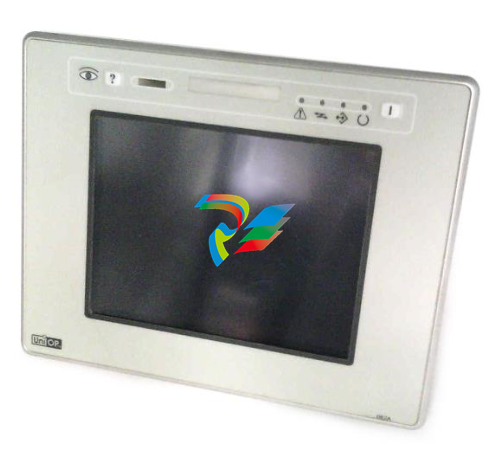 UniOP eTOP11 eTOP11-0050 HMI
 -
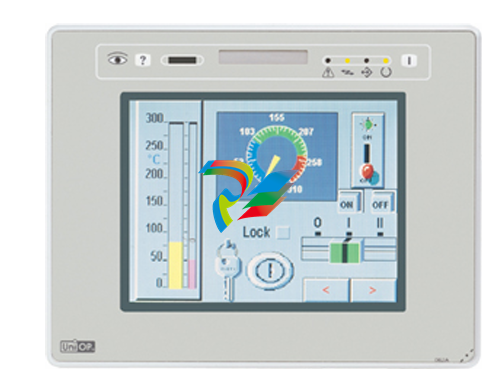 UniOP eTOP06C HMI
 -
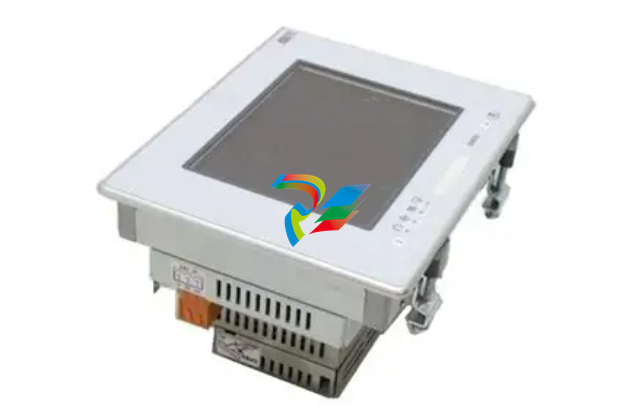 UniOP eTOP06 HMI
 -
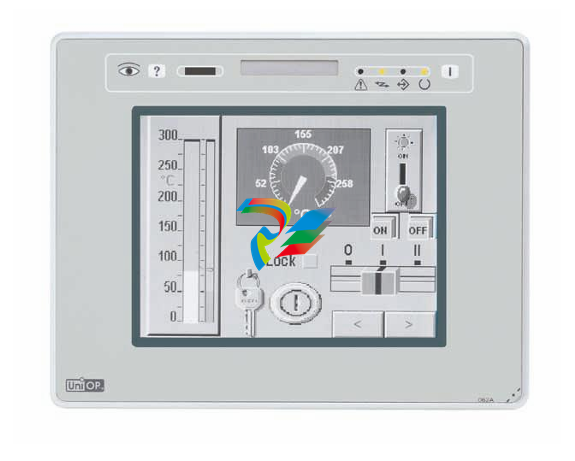 UniOP eTOP05EB eTOP05EB-DF45 HMI
 -
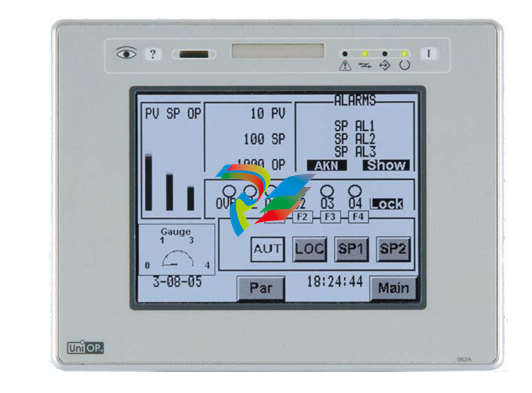 UniOP eTOP05. eTOP05P Human-machine interface equipment
 -
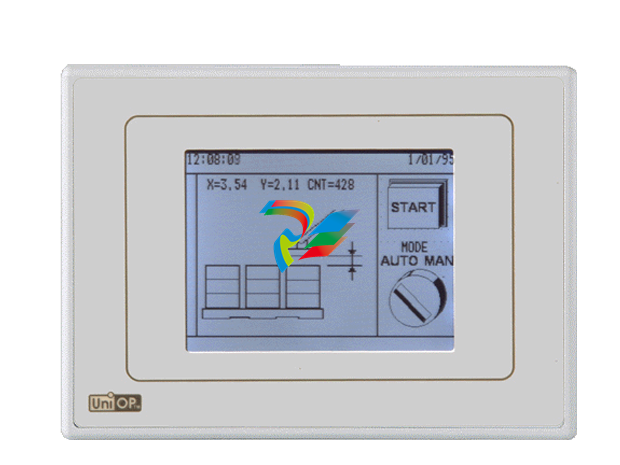 UniOP eTOP03 eTOP03-0046


